
Back to blog
10 Best Prompt-Based Website Generators [+How to Use Them]
Explore the best website generators from prompts and learn how to turn simple descriptions into fully built websites faster and with less setup.

Mar 2 2026
![10 Best Prompt-Based Website Generators [+How to Use Them]](https://codesi.ai/admin/static/cov07_6e775a7ad7.webp)
Building a website is no longer the main hurdle for most businesses. The challenge now is doing it efficiently without getting stuck in setup and design decisions.
Website generators that use prompts offer a faster alternative to traditional builders, turning plain-language instructions into working sites in minutes. Instead of assembling layouts manually, users describe their goals, and the platform automatically generates the structure, content, and often visuals.
This guide compares the 10 best prompt-based website generators in 2026 and explains how to use them effectively to achieve better results with every prompt.
What Are Prompt-Based Website Generators?
Prompt-driven website generators are tools that generate websites from written instructions. Instead of selecting templates and arranging sections manually, you describe your business, audience, and goals, and the platform automatically generates a working site.
Most such website generators include three core elements:
- Structure generation: Builds the page layout and section hierarchy
- Content drafting: Writes headlines, descriptions, and calls to action
- Visual assembly: Applies styling, images, and basic design direction
The difference lies in how far each tool goes. Some generate only the layout, while others produce editable content. A few extend into branding assets or allow structural changes after generation.
Used well, these platforms reduce setup time and eliminate early design friction. Used poorly, they produce generic output that requires heavy rewriting. The quality of the result depends on how clearly the prompt defines the audience, offer, and purpose.
10 Best Prompt-Based Website Generators Compared
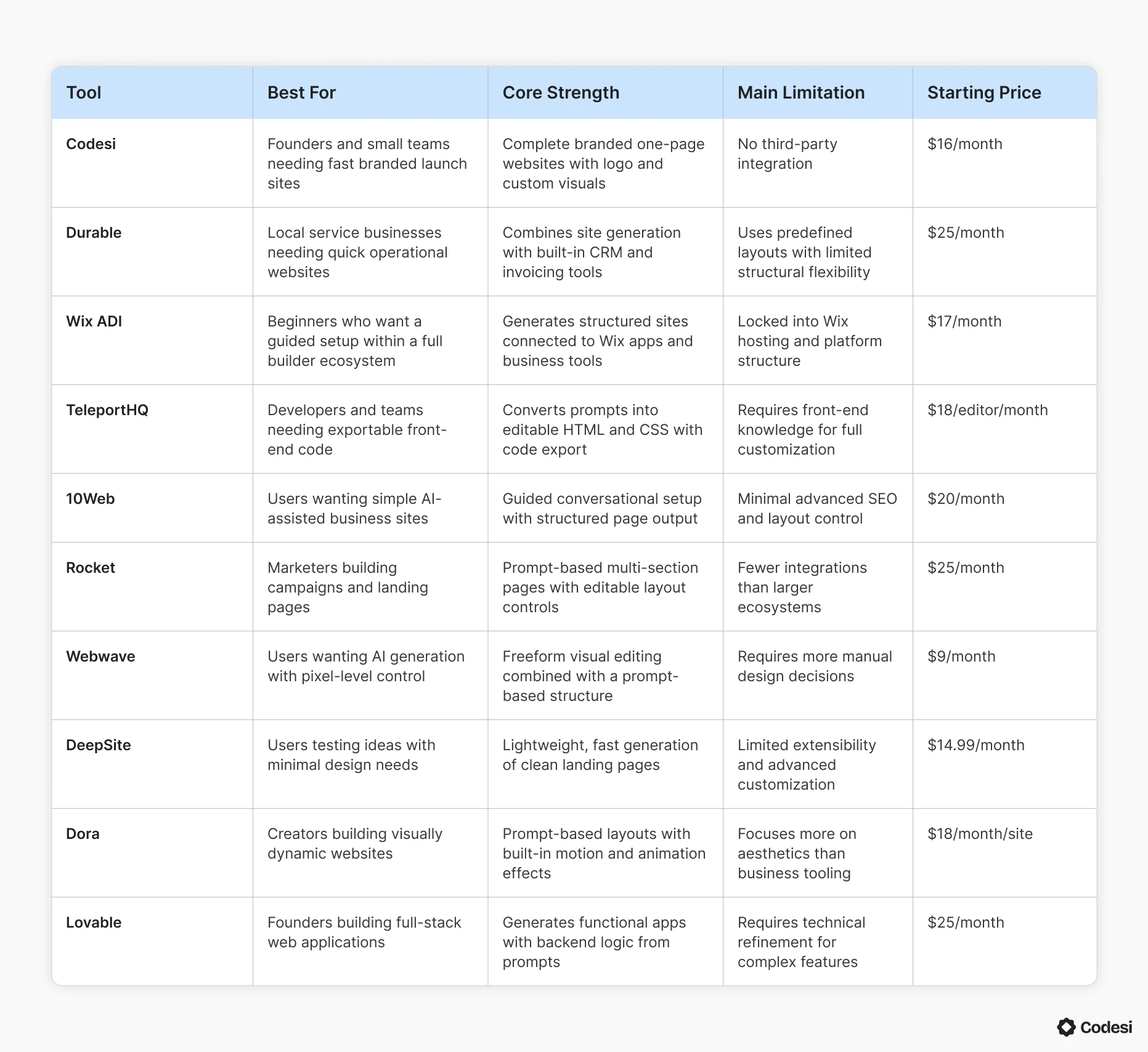
Before reviewing each tool in detail, the table below compares leading website generators based on the prompts they support.
1. Codesi
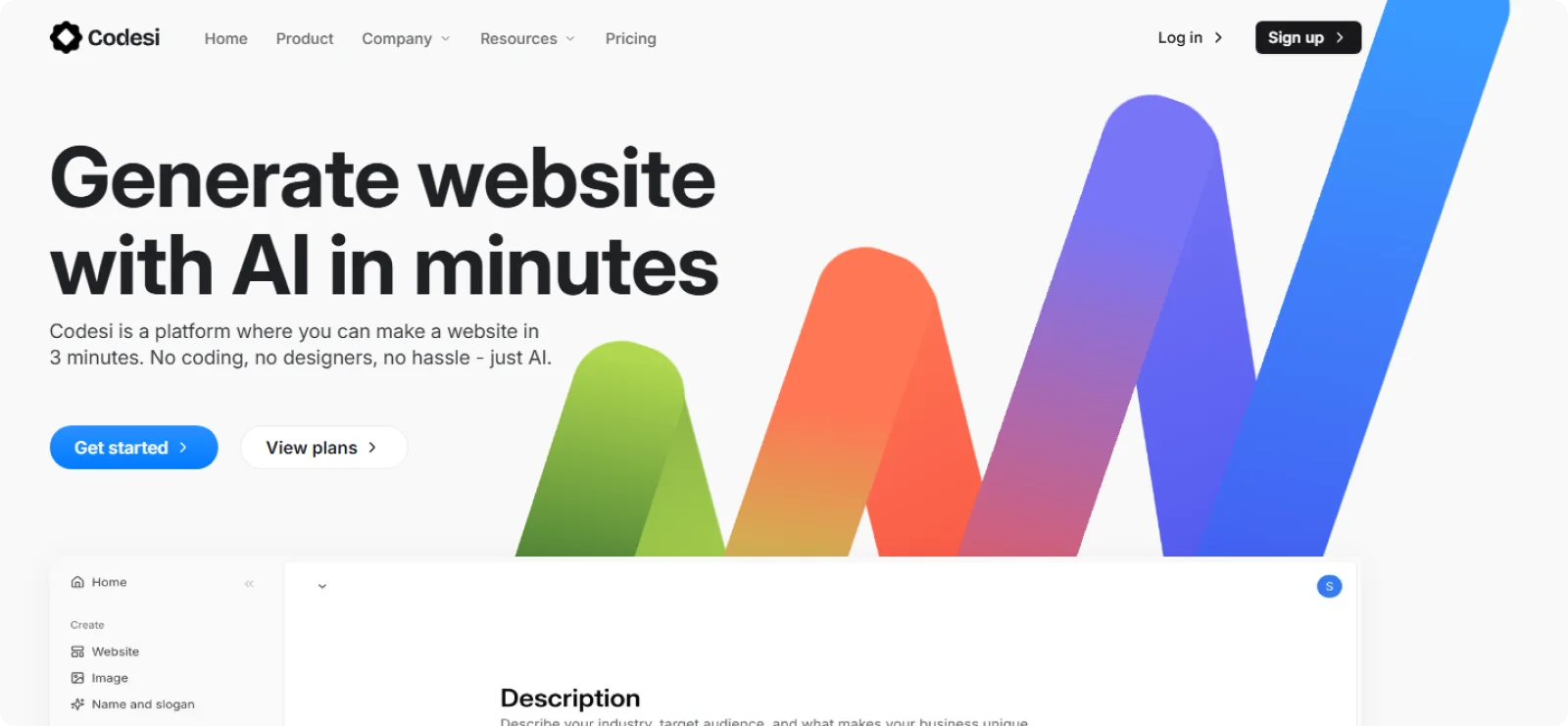
Codesi is an AI website generator designed for founders, freelancers, and small businesses that want a complete site without working through templates. From a single written description, it produces a branded one-page website that can still be manually adjusted after generation.
Key Features
- Logo creation system: Produces multiple logo variations aligned with brand direction
- Custom visual generation: Creates original AI images tailored to the site’s theme and positioning
- Editable section layout: Allows restructuring and rearranging of content blocks after generation
- Built-in publishing setup: Handles hosting, SSL, and domain connection within the platform
- Dual-prompt input system: Separates business description from style preferences for more accurate generation results
Pros
- Saves time by producing a complete website in minutes instead of hours
- Reduces branding costs by generating logos and visuals automatically
- Minimizes early design decisions during setup
- Keeps the site easy to update without technical configuration
Cons
- Restricts third-party integrations
Pricing
Codesi offers a free plan with limited website generations and publishing on a subdomain. Paid plans start at $16 per month, or $12 per month when billed annually.
2. Durable
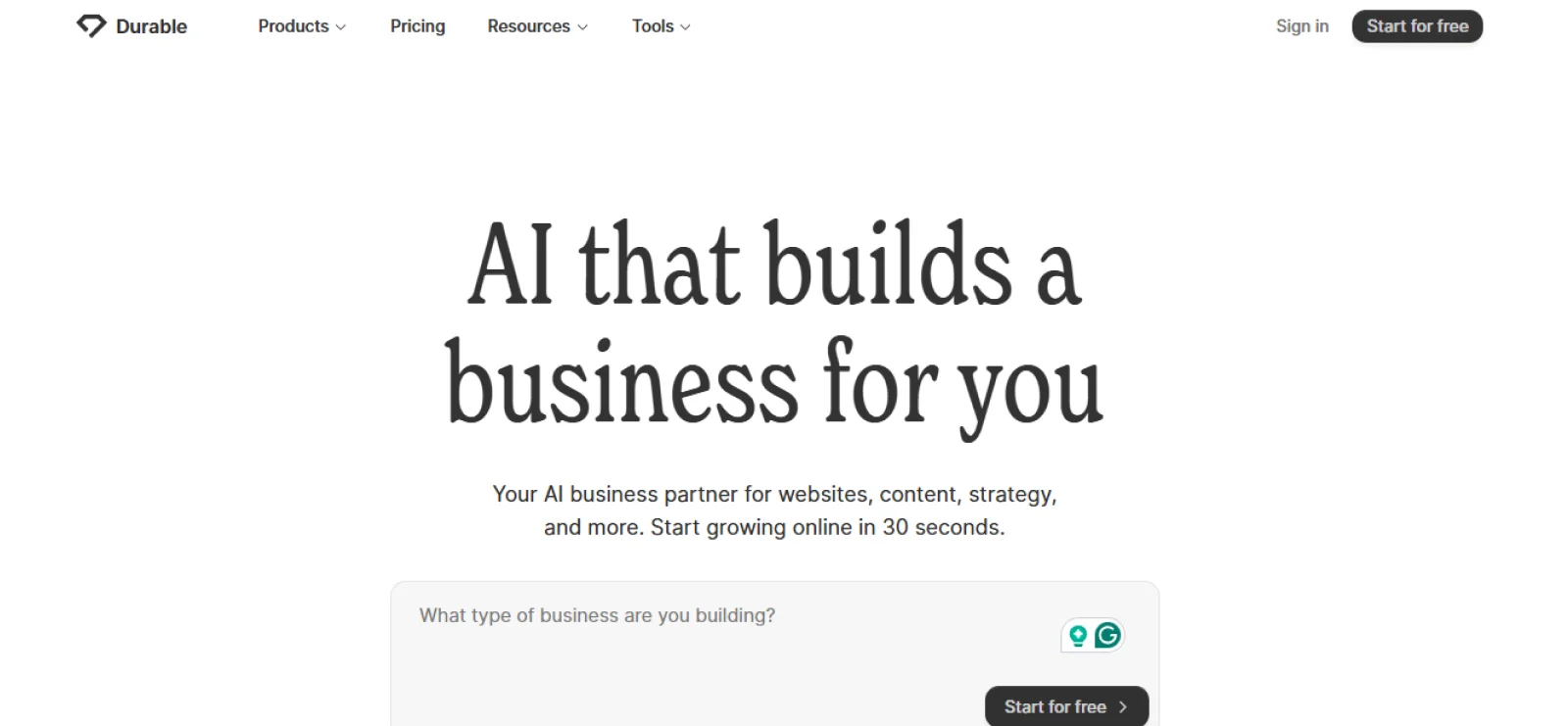
Durable is a website generator built primarily for service-based businesses that want a functioning site online with minimal input. It emphasizes speed and practicality over branding depth or layout flexibility.
Key Features
- Pre-structured sections: Builds pages using predefined layouts for services, testimonials, and contact
- Built-in CRM tools: Includes basic customer management and invoicing features
- AI content drafting: Produces business descriptions and service copy automatically
- Automatic mobile formatting: Adjusts layout for smaller screens without the need for manual editing
- Location-based optimization: Configures local business schema and directory listings based on service area
Pros
- Combines website creation with basic business operations tools
- Eliminates the need for external CRM or invoicing software
- Keeps setup simple for non-technical users
Cons
- Limits layout control beyond predefined section structures
- Produces similar visual structures across industries
Pricing
Durable offers a limited free plan for testing its builder. Paid plans start at $25 per month, or $22 per month on annual billing.
3. Wix ADI
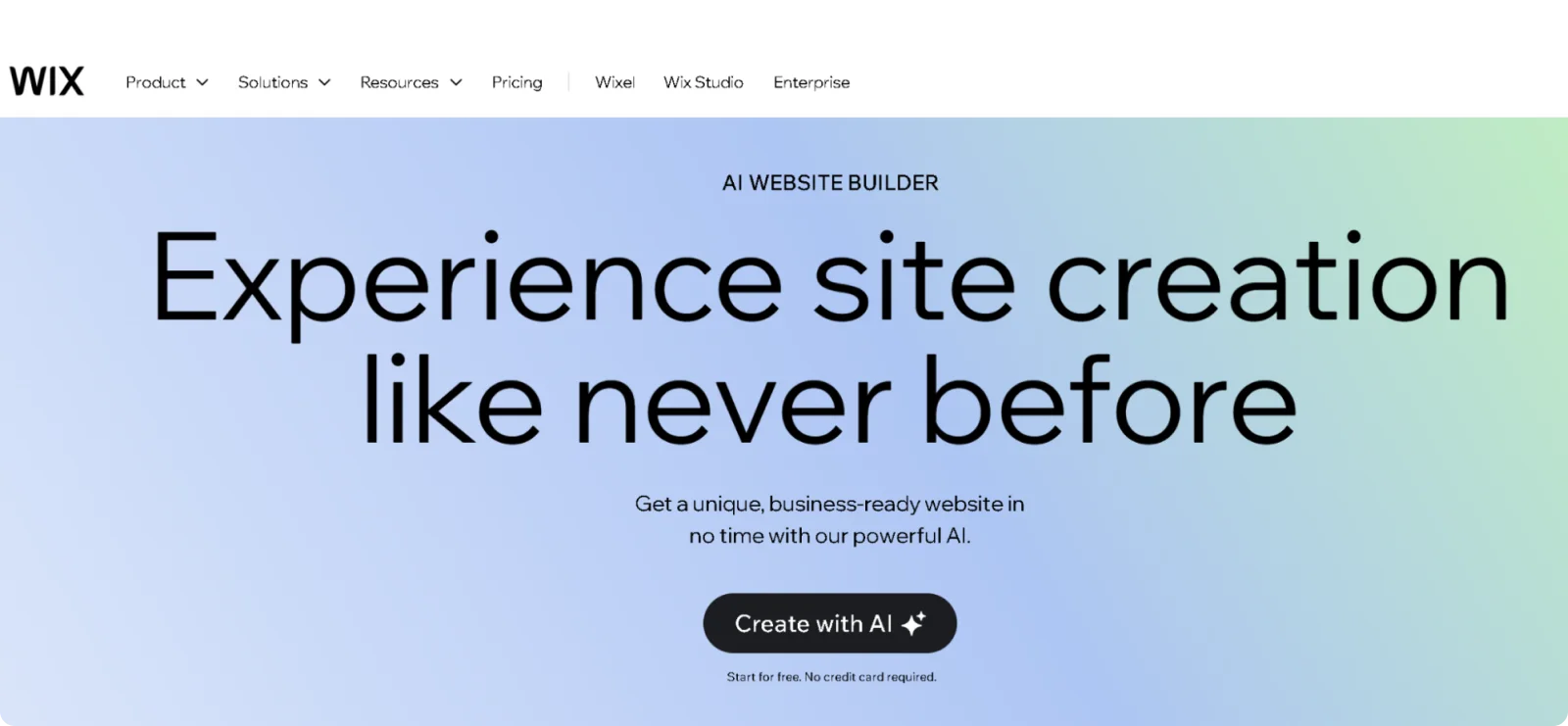
Wix ADI (Artificial Design Intelligence) is Wix’s automated website generator that creates sites based on users’ answers to guided questions. It is designed for beginners who want a structured starting point within the broader Wix ecosystem.
Key Features
- Automatic layout assembly: Generates structured pages with preselected design elements
- Built-in Wix ecosystem access: Connects sites to Wix apps, bookings, and marketing tools
- Theme customization controls: Allows style adjustments for colors, fonts, and section layout
- Integrated SEO assistant: Includes basic optimization steps during setup
- Smart section recommendations: Suggests specific page sections based on industry and competitor site analysis
Pros
- Provides a fast starting structure without manual layout building
- Allows expansion into Wix’s broader tool ecosystem
- Includes business features beyond basic page creation
Cons
- Prevents template switching after publication
- Relies on Wix’s proprietary hosting and platform structure
Pricing
Wix ADI is included within the Wix website builder plans. Paid plans start at $17 per month, with a free plan available under Wix branding.
4. TeleportHQ
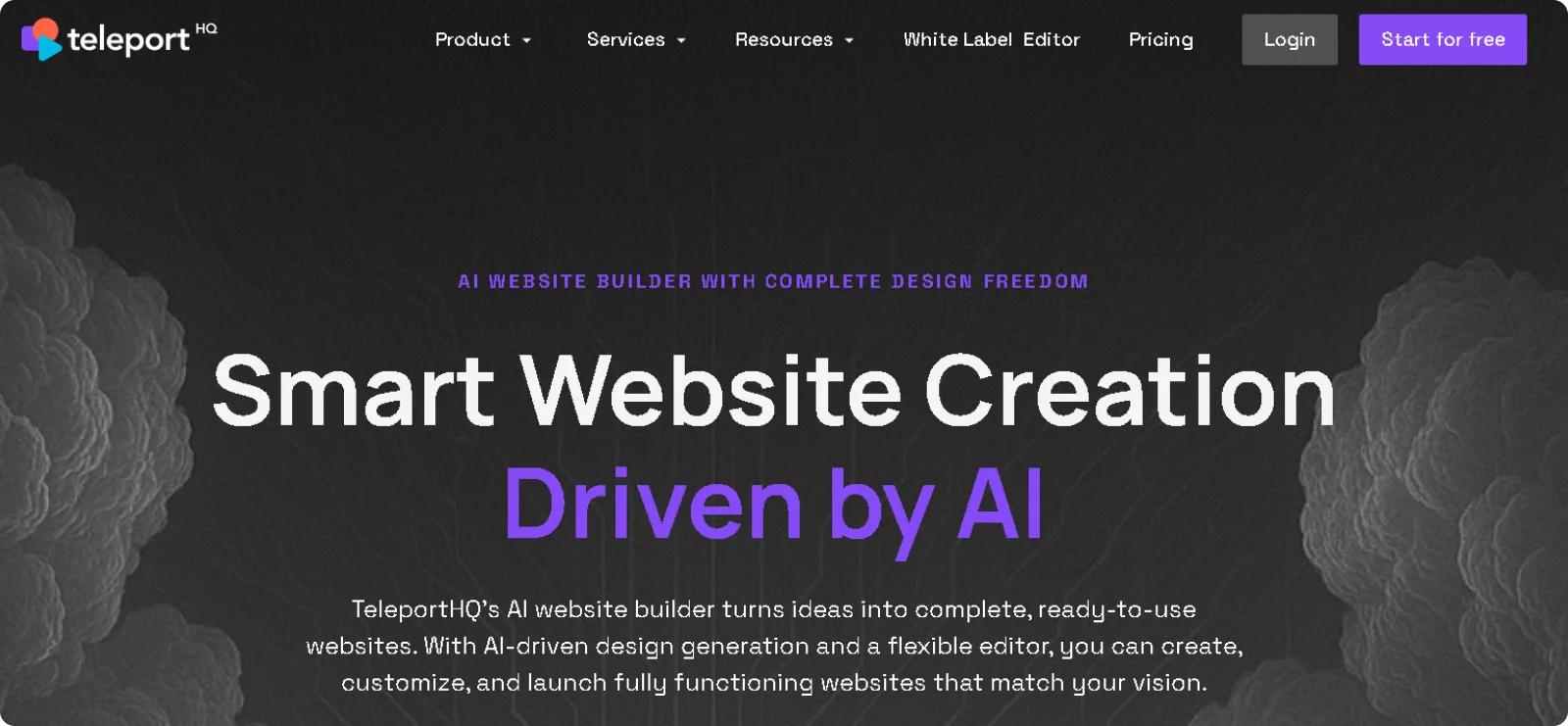
TeleportHQ is a prompt-driven website generator that converts descriptions into editable front-end code. It is best suited for teams and developers who want AI-assisted layout generation combined with exportable output.
Key Features
- Code export functionality: Generates editable HTML and CSS that can be downloaded or deployed externally
- Visual and code editing modes: Allows switching between drag-and-drop adjustments and direct code modification
- Reusable component system: Organizes pages into modular sections that can be duplicated and reused across projects
- Collaboration workspace: Enables shared editing, commenting, and version management within team environments
- Real-time preview across devices: Shows live updates of design changes simultaneously on desktop, tablet, and mobile views
Pros
- Enables direct code export for external hosting or customization
- Speeds up prototyping for web projects and MVPs
- Provides flexibility beyond closed builder ecosystems
Cons
- Requires familiarity with front-end structure to use effectively
- Offers limited built-in business tools compared to SaaS builders
Pricing
TeleportHQ offers a free plan with limited features and project capacity. Paid plans start at $18 per editor per month, with additional team features on higher tiers.
5. 10Web
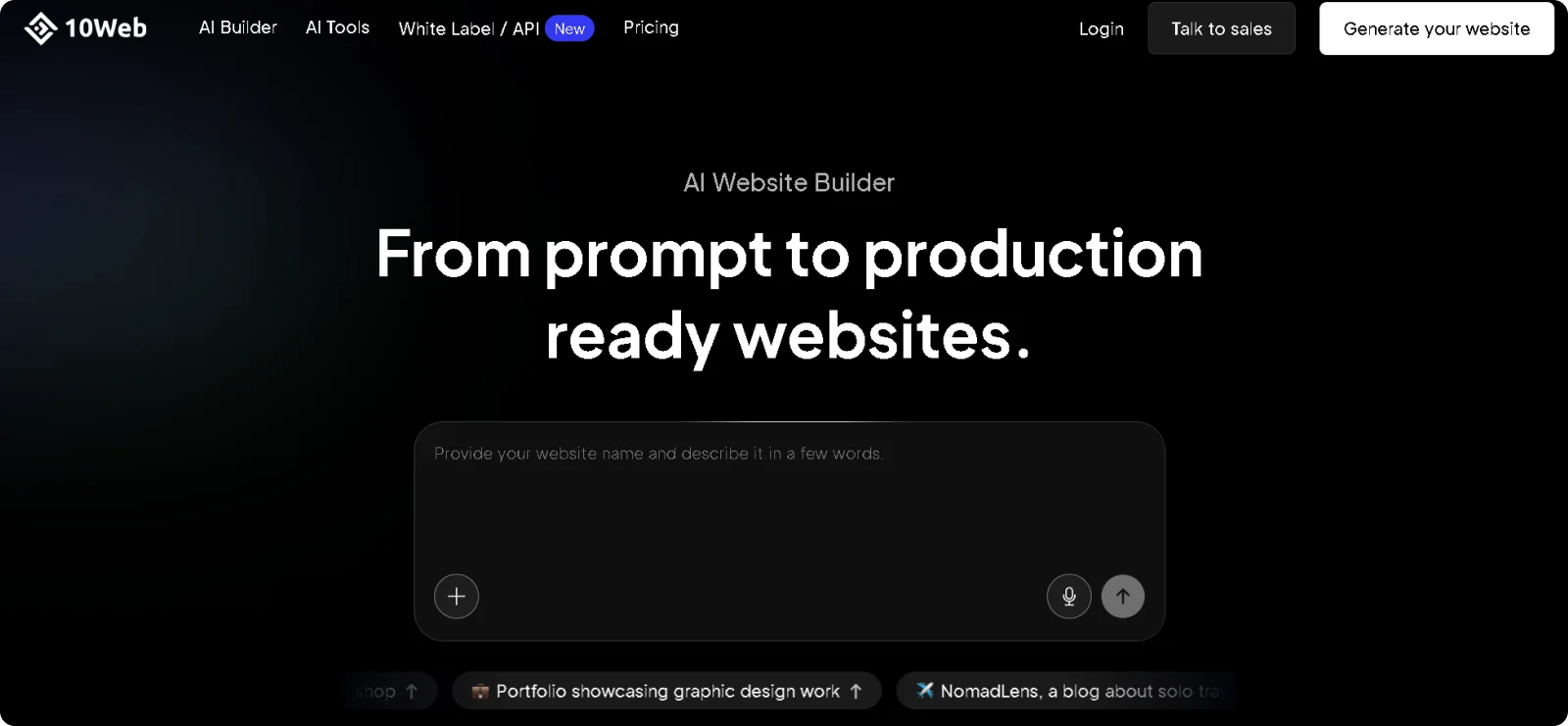
10Web is an AI website generator that creates structured business websites from conversational input. It emphasizes simplicity and guided setup rather than deep customization or code access.
Key Features
- WordPress integration: Builds sites directly on WordPress infrastructure with automatic plugin configuration
- AI-powered performance optimization: Automatically implements caching, lazy loading, and image compression for faster load times
- Automated weekly backups: Creates and stores complete site backups, with one-click restoration capability
- Built-in staging environment: Provides a separate testing space for changes before pushing to the live site
- E-commerce store builder: Generates complete WooCommerce shops with product pages, checkout flow, and payment gateway integration
Pros
- Streamlines website creation for users without design experience
- Reduces decision fatigue during initial setup
- Provides a clear structure for standard business sites
- Keeps publishing straightforward without external configuration
Cons
- Limits advanced layout experimentation
- Offers minimal control over technical SEO settings
Pricing
10Web offers a free plan with limited functionality. Paid plans start at $20 per month, depending on selected features.
6. Rocket
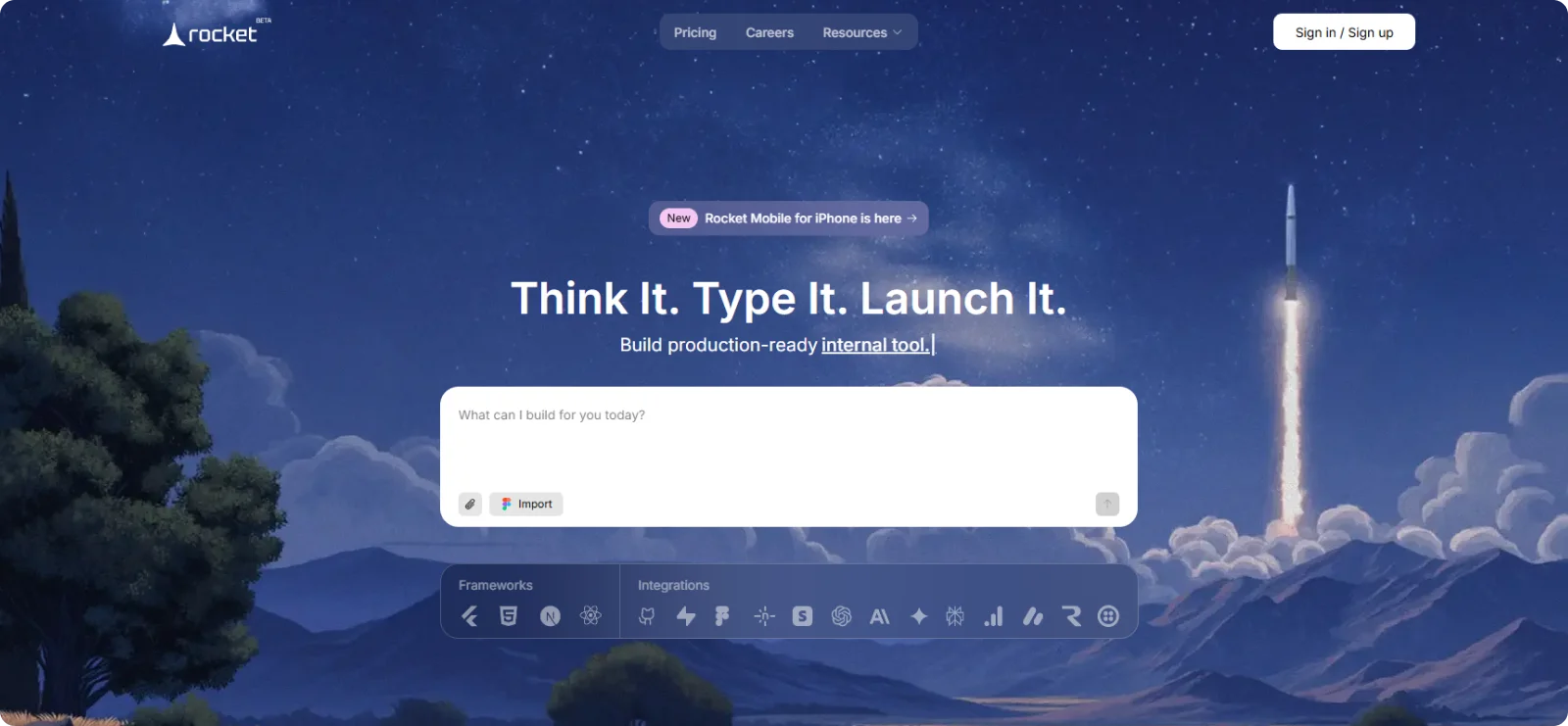
Rocket is a prompt-based website generator that turns short business descriptions into multi-section websites with editable design controls. It is aimed at founders and marketers who want an AI-assisted structure but still need flexibility in layout and branding adjustments.
Key Features
- Dynamic content drafting: Generates business messaging tailored to industry, audience, and value proposition
- Visual styling controls: Allows manual adjustments to fonts, spacing, color palettes, and section alignment
- Section duplication and rearrangement: Enables users to reorganize page structure without regenerating the entire site
- Integrated publishing workflow: Connects domain setup and site deployment within the platform
- Multi-page site architecture: Generates complete multi-page websites with interconnected navigation from single prompts
Pros
- Speeds up landing page creation without locking users into rigid templates
- Balances automation with layout control for marketing-focused sites
- Allows structural changes without restarting the generation process
- Supports fast iteration for product launches and campaigns
Cons
- Relies on regeneration for major design direction changes
- Offers limited advanced integrations
Pricing
Rocket offers a free trial for new users. Paid plans start at $25 per month, or $20 per month when billed annually.
7. Webwave
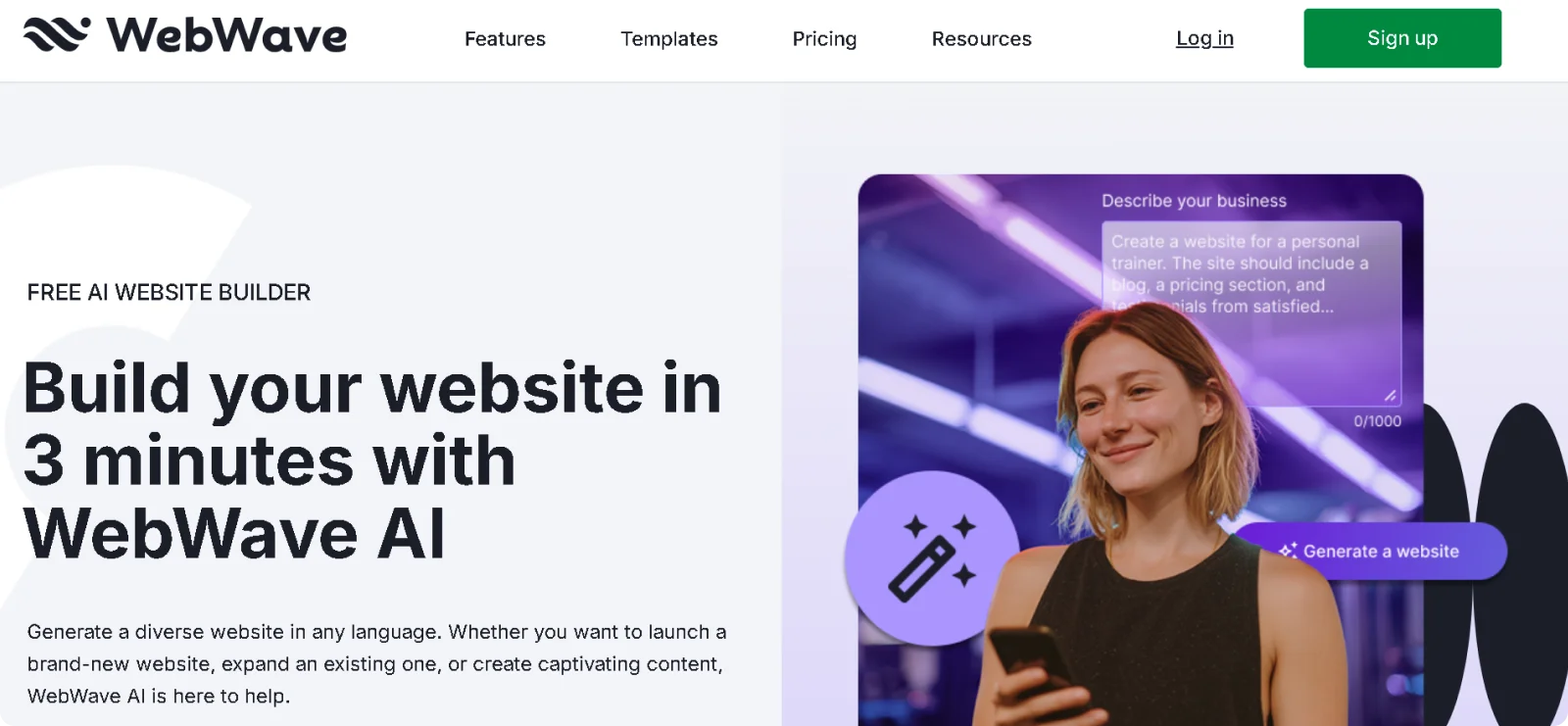
Webwave is an AI-powered website builder that combines prompt-based generation with pixel-level visual editing. It is designed for users who want AI assistance but still expect detailed layout control.
Key Features
- Freeform visual editor: Allows pixel-precise positioning of elements without rigid grid constraints
- Responsive design controls: Enables separate layout adjustments for desktop, tablet, and mobile views
- Template and blank canvas options: Provides both AI-generated starting points and manual build flexibility
- Built-in SEO configuration: Supports meta tags, heading structure, and indexing controls within the editor
- Advanced animation timeline: Includes built-in keyframe animation controls for custom motion effects
Pros
- Combines automation with advanced design flexibility
- Allows precise element positioning beyond structured builders
- Supports responsive adjustments without external tools
Cons
- Requires more design decision-making than guided generators
- Can feel complex for complete beginners
Pricing
Webwave offers a free plan with Webwave branding. Paid plans start at $9 per month, or $3.50 per month when paid annually for the first year.
8. DeepSite
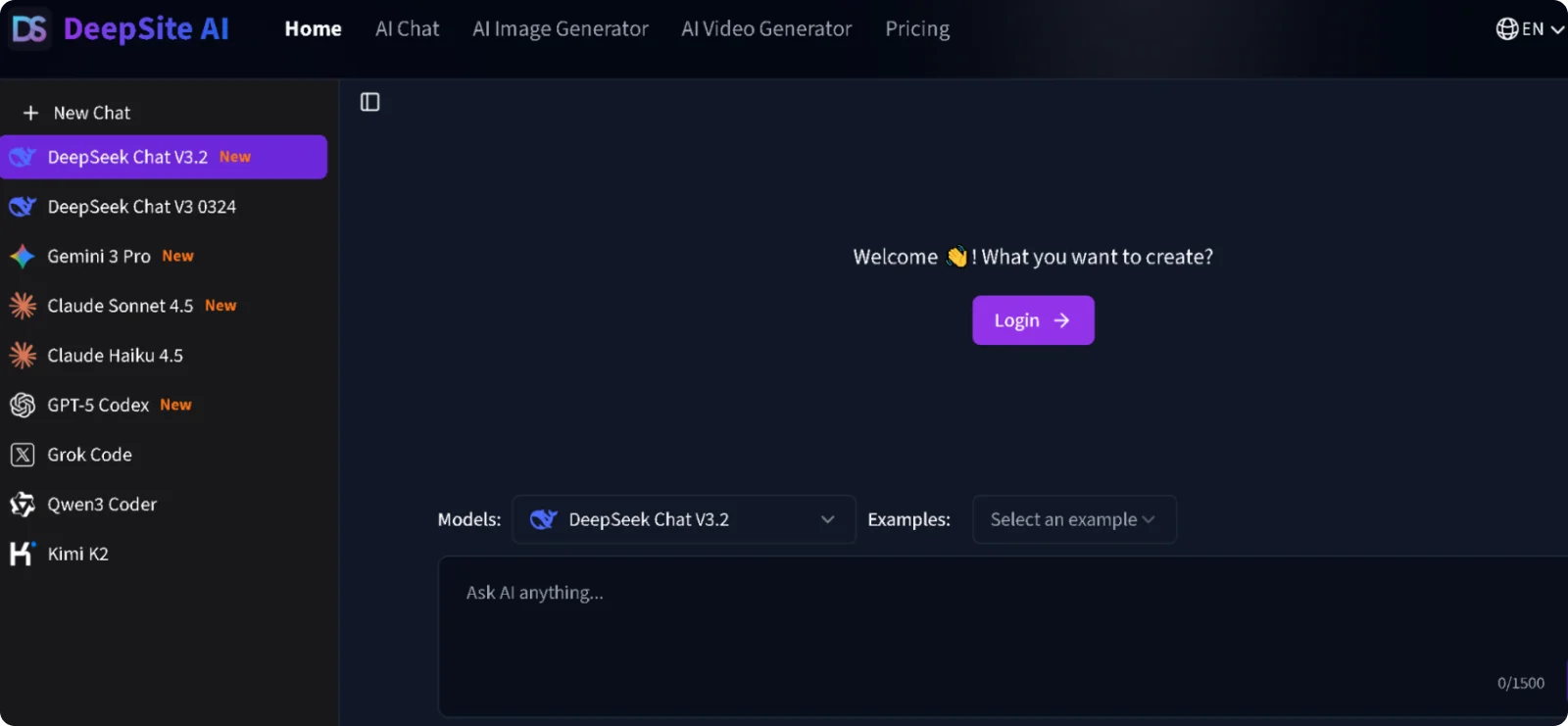
DeepSite is a lightweight, prompt-based website generator that quickly produces clean, minimal web pages from short descriptions. It is best suited for users who need fast deployment and simple presentation rather than deep customization or advanced integrations.
Key Features
- Minimal design system: Applies simple typography, spacing, and color presets automatically
- Content drafting engine: Generates concise headlines and supporting copy aligned with the business description
- Streamlined editing panel: Allows text and image adjustments without exposing complex layout controls
- Fast deployment setup: Publishes generated sites directly within the platform environment
- Instant subdomain deployment: Publishes generated sites immediately to shareable URLs without configuration
Pros
- Speeds up creation of simple landing pages
- Reduces visual complexity during setup
- Supports rapid testing of ideas or offers
Cons
- Limits advanced design flexibility
- Offers minimal extensibility beyond core features
Pricing
DeepSite offers a free plan with basic functionality. Paid plans start at $14.99 per month, or $9.99 when billed annually.
9. Dora
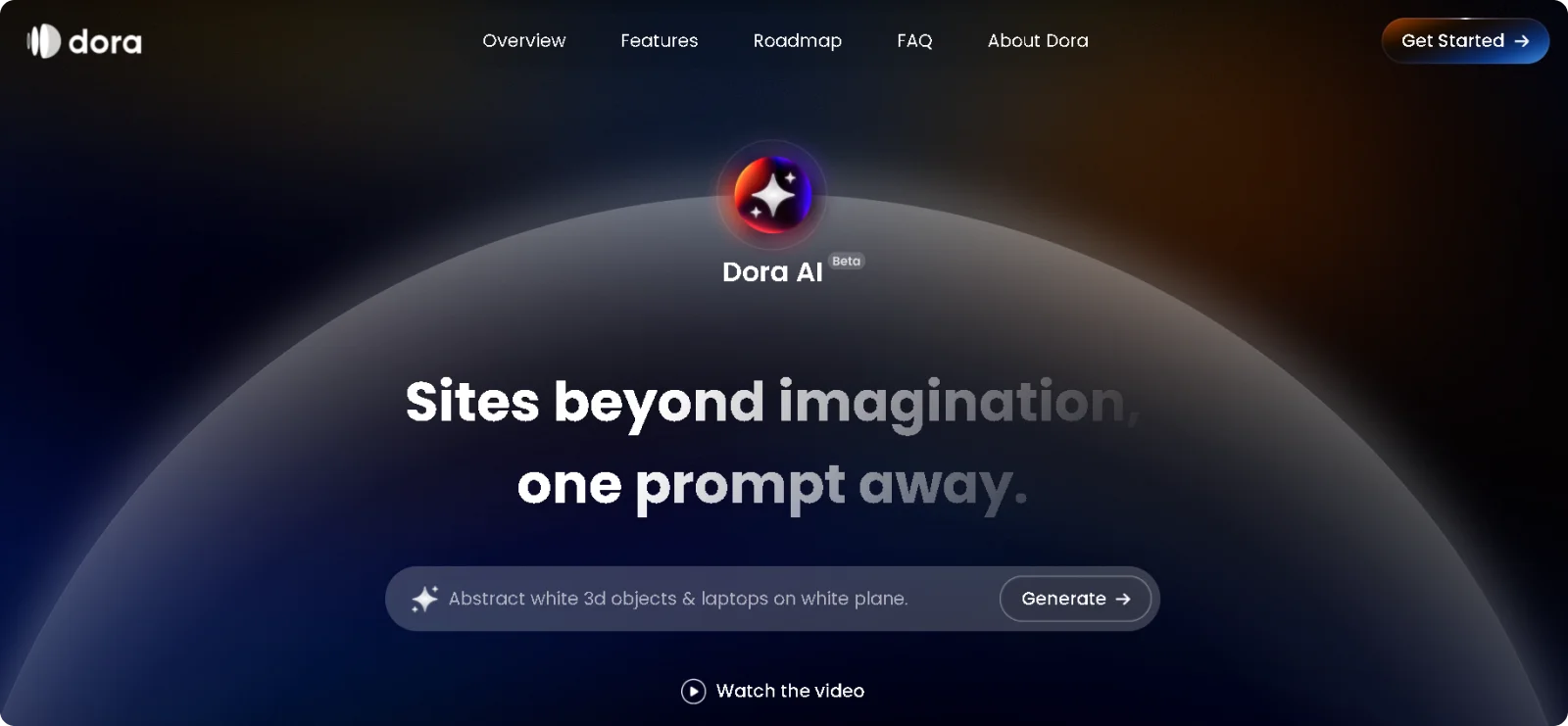
Dora is a prompt-driven website builder that focuses on visually rich, animated websites generated from written descriptions. It is aimed at creators and designers who want expressive layouts and motion effects without coding.
Key Features
- Motion design integration: Applies built-in animations and scroll-based interactions automatically
- Freeform canvas editing: Allows flexible positioning of elements beyond rigid grids
- 3D and visual effects support: Incorporates depth, layering, and dynamic visual presentation
- Export and publishing options: Enables direct hosting or deployment depending on project needs
- AI layout suggestions: Recommends design arrangements and component placements based on content type and visual hierarchy
Pros
- Enhances visual impact through built-in motion effects
- Enables creative layouts without coding
- Supports expressive brand presentation
Cons
- Requires more design awareness to avoid visual overload
- Prioritizes aesthetics over structured business tooling
Pricing
Dora offers a free plan with limited features and branding. Paid plans start at $18 per month per site, or $14 per month per site when paid annually.
10. Lovable
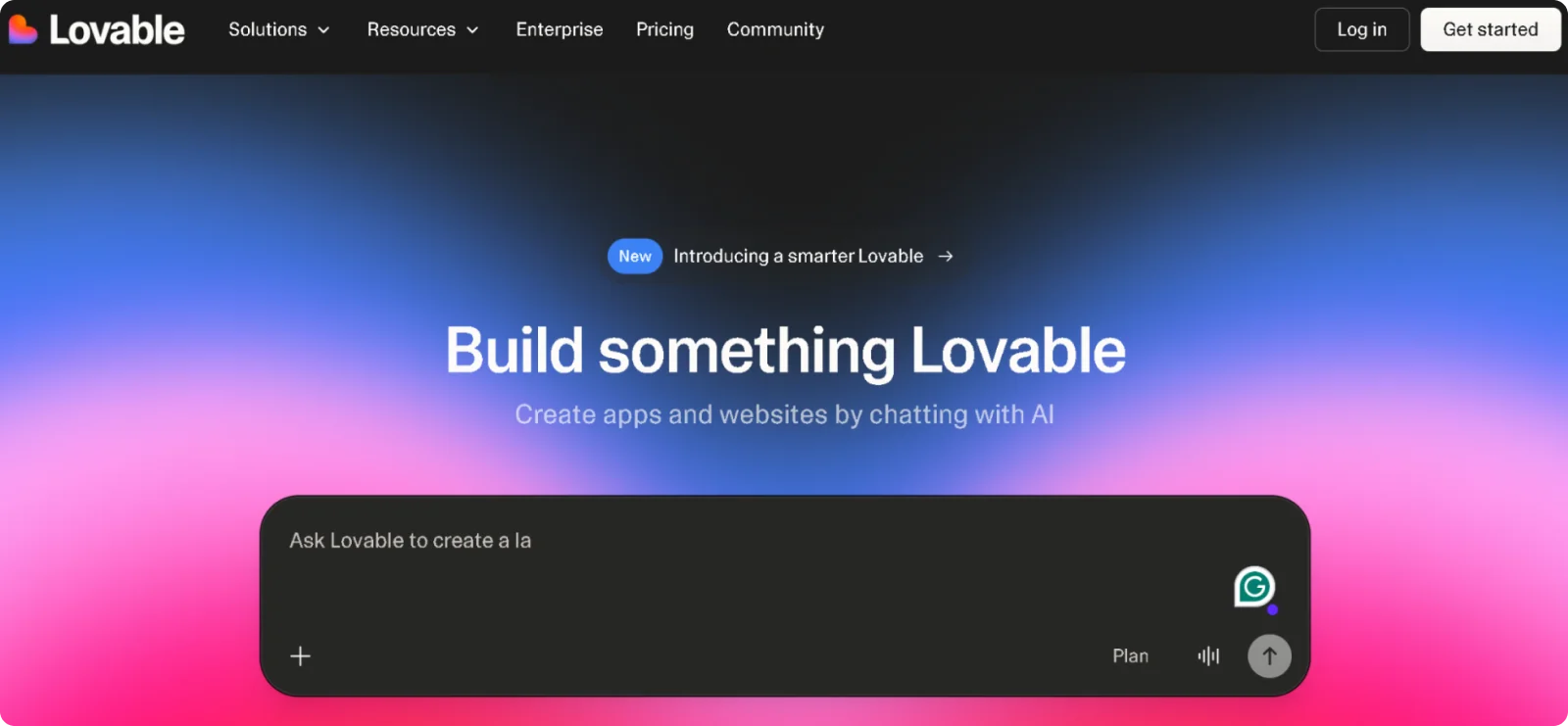
Lovable is a prompt-driven development platform that generates full-stack web applications from natural language instructions. It is designed for founders and product teams who want to move from idea to working prototype without manually setting up front-end, back-end, and database layers.
Key Features
- Integrated database setup: Creates structured data models and storage configuration automatically
- Authentication system creation: Implements user login, signup, and role-based access from prompt input
- Editable code environment: Allows developers to review and modify generated code directly
- Deployment integration: Connects projects to hosting environments for staging and production releases
- Live iteration mode: Allows real-time conversation with AI to refine features and fix bugs while viewing changes
Pros
- Accelerates MVP development without assembling separate tools
- Reduces the need for manual backend configuration
- Enables non-technical founders to prototype product ideas
Cons
- Requires technical knowledge to refine complex features
- Generates application logic rather than polished marketing websites
Pricing
Lovable offers a free tier for initial projects with usage limits. Paid plans start at $25 per month, or $21 per month on an annual billing plan.
How to Use Prompt-Based Website Generators Efficiently
Website generators can produce a complete website in minutes, but the outcome depends on how clearly you complete the process. The tool handles structure and drafting, but you control direction and refinement.
- Define the goal before writing the prompt: Be clear about what the website should accomplish, who it is for, and what action visitors should take. A specific objective produces a stronger structure and more relevant messaging. The clearer the goal, the less rewriting you’ll need later.
- Refine sections instead of regenerating everything: Adjust headlines, tighten service descriptions, and clarify calls to action individually. Regenerating the entire page often removes elements that were working properly.
- Review the structure before styling: Make sure the page flows logically from problem to solution to action. Layout clarity has a greater impact on results than color changes.
- Strengthen the copy after generation: Remove filler phrases, shorten long sentences, and replace broad claims with specific outcomes. This step separates a draft from a publish-ready site.
- Replace generic visuals early: Swap placeholder images with product screenshots, real photos, or brand-specific graphics to increase credibility and avoid a templated feel.
Used intentionally, such website generators can reduce build time without sacrificing clarity.
Why Codesi Stands Out Among Website Generators That Use Prompts
Website generators that create websites from prompts remove much of the early friction in building a site. Instead of assembling layouts and writing copy from scratch, you begin with a structured draft that can be refined. The advantage is not just speed, but also clarity—a generated foundation makes it easier to focus on positioning, messaging, and launch.
Among the tools compared here, Codesi offers the most complete output from a single prompt. It does more than assemble sections; it produces a branded website with matching visuals and lets you adjust the layout afterwards without forcing you to rebuild from scratch.
The combination of automation and control makes it especially practical for founders and small teams that need results quickly while still wanting ownership of the final structure.
If your goal is to move from idea to a published site with minimal setup and friction, Codesi offers the most balanced approach among today’s prompt-driven website generators.
Ready to build from a prompt instead of a template?
Start with Codesi and turn your idea into a live website in minutes.
Create your website with AI today
Codesi is a platform where you can make a website in 3 minutes.
No coding, no designers, no hassle - just AI.
