
Back to blog
Top 8 Website Design Tools for 2026 [Ultimate Comparison]
Discover the best website design tools to build fast, professional sites with the right features, flexibility, and control tailored to your needs.

Jan 26 2026
![Top 8 Website Design Tools for 2026 [Ultimate Comparison]](https://codesi.ai/admin/static/Cover_48_dca64fe803.webp)
Your website needs depend on what you're building. A photographer's portfolio requires different tools than a product landing page or an online store.
According to 2023 research, 27% of small businesses don't have websites, and most point to confusion about which tool to use.
Website builders have specialized over the past few years. Some generate pages through AI prompts in minutes, while others give you complete design control but require more time.
This guide breaks down eight website design tools and shows you what each one does best.
What Is a Website Design Tool, and Why Does Your Choice Matter in 2026?
Website design tools are platforms that let you build, design, and publish websites without writing code from scratch. They range from drag-and-drop builders to AI-powered generators and code-friendly platforms. The right tool depends on your technical skills, the type of site you need, and the level of control you want over design details.
Choosing the wrong platform has consequences. Poor website performance costs businesses 15% of their annual revenue in downtime. That doesn't include migration costs if you need to switch platforms, or the time spent rebuilding features that should have worked from the start.
The right tool helps you avoid these problems. It lets you launch a good-performing website faster, keeps costs predictable, and gives you room to grow without needing developers for basic updates.
Top 8 Website Design Tools to Consider in 2026
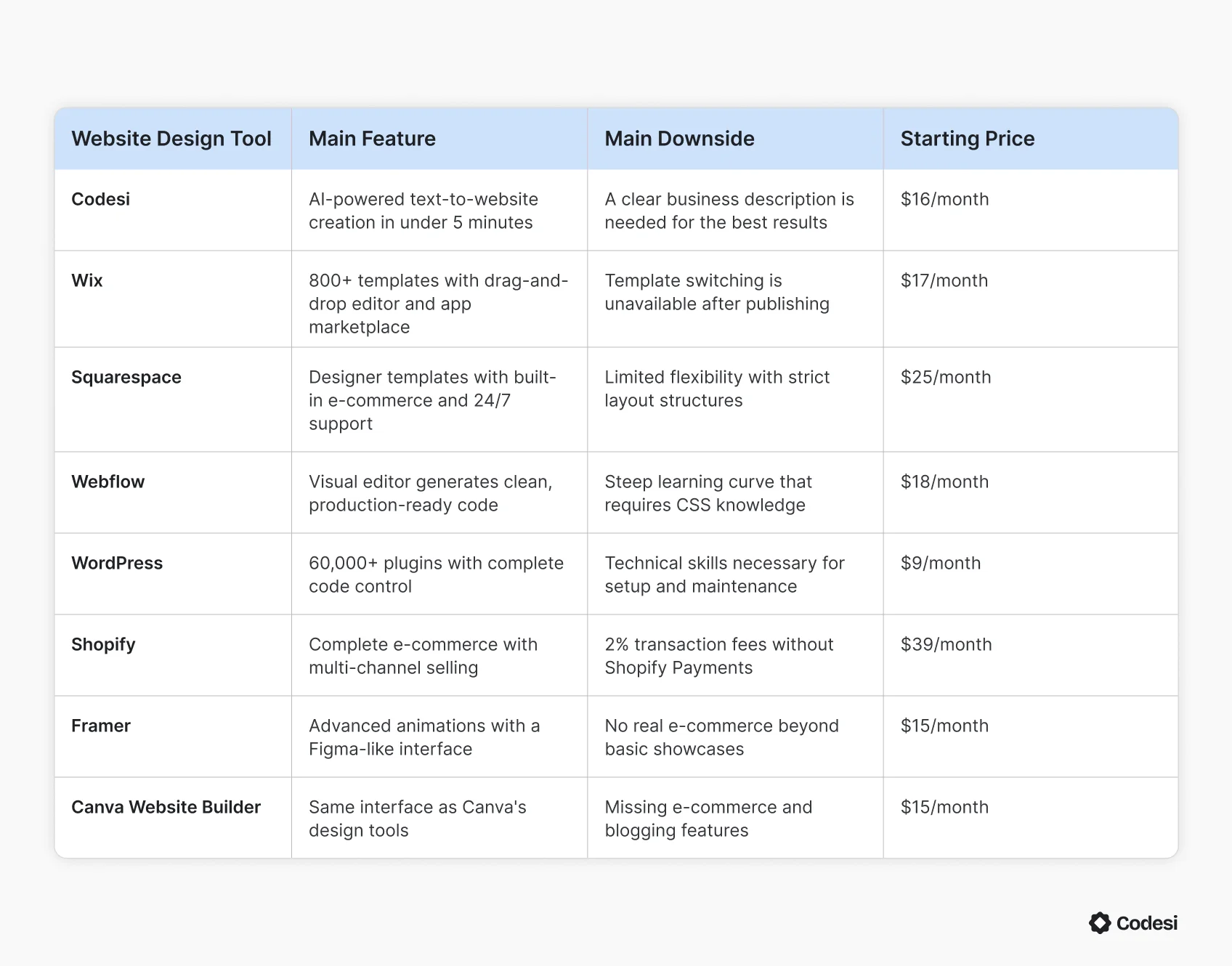
Each tool below serves different needs, skill levels, and budgets. Before we go into details, here's an overview of their features and pricing:
1. Codesi
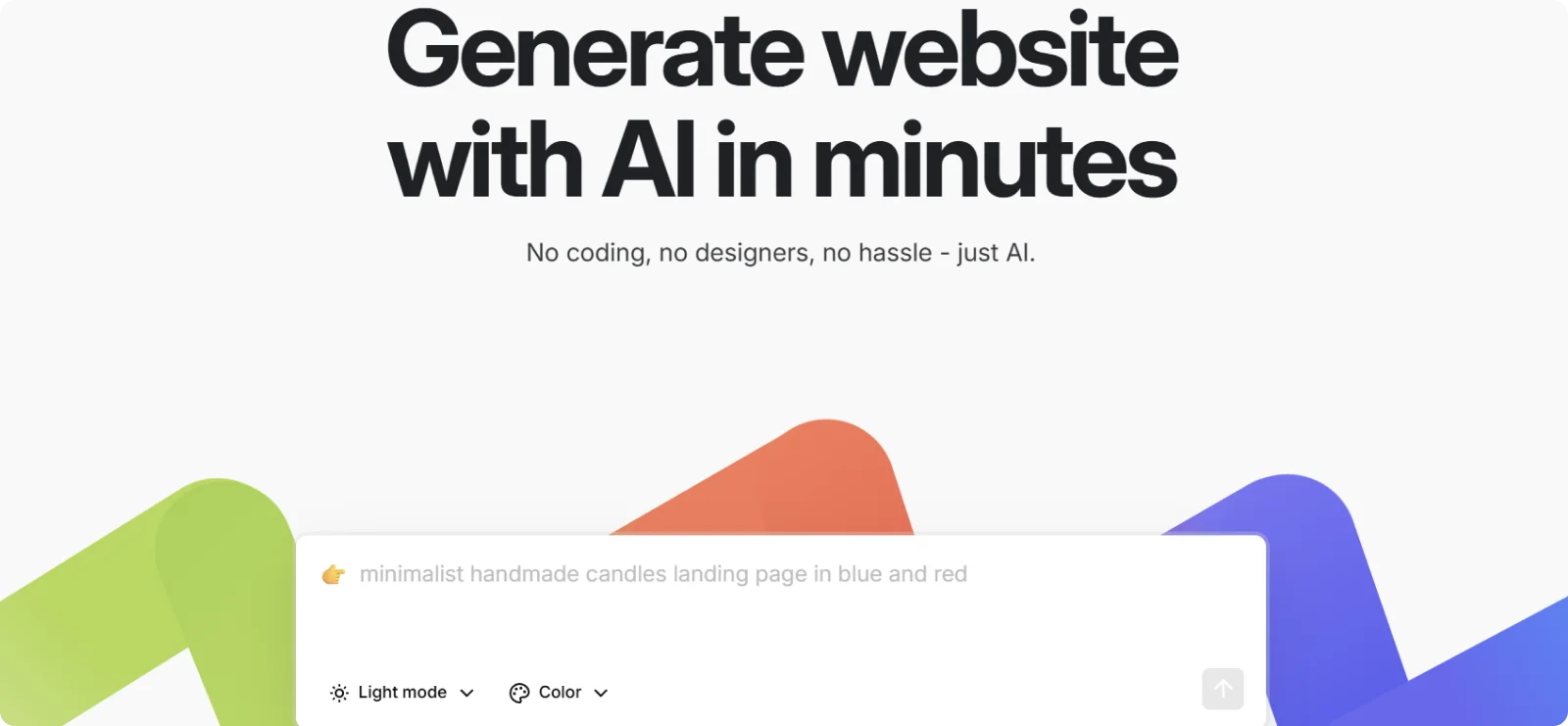
Codesi is an AI website builder fit for anyone who needs a high-performing professional website quickly. The platform is made for freelancers, independent entrepreneurs, and small business owners who need a great-looking website fast, without any technical complexity.
Key Features
- AI website generation: Creates complete sites with tailored copy and images in minutes
- Real-time customization: Adjusts colors, fonts, sections, and content with instant visual feedback
- One-click publishing: Publishes to custom domains with SSL encryption and unlimited visitors
- Interactive elements: Includes scroll effects, hover animations, and mobile-responsive layouts
- Logo and image creation: Generates custom visuals that match your brand without sourcing graphics separately
Pros
- Launches sites in minutes without template selection or design decisions
- Streamlines workflow from concept to live site without switching tools
- Requires no technical skills or coding knowledge to operate
Cons
- Offers less granular control over individual design elements
- Requires clear business descriptions to avoid generic results
Pricing
Codesi offers a free tier with one website creation a day, two original logo designs, two branded images, and hosting included. Paid plans start at $16 per month, or $12 per month when billed annually.
2. Wix
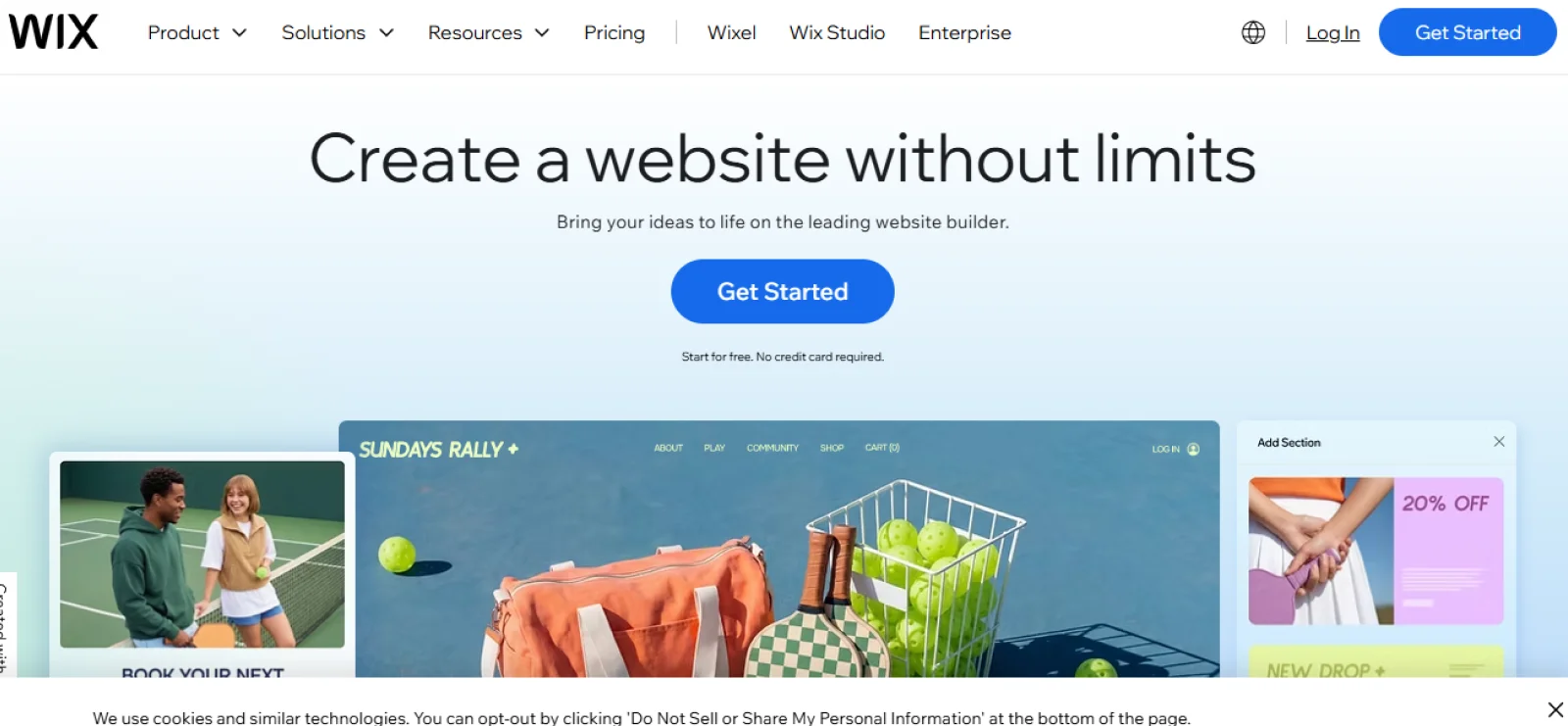
Wix serves small businesses, freelancers, and creatives who prioritize visual control over their website design. The platform lets you position elements exactly where you want them rather than forcing you into preset layouts.
Key Features
- Drag-and-drop editor: Moves elements anywhere on pages with pixel-perfect placement
- Template library: Provides 800+ pre-designed layouts across industries
- App marketplace: Adds booking systems, live chat, forms, and hundreds of integrations
- Wix ADI: Generates auto-designed starting points from business questions
- SEO tools: Guides setup for meta tags, alt text, and site structure
Pros
- Offers extensive design freedom that most builders can't match
- Includes a robust app marketplace with booking and marketing solutions
- Provides strong blogging tools with scheduling and social sharing
Cons
- Prevents template switching after publishing
- Loads slower than competitors due to heavy code structure
Pricing
Wix has a free plan with Wix branding displayed on your site. Paid plans remove branding and add features, starting at $17 per month.
3. Squarespace
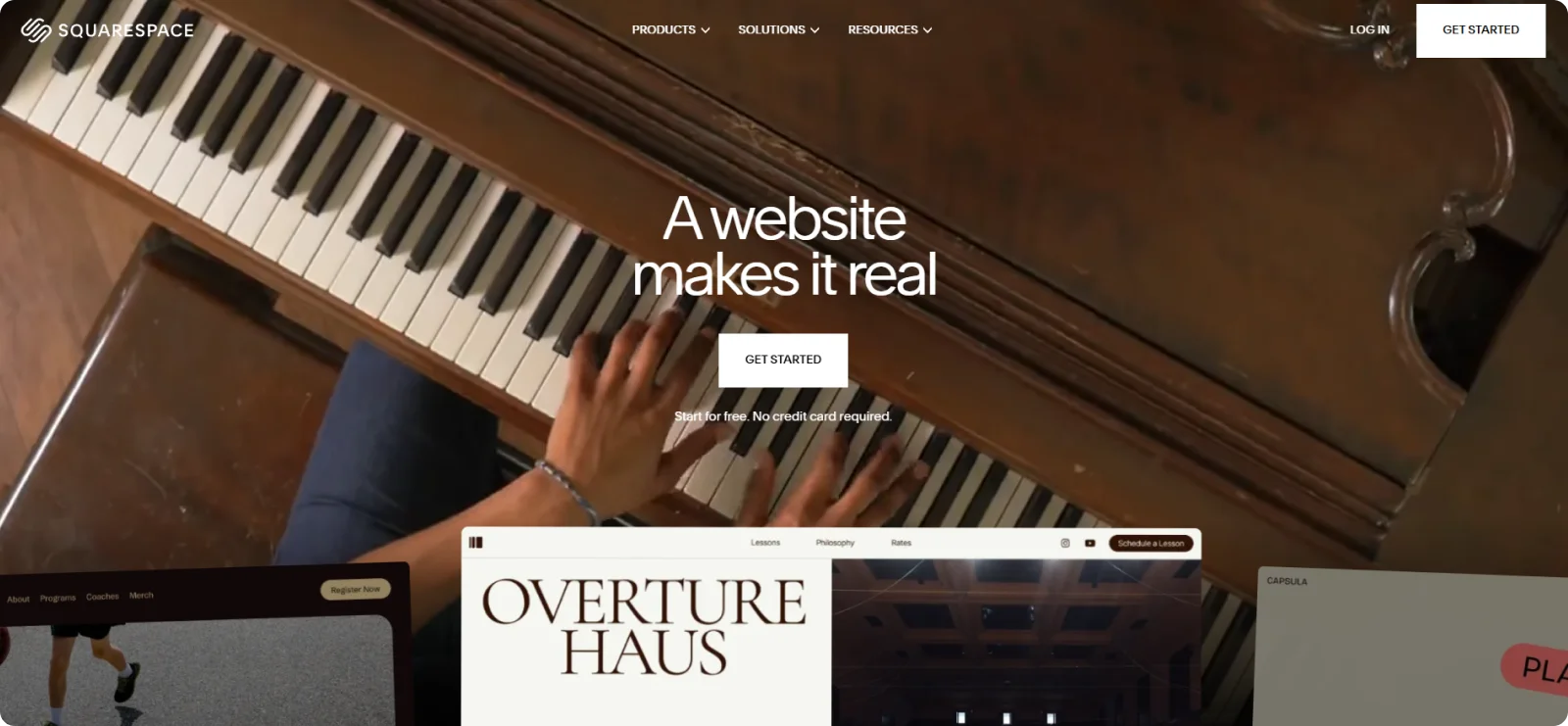
Squarespace targets creatives, photographers, and design-focused businesses that need visual sophistication without having to hire developers. The platform emphasizes typography, spacing, and image presentation over feature quantity.
Key Features
- Designer templates: Delivers award-winning layouts with sophisticated typography and spacing
- E-commerce integration: Sells products, services, and digital downloads with inventory management
- Marketing dashboard: Manages email campaigns, SEO, and social media from one location
- Mobile editing: Adjusts mobile sites separately from desktop for optimized experiences
- Blogging platform: Schedules posts with commenting systems and multi-author support
Pros
- Delivers visually polished templates with minimal customization needed
- Includes comprehensive e-commerce features without third-party apps
- Provides 24/7 customer support via chat and email
Cons
- Offers limited design flexibility with stricter layout structures
- Presents a steeper learning curve for beginners
Pricing
Squarespace does not offer a permanent free plan, but it includes a 14-day trial for site development and feature testing. Paid plans start at $25 per month for the Basic plan.
4. Webflow
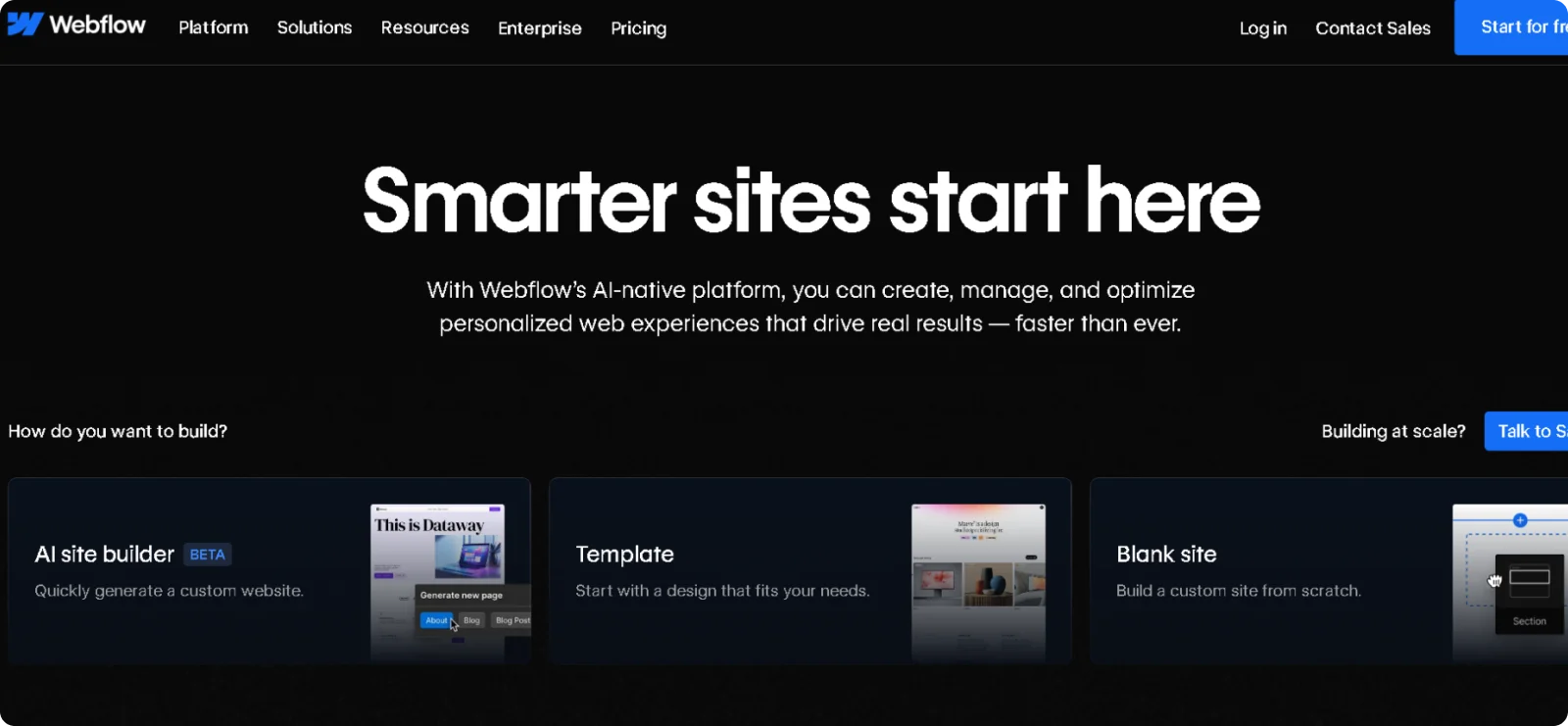
Webflow bridges the gap between visual design tools and hand-coding for professional designers and agencies. The platform appeals to users who understand CSS concepts but prefer visual interfaces over writing code manually.
Key Features
- Visual development environment: Designs with a CSS-based editor that writes HTML and CSS automatically
- CMS functionality: Builds dynamic content with custom fields and collections
- Advanced animations: Creates scroll-based interactions and page transitions without JavaScript
- Client billing: Hands off sites to clients with editor access while maintaining design control
- CDN hosting: Includes fast global hosting with SSL and automatic backups
Pros
- Bridges design tools and code with professional-grade output
- Generates clean, semantic code that loads faster
- Offers a designer-friendly CMS that non-technical clients can update
Cons
- Requires familiarity with web design concepts
- Costs more when factoring in CMS and hosting for multiple projects
Pricing
Webflow offers a free plan for building and testing sites. Paid plans start at $18 per month for the Basic plan and $29 per month for the CMS plan.
5. WordPress
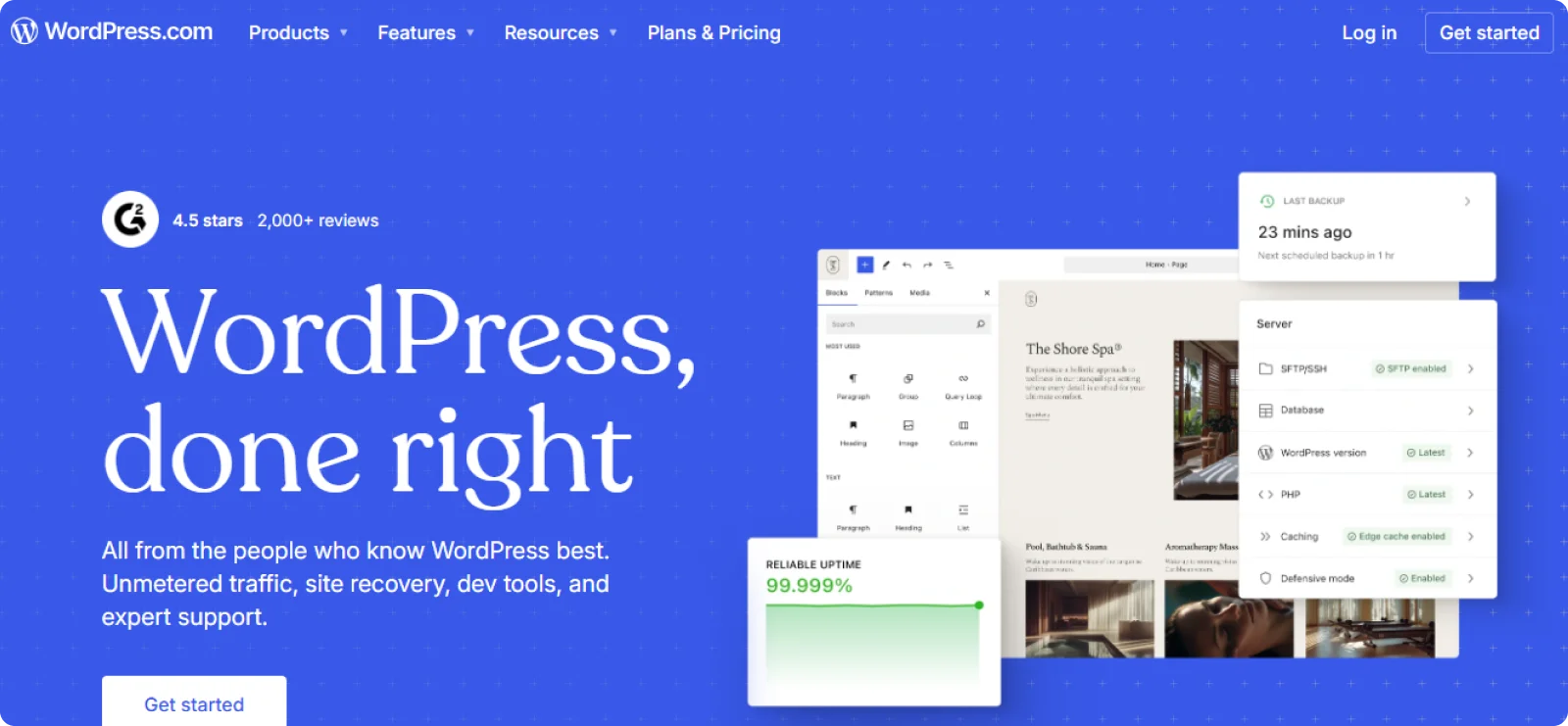
WordPress powers everything from personal blogs to enterprise websites for organizations that need complete control over functionality and data. The platform operates as open-source software that you can install on your own or use through WordPress.com's managed service.
Key Features
- Complete code access: Modifies any aspect of sites with full control over HTML, CSS, PHP, and JavaScript
- Plugin ecosystem: Extends functionality with 60,000+ tools for SEO, security, and e-commerce
- Theme library: Provides thousands of free and premium designs
- Multisite capability: Manages multiple websites from one installation
- Active community: Provides access to forums, documentation, meetups, and WordCamps for support
Pros
- Has unlimited customization potential that no drag-and-drop builder can match
- Costs less long-term since you only pay for hosting and the chosen themes or plugins
- Gives you full ownership of your site data and code
Cons
- Requires technical knowledge for setup, maintenance, security updates, and troubleshooting
- Demands separate hosting, domain, security, and backup management that beginners may find overwhelming
Pricing
WordPress offers a free plan for basic websites and blogs. Paid plans on WordPress.com start at $9 per month for the Premium plan, which includes additional features and support.
6. Shopify

Shopify built its entire platform around selling products online rather than adapting general website tools for commerce. The system handles inventory, payments, shipping, and taxes for businesses that earn revenue from product sales.
Key Features
- E-commerce infrastructure: Manages product tracking, inventory, orders, and shipping integration
- Shopify Payments: Accepts credit cards without third-party processors
- App store: Adds 8,000+ integrations for dropshipping, email marketing, and reviews
- Synced POS system: Sells in person with hardware that syncs with online inventory
- Multi-channel selling: Lists products on Facebook, Instagram, Amazon, and eBay
Pros
- Provides comprehensive e-commerce tools without technical setup
- Scales from single-product stores to enterprise operations
- Includes abandoned cart recovery and customer account features
Cons
- Charges 2% transaction fees without Shopify Payments
- Costs add up with apps and themes for advanced features
Pricing
Shopify offers an extended trial, giving users three free days of access to test the platform. Paid plans start at $39/month or $29/month when billed annually.
7. Framer
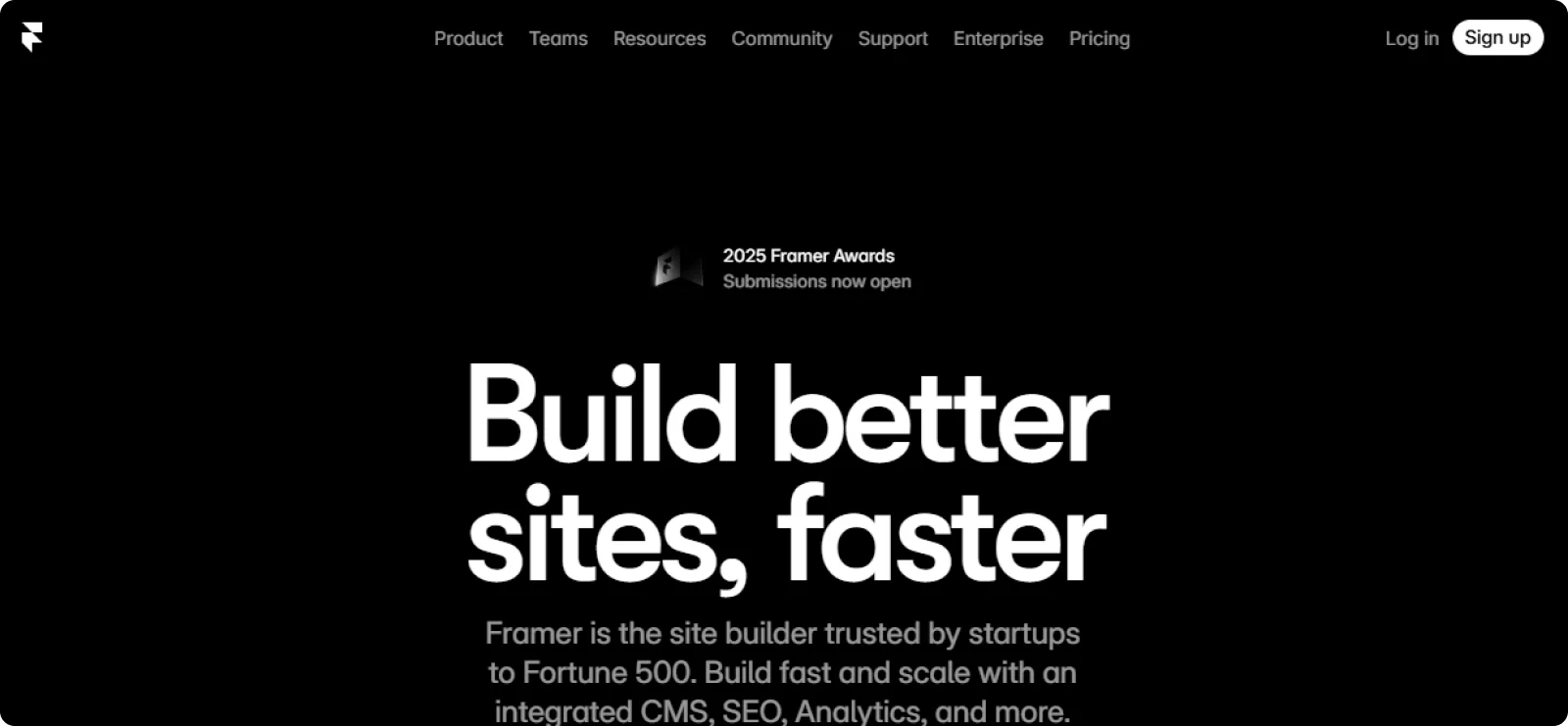
Framer appeals to designers who want websites with sophisticated animations and interactions but don't want to write JavaScript. The tool feels familiar to anyone who uses Figma or Sketch, but it produces actual websites rather than static mockups.
Key Features
- Design-to-production workflow: Creates layouts in a Figma-like interface that publishes directly to the web
- Advanced animations and interactions: Build scroll-triggered effects and page transitions with visual controls
- Component-based design system: Creates reusable elements that update across your entire site when modified
- Built-in CMS: Manages blog posts, portfolio items, and dynamic content with custom fields and collections
- Collaboration features: Allows you to share prototypes, gather feedback, and work with team members in real time
Pros
- Delivers sophisticated animations and interactions without code
- Feels familiar to designers already using Figma or Sketch
- Generates fast-loading sites despite heavy animation use
Cons
- Lacks e-commerce functionality beyond basic product showcases, requiring external payment solutions
- Offers fewer templates and third-party integrations compared to established platforms
Pricing
Framer offers a free plan for personal projects. Paid plans start at $15 per month for Basic (with custom domains) and $45 per month for Pro, which includes CMS features.
8. Canva Website Builder
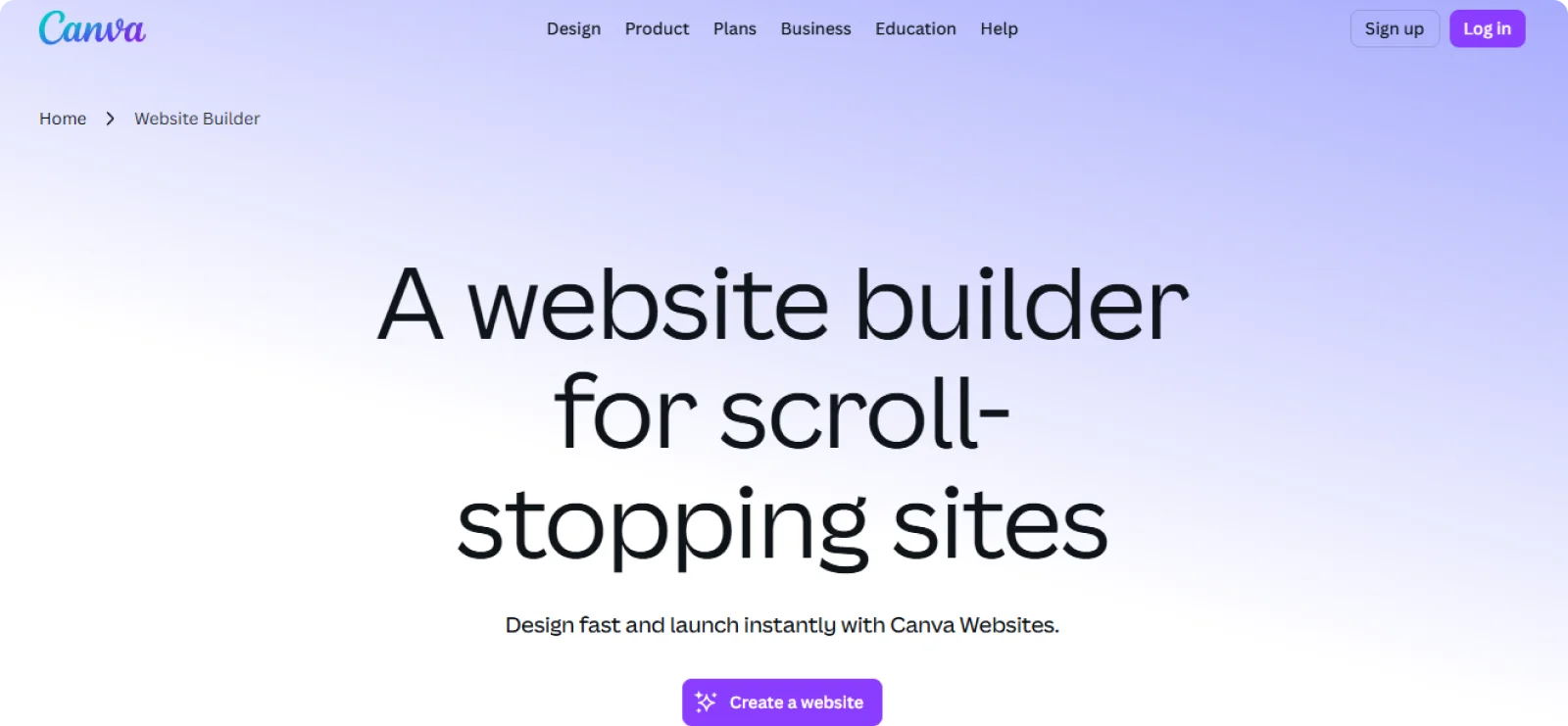
Canva extended its graphic design platform into website building for users who already create marketing materials, social posts, and presentations in Canva. The website builder uses the same interface and design assets you're already working with.
Key Features
- Drag-and-drop editor: Uses the same interface as Canva's graphic design tools
- Template library: Accesses hundreds of website templates matching Canva's aesthetic
- Brand kit integration: Applies saved brand colors, fonts, and logos across sites
- Stock media library: Uses Canva's photos, illustrations, icons, and videos
- Multi-page support: Builds simple landing pages or full websites with sections
Pros
- Has no learning curve for Canva users
- Creates visually appealing sites quickly, with an intuitive interface
- Includes hosting and domain connection with a Canva Pro subscription
Cons
- Lacks advanced features, like e-commerce and blogging tools
- Offers limited SEO capabilities and customization options
Pricing
Canva's free tier provides 5GB of storage for basic website building. Pro subscriptions start at $15 per month, and Business plans cost $20 per month, with additional features and storage.
Launch Your Website in Minutes with Codesi
Traditional website builders require you to make dozens of decisions before seeing any results. You spend hours choosing templates, selecting colors, writing copy, finding images, and configuring technical settings before your site even looks like anything.
Codesi takes a different approach. You describe your business in a few sentences, and the platform generates a complete one-page website with professional copy, relevant images, and logos that fit your company in under five minutes.
You can adjust your brand colors, swap out images, or rewrite sections and watch the updates appear in real time. The platform includes hosting, SSL certificates, a custom domain connection, and mobile responsiveness, all without additional setup steps.
Codesi makes the path from idea to published website take minutes. Are you ready to launch your website today?
Sign up on Codesi and go live in no time.
Create your website with AI today
Codesi is a platform where you can make a website in 3 minutes.
No coding, no designers, no hassle - just AI.
