
Back to blog
7 Best Webnode Alternatives to Choose [2026 Comparison List]
Explore the best Webnode alternatives and find a website builder that gives you more design freedom, stronger features, and room to grow.

Mar 10 2026
![7 Best Webnode Alternatives to Choose [2026 Comparison List]](https://codesi.ai/admin/static/cov07_cb7b226b4a.webp)
Webnode is easy to recommend when you're starting out. The setup is fast, the learning curve is minimal, and the pricing is accessible enough that it rarely feels like a risk.
However, the same simplicity that makes it a good first builder tends to become the reason people leave; there's no app marketplace to extend it, design control is limited, and the e-commerce tools don't hold up as your business grows.
If you've hit that ceiling, this guide breaks down the seven best Webnode alternatives so you can find a builder that fits where your business is actually going.
Why Users Look for Webnode Alternatives
Webnode's customization options work well enough for basic sites, but the editor has hard limits on how far you can push a layout, and there's no app marketplace to pull in third-party tools. Whatever the builder doesn't natively support, you have to go without.
Billing and support are where frustration tends to peak. Unexpected charges after cancellation, slow refund processes, and support that runs entirely through email with no live chat or phone option make urgent issues difficult to resolve quickly, which is a real problem for small business owners who can't afford extended downtime.
7 Best Webnode Alternatives in 2026
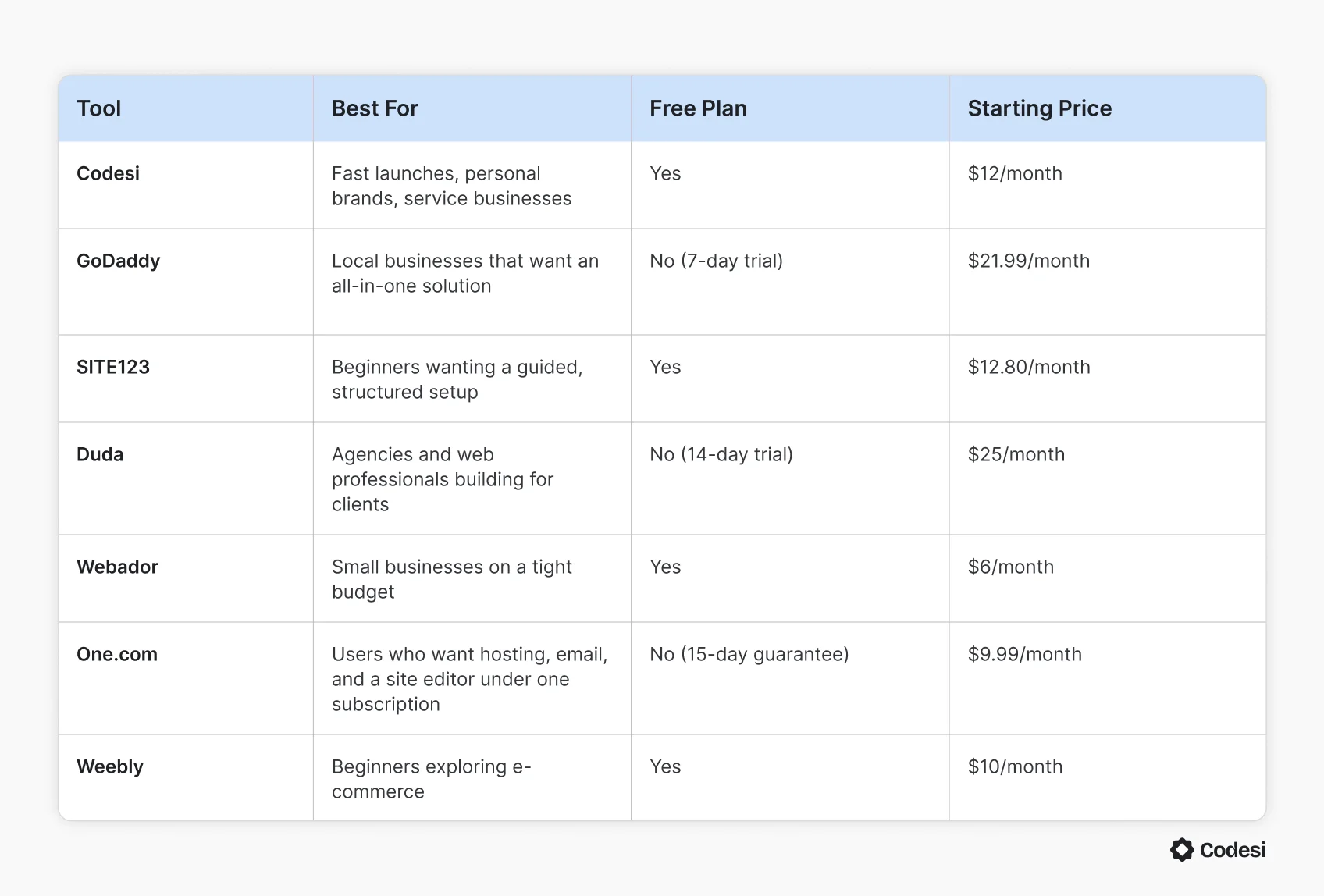
Webnode works for basic sites, but most users eventually need more. Before we discuss the best alternatives in detail, the table shows how they compare side-by-side:
1. Codesi
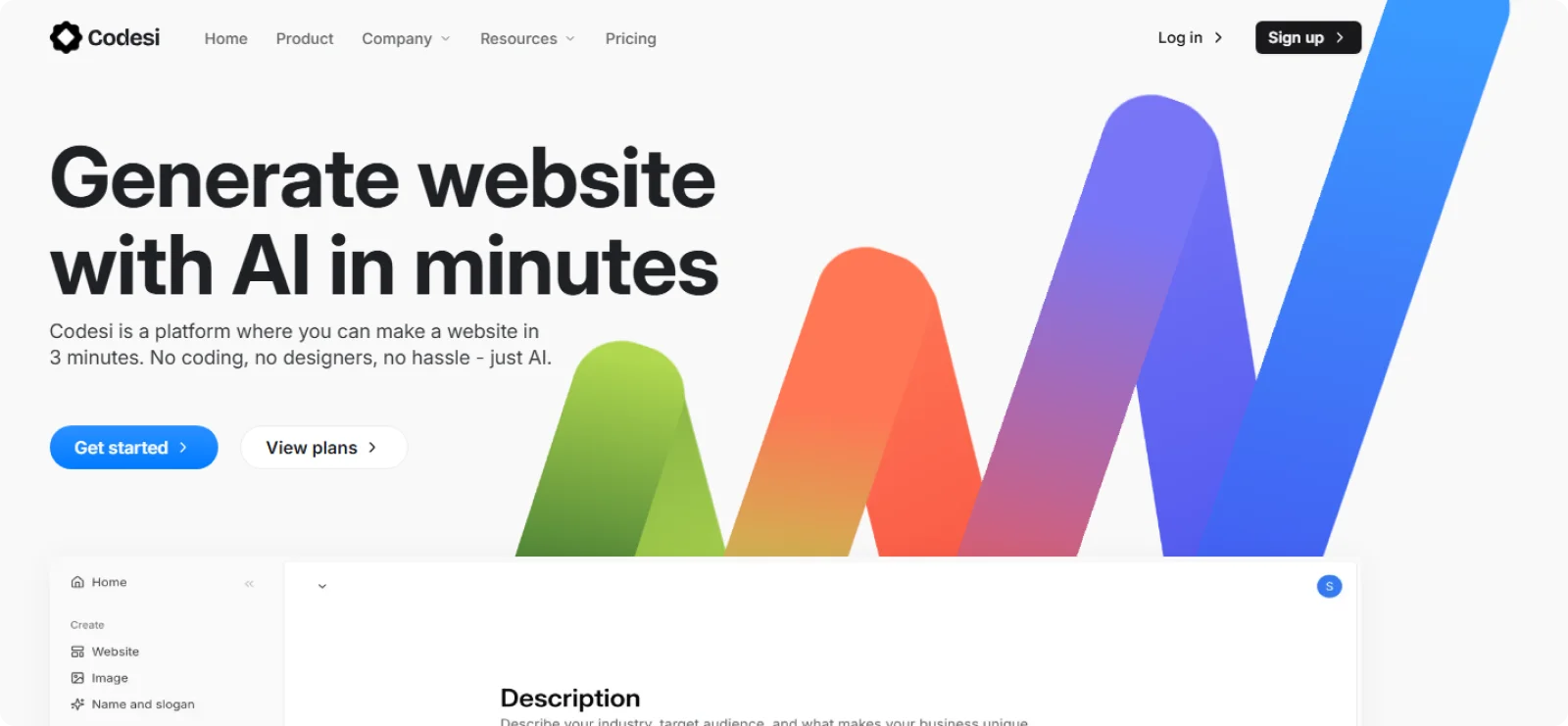
Codesi is an AI website builder for solopreneurs and small business owners who need a professional site live without the setup complexity that slows most builders down. Instead of templates and a blank canvas, it generates a complete, branded website from a single text description.
Key Features
- AI site generation: Produces a complete one-page website with layout, copy, and images
- Brand asset creation: Generates logo variations and custom images tailored to your business, removing the need for separate design tools
- Visual editor: Lets you modify text, swap sections, adjust colors, and rearrange content in real time without touching code
- Instant publishing: Deploys your site to a free Codesi subdomain or a custom domain with a single click, with SSL and hosting included
- Performance tracking: Connects directly to Google Analytics, allowing you to monitor visitor behavior and traffic from the same dashboard
Pros
- Gets your business online with a site that looks professional and intentional
- Removes the gap between having an idea and having a brand, since the logo, images, and site design are generated together
- Keeps your overhead low by including everything you need in one subscription, with no hidden costs
Cons
- Supports fewer third-party integrations than more established builders, which may require workarounds depending on your existing tools
Pricing
Codesi has a free plan that includes one website generation per day and publishing on a Codesi subdomain. Paid plans start at $16 per month, or $12 per month billed annually.
2. GoDaddy Website Builder
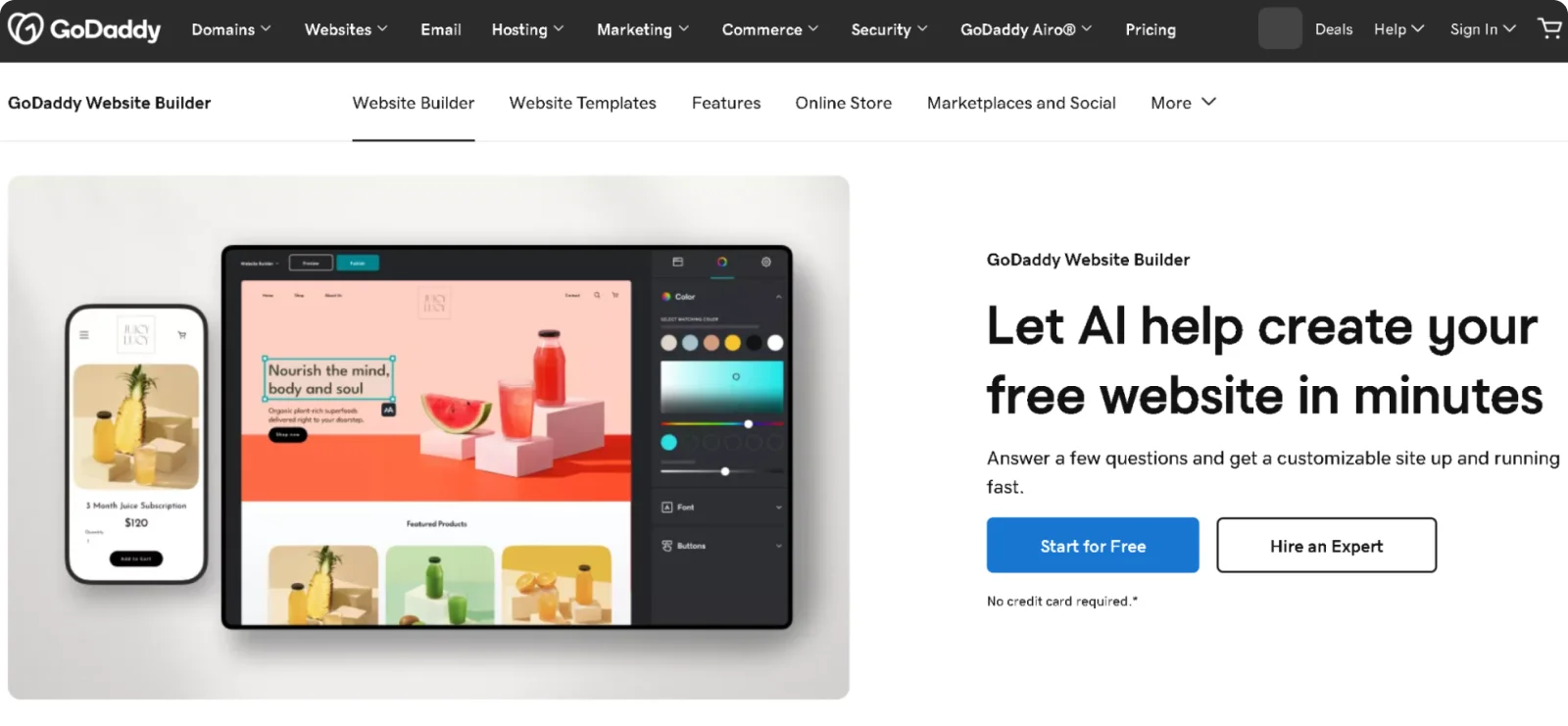
GoDaddy suits local businesses and service providers who want their website, domain, and marketing tools under one subscription. It bundles email campaigns, appointment booking, and social media management into a single dashboard alongside the site editor.
Key Features
- Airo AI setup: Generates a starter website from a few business details, including a logo suggestion and starter content
- Built-in marketing suite: Handles email campaigns, social media post creation, and promotional content from the same dashboard as your site
- Appointment booking: Lets service businesses accept bookings and manage their calendar directly through the website without a third-party tool
- 24/7 customer support: Provides round-the-clock assistance by phone and chat, a significant advantage for business owners without technical backgrounds
- SEO tools: Includes on-page optimization guidance and meta tag editing across all paid plans to help your site show up in local search results
Pros
- Makes it easier for non-technical business owners to handle their own marketing
- Reduces anxiety that comes with running a site without technical skills
- Removes the need to learn multiple platforms by keeping website management and bookings in one familiar interface
Cons
- Restricts design customization heavily, with limited control over layout and no access to custom code
- Excludes a free custom domain from paid plans
Pricing
GoDaddy does not offer a permanent free plan, but it does offer a 7-day free trial on all plans. Paid plans start at $21.99 per month, or $9.99 per month on annual billing.
3. SITE123
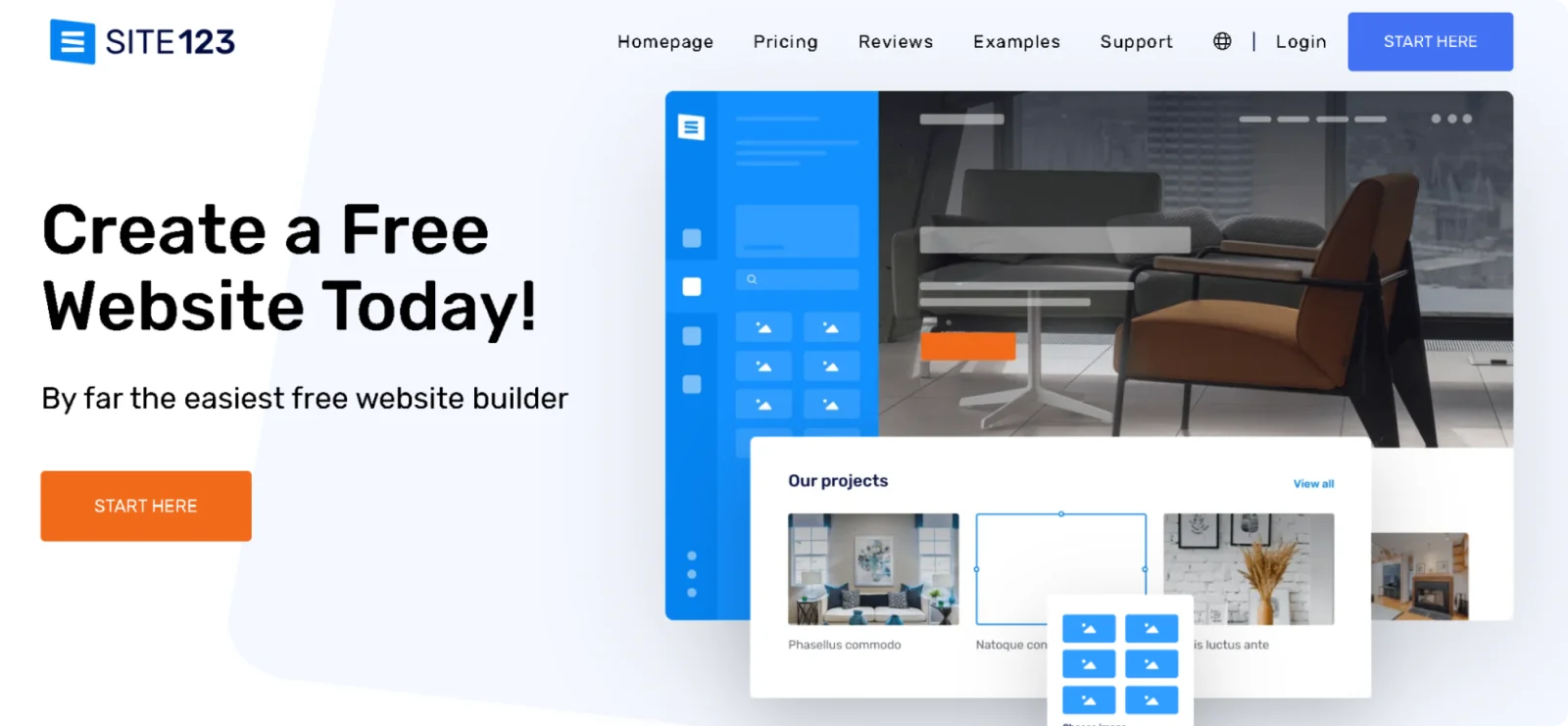
SITE123 is built for people who want the most guided setup experience possible. It walks you through your site type, niche, and content step by step, helping you make the right decisions regardless of your technical knowledge.
Key Features
- Structured section editor: Lets you build pages by selecting pre-designed content blocks like testimonials, menus, and portfolio grids, each with a few layout variations to choose from
- Built-in image library: Provides access to a royalty-free photo bank directly inside the editor, so you can fill your site with quality images without a separate subscription
- Multilingual support: Allows you to display your site in multiple languages, with the number of available languages scaling with your plan tier
- CDN hosting: Stores site files across a global content delivery network, keeping load times consistent for visitors regardless of their location
Pros
- Removes most setup decisions through its step-by-step wizard
- Provides live chat support on every plan
- Keeps site speeds reliable without additional configuration
Cons
- Limits template variety with designs that may feel outdated
- Locks out advanced customization entirely, with no access to custom code or external templates
Pricing
SITE123 has a free plan with hosting included, though it displays SITE123 branding and uses a SITE123 subdomain. Paid plans start at $12.80 per month on annual billing.
4. Duda
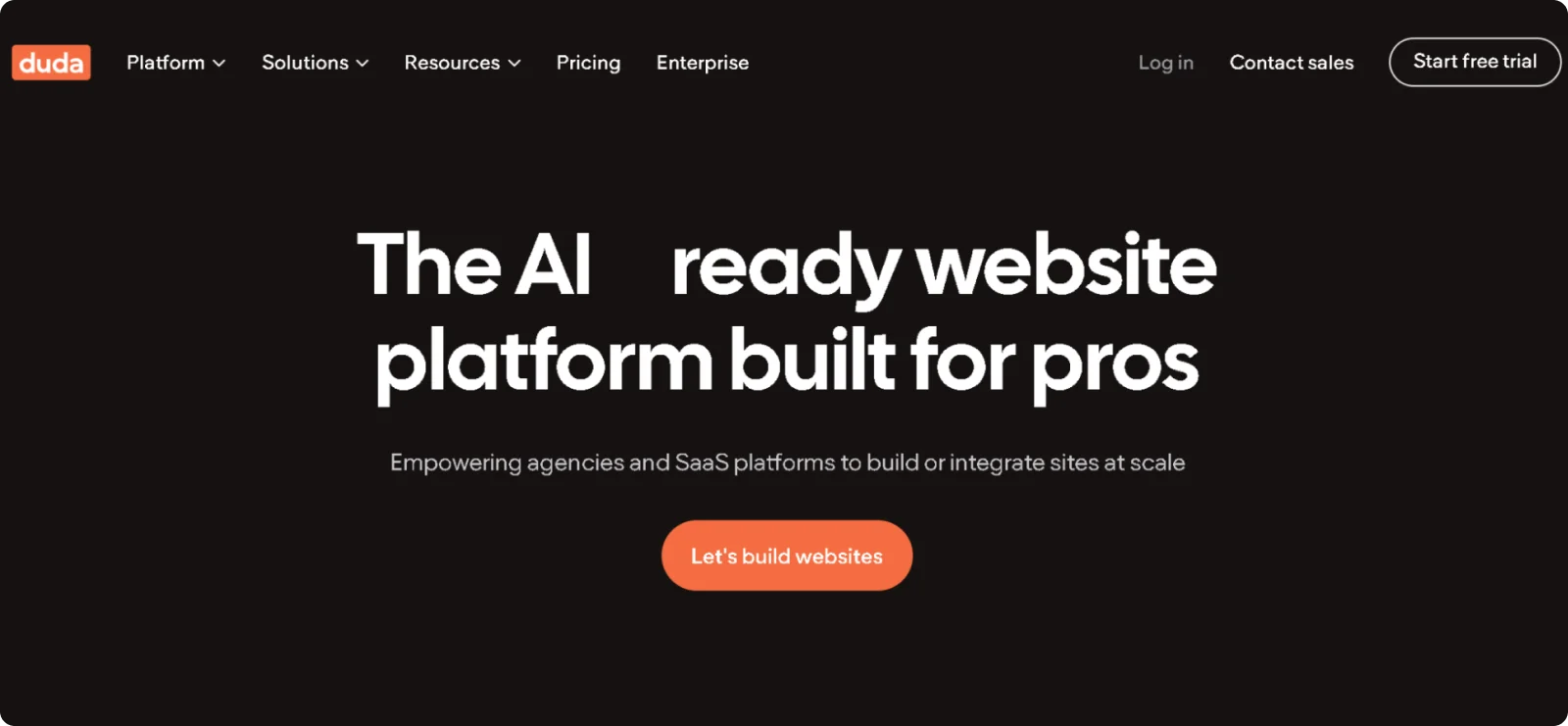
Duda is built for agencies, freelance web designers, and SaaS companies managing sites on behalf of clients. The platform is structured around multi-site workflows, team collaboration, and client access control rather than single website ownership.
Key Features
- White-label editor: Lets you replace all Duda branding with your own logo, colors, and domain
- Client management dashboard: Allows you to assign granular access permissions to individual clients
- Reusable content library: Saves sections, widgets, and design elements as reusable assets that can be applied across multiple client sites
- AWS hosting with CDN: Runs all sites on Amazon Web Services infrastructure with content delivery network distribution
- AI page builder: Generates full page layouts with relevant content and images based on your business description
Pros
- Supports multiple team members and unlimited client accounts from a single dashboard
- Delivers strong technical SEO performance out of the box, with auto-generated schema markup
- Enables agencies to sell website services under their own brand
Cons
- Offers e-commerce only as a paid add-on
- Has a steeper learning curve, making it less suitable for beginners
Pricing
Duda offers a 14-day free trial with no credit card required. Paid plans start at $25 per month or $19 per month on annual billing.
5. Webador
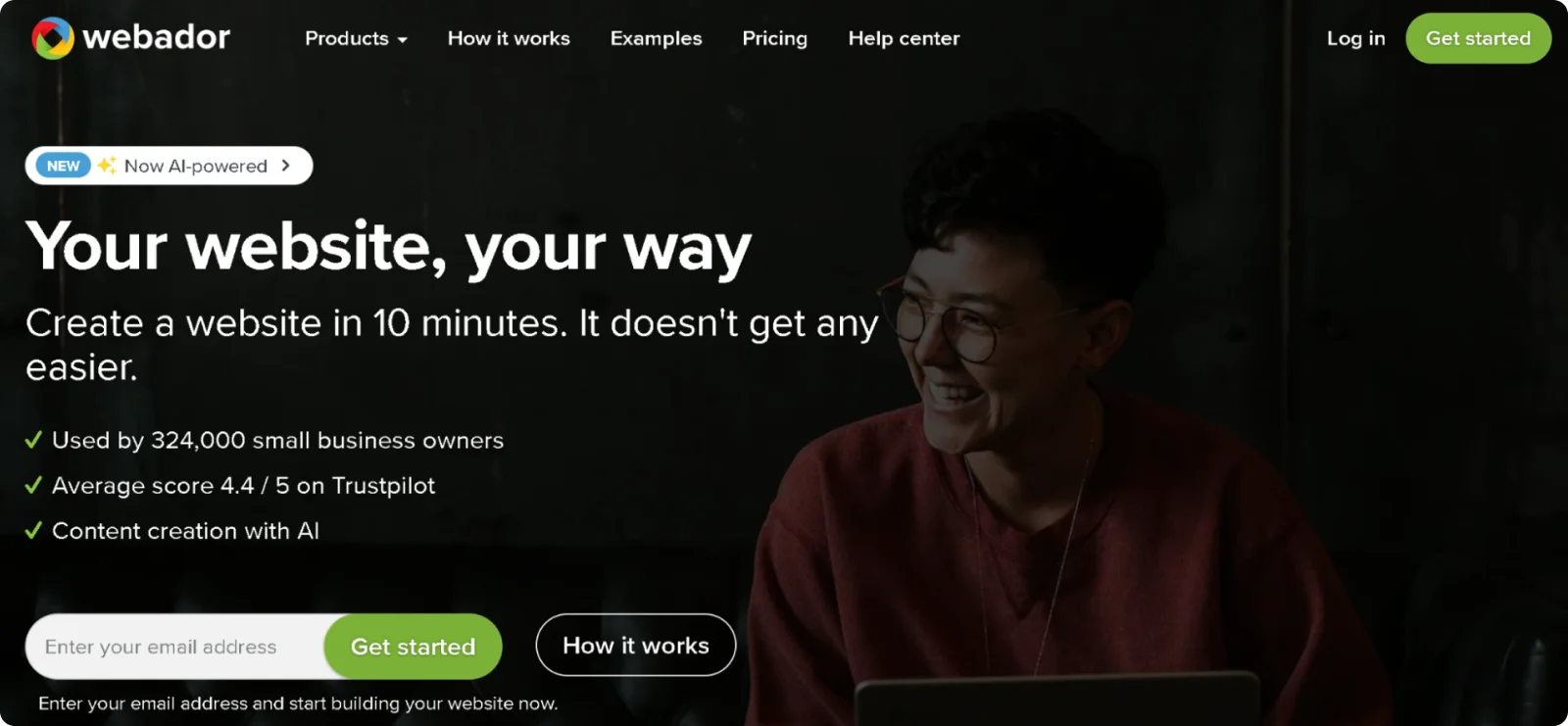
Webador targets small business owners and individuals who want a functional site online with minimal friction and a predictable price. Its free plan includes unlimited pages and storage, with paid plans adding e-commerce and a custom domain without steep pricing jumps.
Key Features
- Zero-commission store: Lets you sell physical products and services online without Webador taking a percentage of sales
- AI website generator: Produces a starter site from a short business description, which you can then edit using the drag-and-drop editor without touching any code
- Built-in SEO tracker: Highlights specific on-page improvements directly inside the editor
- Template switching: Allows you to change your site's template at any time without losing your content
- Eco-friendly hosting: Runs all servers on 100% renewable energy, making it a carbon-neutral option for businesses that prioritize sustainability
Pros
- Offers unlimited pages, storage, and bandwidth on all plans
- Charges no transaction fees on store sales, keeping more revenue with the seller
- Allows template changes after publishing, giving you more design flexibility
Cons
- Lacks advanced marketing tools like built-in email campaigns or abandoned cart recovery
- Offers a smaller template library than most comparable builders
Pricing
Webador has a free plan with unlimited pages and storage, but no custom domain. Paid plans start at $3 per month for the first 12 months and then $6 per month.
6. One.com
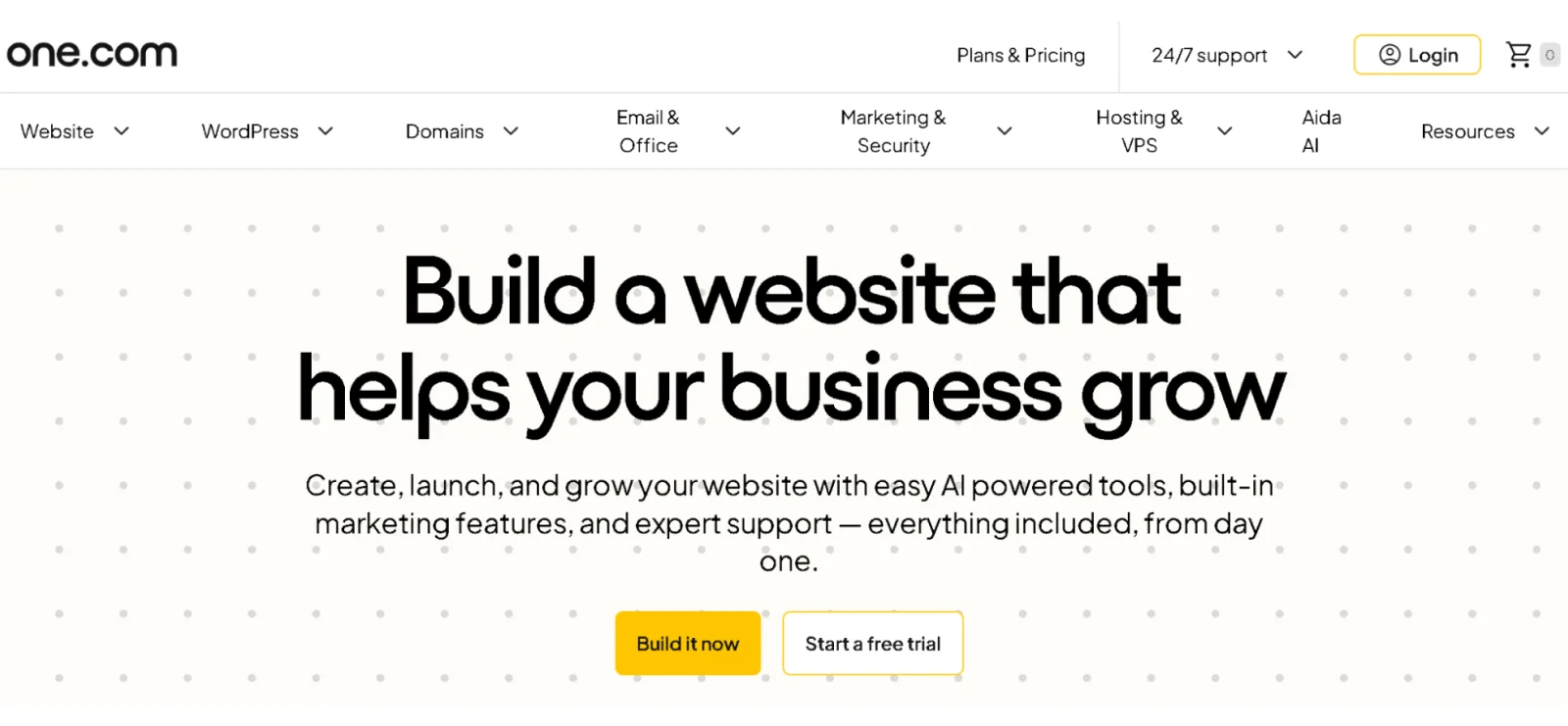
One.com is a European hosting company that bundles its website builder directly into its hosting plans. Domain registration, hosting, email accounts, and a site editor are all included in one subscription, with no need to manage separate services.
Key Features
- AI writing assistant: Generates and refines website copy in 11 languages directly inside the editor
- Global style controls: Lets you set and update link styles, menu styles, button styles, and table styles from a central hub
- Backup and restore: Saves previous versions of your site and lets you roll back to an earlier version from inside the editor
- 140+ customizable templates: Covers business categories including portfolio, food and hospitality, events, music, and e-commerce
- Unlimited email accounts: Includes professional email addresses on every paid plan
Pros
- Removes the need to manage separate services or billing cycles by bundling hosting, domain registration, and website building into one subscription
- Powers all data centers with 100% renewable energy
- Applies design changes globally through its style hub
Cons
- Requires annual billing with no monthly payment option, which reduces flexibility for users who aren't ready to commit upfront
- Makes blog setup unnecessarily complicated, running it on a subdomain with a separate editor
Pricing
One.com does not offer a free plan but provides a 15-day money-back guarantee. Paid plans start at $9.99 per month for the first year and then cost $13.99 per month on annual billing.
7. Weebly
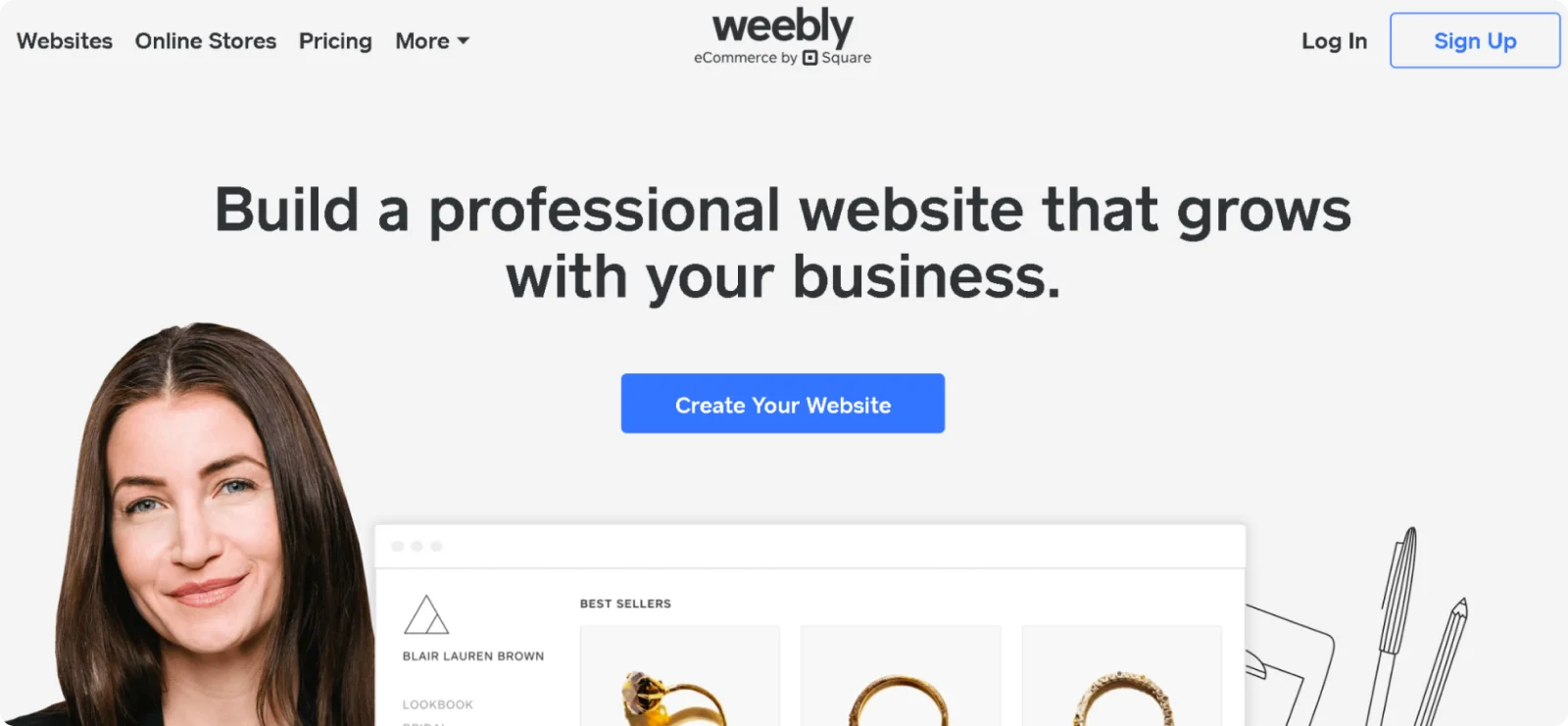
Weebly, owned by Square, is one of the few builders that lets you sell products on a free plan without platform transaction fees. Its drag-and-drop editor and App Center make it a practical starting point for individuals and small businesses testing an online store before committing to a paid plan.
Key Features
- Free plan with e-commerce: Includes a shopping cart, unlimited product listings, inventory management, and an automatic tax calculator
- App Center: Provides access to hundreds of third-party integrations covering marketing, analytics, social media, and store functionality
- Custom HTML/CSS editor: Lets users add their own code on top of drag-and-drop elements for more precise design control
- Video background support: Allows video to be set as a background element on any page section
- Square integration: Connects directly with Square's payment and point-of-sale infrastructure
Pros
- Gives small businesses a low-risk way to test e-commerce without committing to a paid plan
- Bridges online and in-person selling through its native Square connection
- Extends the platform's capabilities through its App Center without requiring custom development
Cons
- Displays Square branding at the bottom of free and Personal plan sites
- Limits SEO heading options to H2 only
Pricing
Weebly offers a free plan with basic features and Square branding. Paid plans start at $13 per month, or $10 per month on annual billing.
How to Choose the Right Webnode Alternative
When choosing the best alternative for your business, start with the reason you're leaving, because the right answer depends on what Webnode is failing to provide.
If the problem is design freedom, look for a builder that lets you move and resize elements without being locked to a grid. If it's e-commerce, check whether the store features are built into the plan you can afford, not gated behind the most expensive tier. If you're managing sites for multiple clients, you need a platform with team permissions and a client dashboard, not just a polished editor.
Also, introductory pricing looks attractive until renewal, and switching platforms mid-growth is more disruptive than most people account for when making the initial choice. Pick a platform that fits your current needs and has a clear path to scale as your business grows.
For most small businesses and individuals, the decision ultimately comes down to how quickly you can go from nothing to a professional site.
Why Codesi Is the Best Webnode Alternative
Most builders hand you a blank canvas and expect you to figure out the rest. You pick a template, source images, write copy, and assemble a logo in another app before anything looks like a real website. The process is manageable if you have the time, but most business owners simply don't.
Codesi approaches the whole process differently. One text prompt generates a complete site with a layout, copy, custom AI images, and professional logo variations that are visually consistent from the start, so you don't have to switch between multiple tools.
The visual editor gives you full control over the result, while hosting, SSL, and performance tracking come bundled, so there's nothing left to configure before you publish.
The real differentiator is that the output is already coherent, so you spend your time refining rather than building from scratch.
Why spend a weekend wrestling with templates when your site could already be live?
Start Codesi for free to get your website live in minutes.
Create your website with AI today
Codesi is a platform where you can make a website in 3 minutes.
No coding, no designers, no hassle - just AI.
