
Back to blog
8 Best Membership Website Builders for 2026 [Comparison]
Discover the best membership website builders to launch your site, sell subscriptions, and manage members easily with powerful tools built for you.

Feb 17 2026
![8 Best Membership Website Builders for 2026 [Comparison]](https://codesi.ai/admin/static/cov07_84fa51db9e.webp)
The global subscription economy reached $557.8 billion in 2025 and continues growing at 13.3% annually through 2035. Creators and businesses are capturing this growth by launching membership sites that bundle exclusive content, online courses, private forums, and digital products behind paywalls.
The challenge is technical execution. Building a membership site traditionally required developers to configure payment processors, create access control systems, set up user dashboards, and maintain security protocols.
Membership website builders eliminate this complexity. These platforms handle payment processing, content gating, member management, and automated renewals, all without requiring coding knowledge.
This guide covers eight membership website builders, comparing them across different use cases and price points.
What to Look for in a Membership Website Builder
Selecting the right membership website builder requires evaluating how well each platform handles the technical and community aspects of recurring subscriptions.
- Payment processing: Native integration with Stripe, PayPal, or similar processors that automate recurring billing and handle multiple payment frequencies (monthly, quarterly, annual) without manual intervention
- Content protection: Granular access controls that restrict specific pages, courses, or resources to paid members while keeping marketing pages public
- Member management dashboard: Centralized view of active subscriptions, payment status, engagement metrics, and upcoming renewals
- Community features: Built-in forums, discussion boards, direct messaging, and event calendars that foster engagement between members
- Mobile responsiveness: Templates and designs that function properly across smartphones, tablets, and desktops
- Analytics and reporting: Tracking tools that monitor member behavior, content performance, churn rates, and revenue metrics to inform retention strategies
8 Best Membership Website Builders to Try in 2026
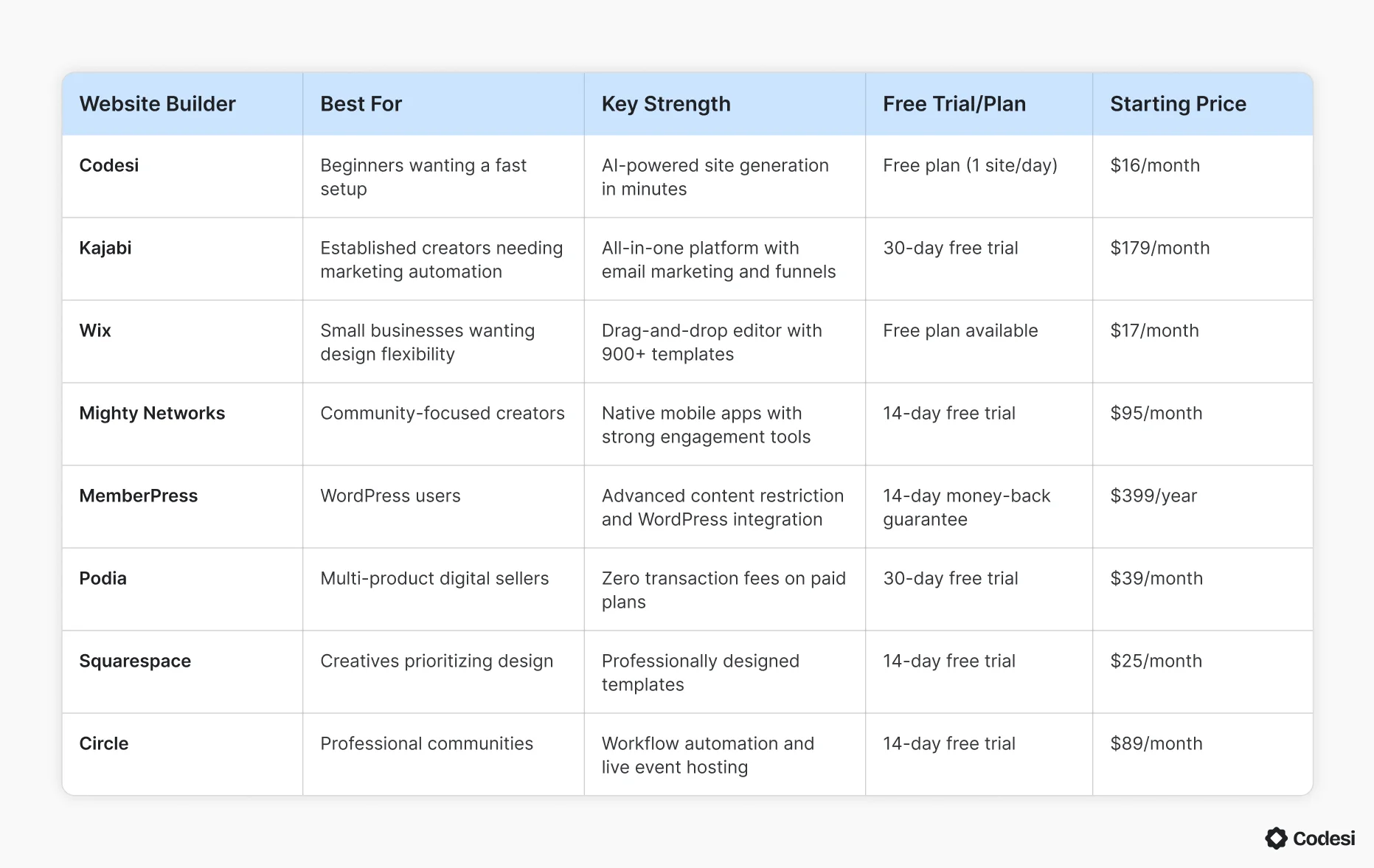
Here’s a quick overview of the eight membership website builders, their ideal users, and core strengths to help you choose the best option for your needs:
1. Codesi
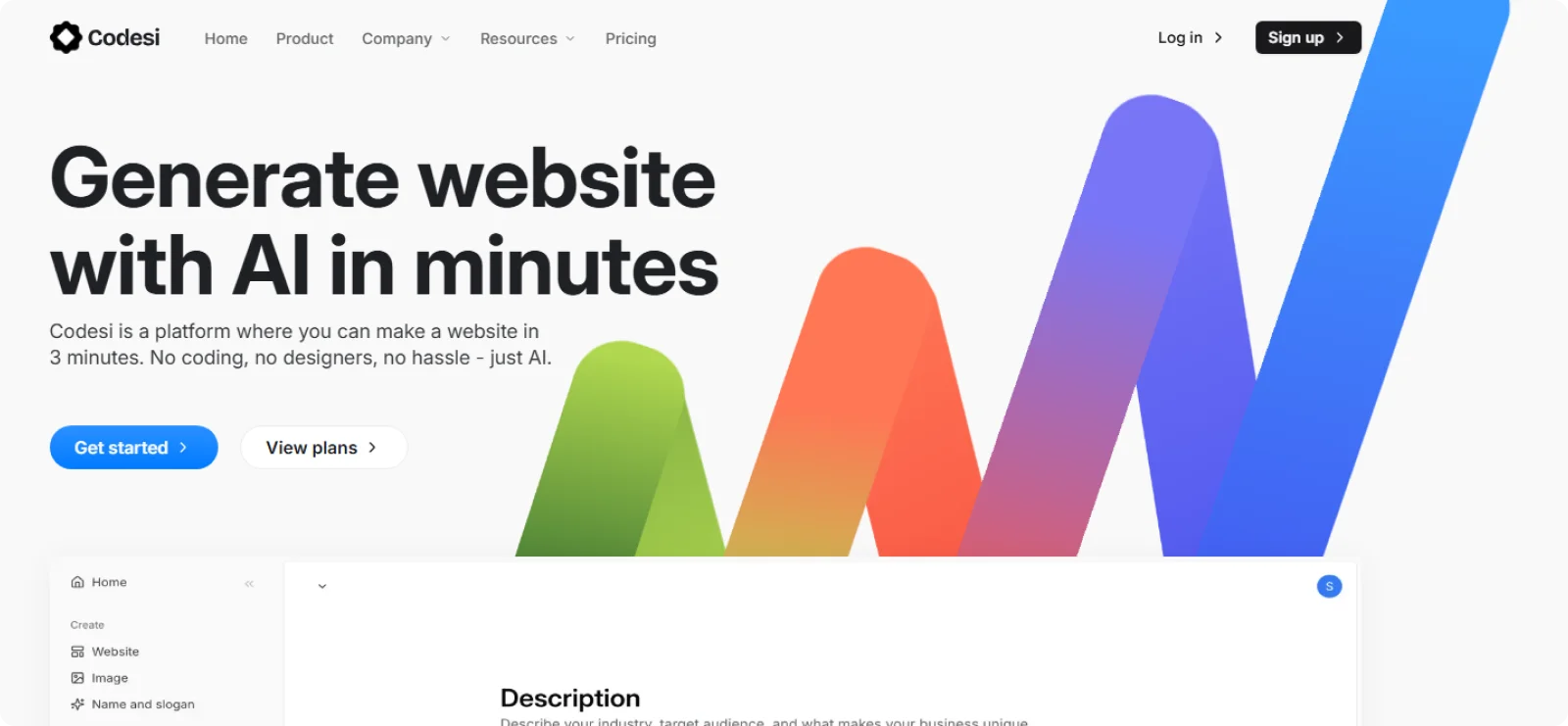
Codesi targets solo creators and small businesses that need membership sites deployed in no time. The platform handles technical setup, such as access control and member dashboards, through its AI-powered builder, eliminating the need for manual configuration.
Key Features
- AI site generation: Convert text descriptions into complete websites with login systems, payment integration, and member dashboards in minutes.
- Real-time customization: Modify fonts, colors, sections, and images instantly, with live preview updates.
- Custom domain connection: Publish sites to your custom domain or free Codesi subdomains, with built-in SSL encryption and hosting included in all plans.
- Responsive templates: Generate mobile-optimized designs that automatically adapt to different screen sizes.
- AI image generation: Create custom visuals tailored to your content and brand style.
Pros
- Eliminates the learning curve typical of traditional website builders by generating functional sites from natural language descriptions
- Provides both beginner-friendly visual editing and developer-level code access
- Includes hosting, SSL certificates, and domain connection without additional service subscriptions
Cons
- Requires clear, detailed prompts to generate accurate membership structures
- Limits third-party integration
Pricing
Codesi offers a free plan with one website generation per day. The paid plan starts at $16 per month, or $12 per month when paid annually.
2. Kajabi
Kajabi consolidates course creation, website building, email marketing, community forums, and payment processing into a single platform. The platform targets creators and businesses who want to eliminate the technical complexity of managing multiple tools.
Key Features
- All-in-one course platform: Build video courses, coaching programs, memberships, podcasts, and newsletters from a unified dashboard without having to connect external tools.
- Built-in email marketing: Create automated email sequences, segment contacts by behavior, and trigger campaigns based on purchase activity or course completion.
- Sales funnel builder: Design multi-step funnels that connect landing pages, email sequences, and checkout pages with pre-built templates called Pipelines.
- Community spaces: Create member forums with discussion threads, direct messaging, and video chat capabilities accessible through the Kajabi mobile app.
- Payment processing: Accept payments through Kajabi Payments (with lower processing fees) or integrate Stripe and PayPal with platform fees applied in regions where Kajabi Payments is available.
Pros
- Eliminates the need for third-party tools by bundling website, courses, email marketing, and payment processing in one subscription
- Provides advanced automation with conditional logic on Growth and Pro plans for sophisticated member workflows based on course completion or engagement triggers
- Offers a branded mobile app option (on the Pro plan) for increased member engagement and brand authority
Cons
- Limits community post formatting
- Locks advanced automations and conditional logic behind Growth and Pro plans, preventing Basic plan users from creating sophisticated workflows
Pricing
Kajabi doesn’t offer a free plan, but it does have a 30-day free trial. Paid plans start at $179 per month, or $143 per month on an annual billing cycle.
3. Wix
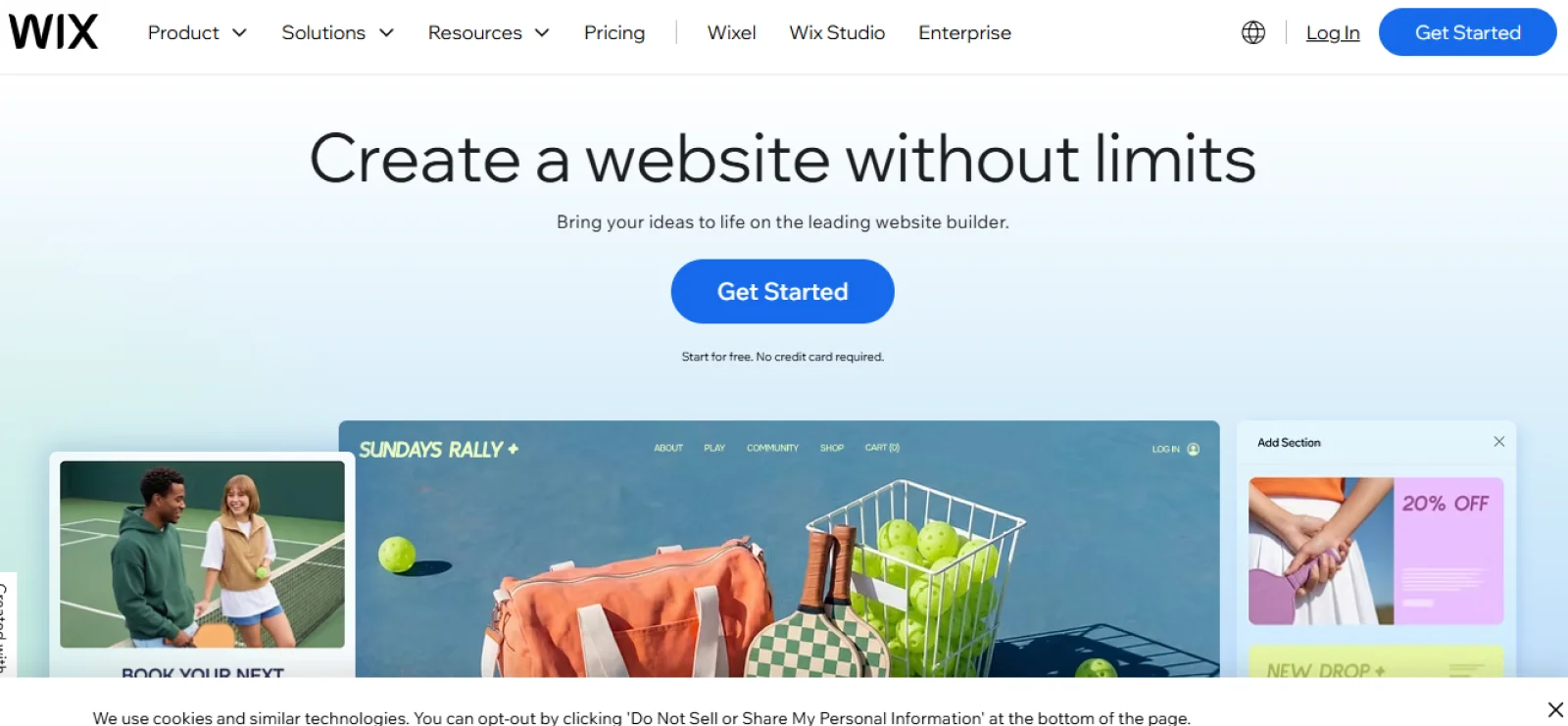
Wix combines drag-and-drop website building with membership capabilities through its Members Area and Pricing Plans apps. The platform targets small business owners and creators who want design flexibility alongside membership features, without having to manage separate tools for website hosting, payment processing, and member access control.
Key Features
- Members Area app: Create password-protected member sections with individual login credentials, member profiles, and role-based access permissions without coding.
- Pricing Plans integration: Sell recurring subscriptions (weekly, monthly, or yearly), one-time packages, or free memberships that connect with Wix Bookings, Blog, Events, and Forum.
- Drag-and-drop editor: Position elements anywhere on the page with pixel-perfect control.
- Built-in payment processing: Accept payments through Wix Payments, Stripe, or PayPal directly on membership checkout pages with standard processing fees applied.
- App marketplace: Extend functionality with 250+ apps, including Forums, File Share, Groups, and third-party integrations for email marketing and analytics.
Pros
- Provides free Members Area functionality on all plans, including the free tier for password-protected content
- Includes unlimited pricing plans and members on the Core plan and higher
- Allows members to sign up using email, Google, or Facebook credentials, reducing registration friction
Cons
- Needs the Core plan to accept payments for memberships
- Requires installing multiple separate apps to access full membership functionality
Pricing
Wix has a free plan with limited features and Wix branding. Paid plans start at $17 per month for Light, and the Core plan is $29 per month (required for paid memberships).
4. Mighty Networks
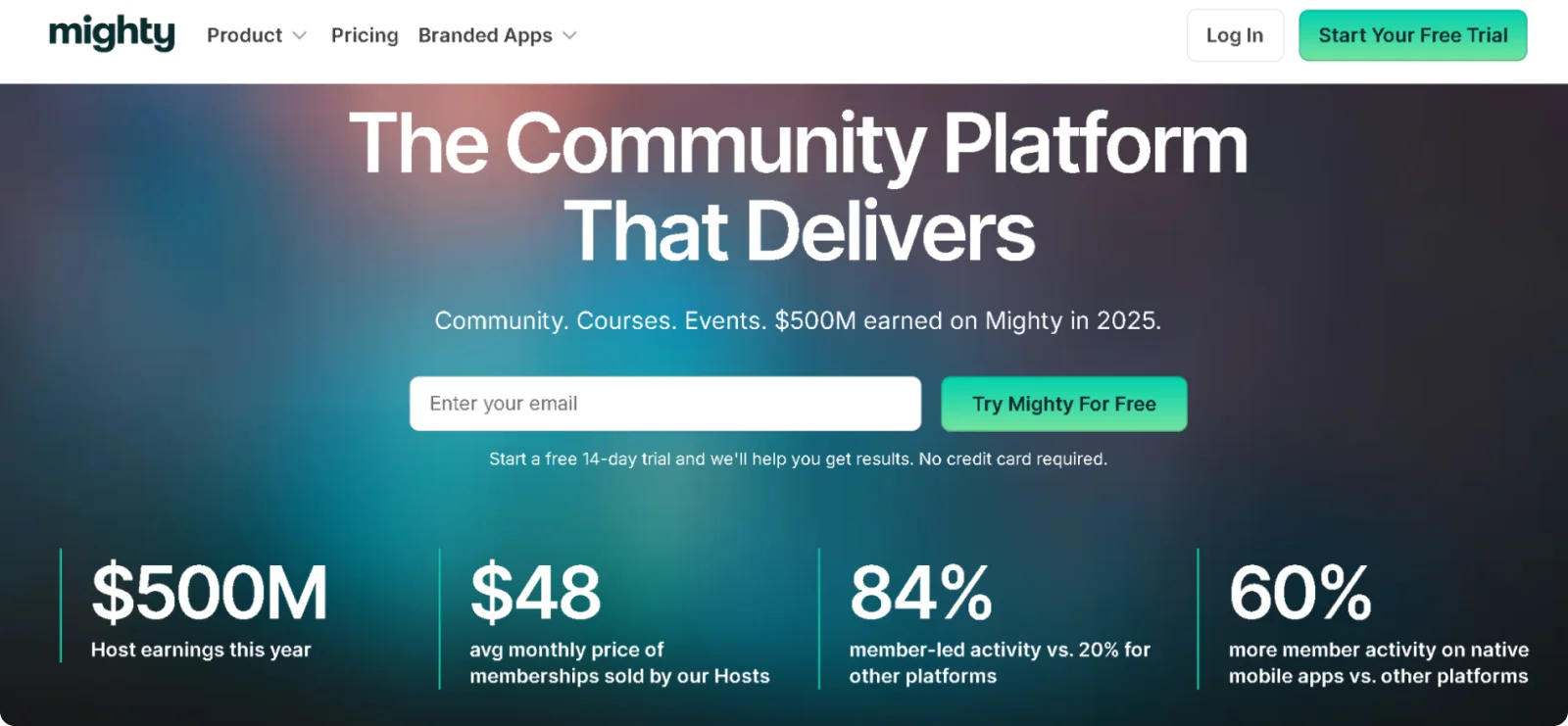
Mighty Networks consolidates community building, course hosting, and membership sales into one branded platform. This website builder targets creators, coaches, and brands looking to move away from social media algorithms and build engaged, member-driven communities with integrated course delivery.
Key Features
- "Spaces" structure: Create flexible areas that contain chat feeds, courses, events, or discussion forums, individually or combined, within customizable community sections.
- Community management tools: Add unlimited members, hosts, and moderators across all plans with built-in member profiles, searchable directories, and direct messaging.
- Native course creator: Build live or asynchronous cohort-based courses with quizzes, progress tracking, drip content, and completion certificates.
- Built-in payment processing: Accept payments through Stripe for memberships, digital products, and courses in over 135 currencies, with recurring billing.
- Mighty Co-Host AI: Generate community names, landing page copy, icebreaker questions, and engagement prompts.
Pros
- Replaces the need for separate platforms by combining community forums, course hosting, and website tools in a single subscription
- Provides native mobile apps on iOS and Android for a dedicated member experience
- Offers unlimited members and spaces without subscriber caps or per-member price increases
Cons
- Requires a Business plan to access course creation features, preventing Launch plan users from selling educational content
- Presents confusing navigation for new members
Pricing
Mighty Networks offers a 14-day free trial with no credit card required. Paid plans start at $95 per month for the Launch plan when billed monthly.
5. MemberPress (WordPress)
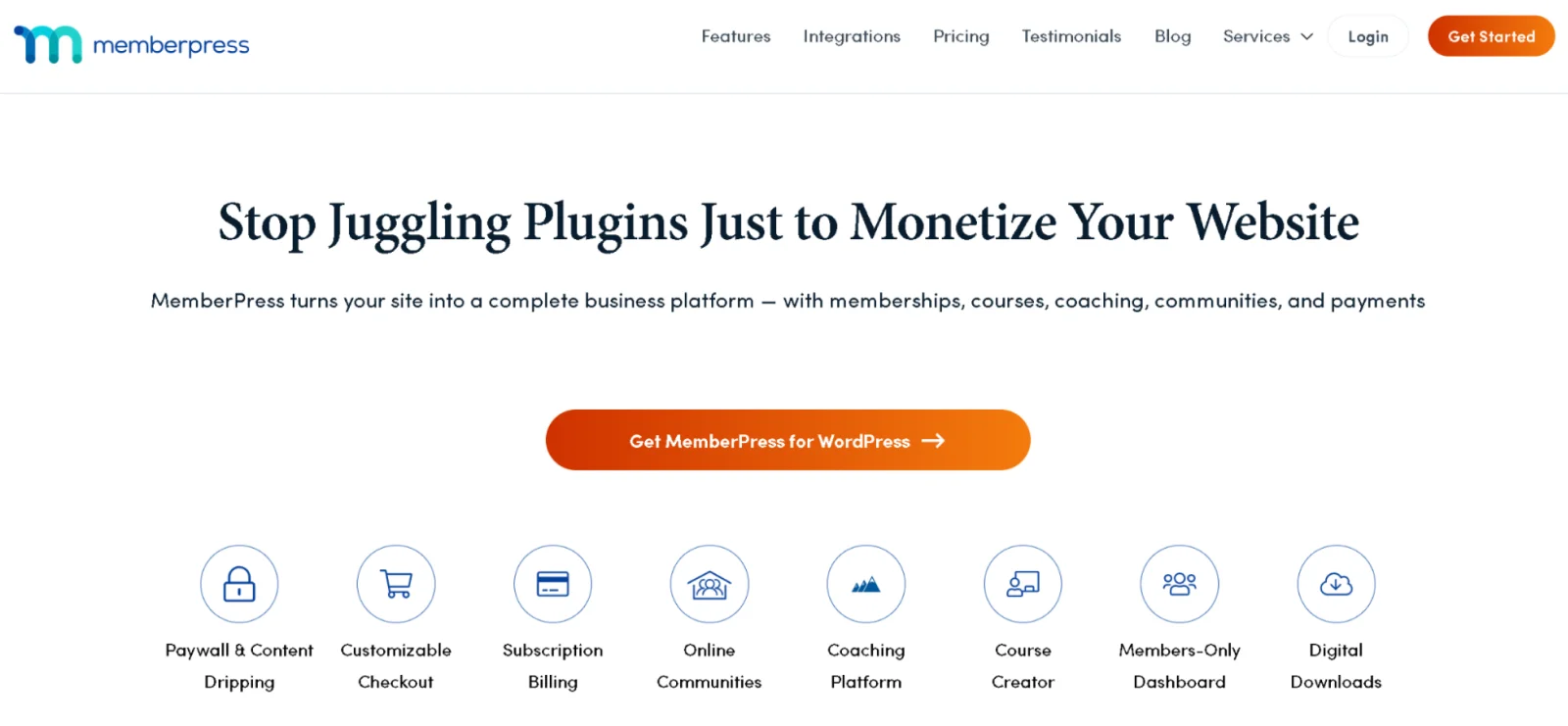
MemberPress is a comprehensive WordPress membership plugin for creating, managing, and monetizing subscription-based websites and online courses. It targets serious creators and WordPress users who want robust content protection and monetization features.
Key Features
- ReadyLaunch page builder: Generate mobile-responsive registration, login, and checkout pages automatically, with branded templates and professional designs.
- Unlimited membership tiers: Create unlimited free or paid membership levels with group functionality for easy member upgrades, downgrades, and tier transitions.
- Granular content access rules: Restrict access to specific pages, posts, categories, tags, custom post types, or individual course lessons based on membership level.
- Built-in course platform: Build and sell structured online courses using a drag-and-drop curriculum builder, with quizzes, progress tracking, and drip scheduling included in all plans.
- Content dripping and expiration: Release content on custom schedules and set specific access expiration dates for time-limited memberships or seasonal content.
Pros
- Eliminates the need for multiple plugins by handling paywalls, subscriptions, LMS functionality, and member management from a single WordPress installation
- Provides deep content protection with advanced security for digital downloads and role-based access controls
- Offers self-service member dashboards where subscribers can upgrade, downgrade, update payment methods, or cancel subscriptions independently
Cons
- Locks key features like CoachKit, ClubSuite, and advanced automations behind higher-tier plans, preventing Launch users from accessing coaching and community tools
- Limits payment gateway options to Stripe, PayPal, and Authorize.net, with no support for alternative processors like local payment methods
Pricing
MemberPress offers a 14-day money-back guarantee, but there is no free trial. Plans start at $399 per year for the Launch plan with 50% introductory discount for first-year customers.
6. Podia
Podia is an all-in-one creator platform for building websites, hosting memberships, selling online courses, and managing email marketing without coding skills. It works for creators, coaches, and educators who want a simple, unified solution for digital products and membership content.
Key Features
- Tiered membership plans: Create multiple subscription levels with different content access permissions for tiered pricing structures and member segmentation.
- Integrated community spaces: Build forum-like discussion areas that can be public or gated behind membership paywalls for subscriber-only engagement.
- Multi-format content hosting: Upload and organize videos, audio files, PDFs, text documents, and external links within membership areas.
- Drag-and-drop website builder: Design and customize professional websites using a simple visual editor without technical knowledge or HTML/CSS coding.
- Built-in email marketing: Send newsletters, create drip campaigns, and automate email sequences directly from the platform with analytics and sales tracking.
Pros
- Doesn’t impose caps on courses, digital downloads, or membership tiers
- Offers free migration assistance for users moving from other platforms (when upgrading to annual billing plans)
- Includes 7-day-a-week customer support known for fast response times
Cons
- Offers basic website customization with limited design flexibility
- Restricts affiliate marketing functionality to the Shaker plan
Pricing
Podia offers a 30-day free trial with access to all features. You can pay $39 per month for the Mover plan, and $89 per month for the Shaker plan, with discounts on annual payments.
7. Squarespace

Squarespace is a premium website builder with integrated membership and digital product capabilities for creators, businesses, and entrepreneurs. The platform targets users wanting professionally designed membership sites with member areas, courses, and subscription content.
Key Features
- Member areas with paywalls: Create password-protected sections restricting access to exclusive content, videos, and digital products based on membership status.
- Drag-and-drop Fluid Engine editor: Design fully responsive websites with precise visual control using flexible grid-based editing.
- Digital Products add-on: Sell membership subscriptions, online courses, and gated content with dedicated member areas requiring a separate Digital Product subscription.
- Multiple membership tiers: Get free trials, promotional discounts, and various access levels with recurring monthly or annual billing options.
- Integrated scheduling and events: Bundle Squarespace Scheduling for booking appointments, workshops, and classes with membership packages and calendar syncing.
Pros
- Provides professionally designed templates with mobile-optimized, responsive layouts
- Includes built-in SSL security, hosting, 24/7 customer support, and a free custom domain for the first year in all annual plans
- Offers abandoned cart recovery and subscription products on the Advanced plan, enabling recurring membership revenue streams
Cons
- Requires a separate Digital Product add-on starting at $9 per month, plus 7% transaction fees on the Starter tier for membership functionality
- Lacks advanced membership features like native community forums, member-to-member messaging, or built-in email marketing automation
Pricing
Squarespace offers a 14-day free trial with no credit card required. Paid plans start at $25 per month, with a Digital Product add-on required for memberships.
8. Circle.so
Circle is an all-in-one community and membership platform for creators, coaches, and brands to build, manage, and monetize communities in branded spaces. It suits creators wanting to replace Facebook Groups or Slack with professional, distraction-free community environments integrated with courses and paid memberships.
Key Features
- Drag-and-drop website builder: Create branded homepages, landing pages, and sales pages using a no-code visual editor with custom domains and branding.
- Structured community spaces: Organize discussions, posts, and member interactions into customizable spaces similar to forum categories.
- Built-in course platform: Create and sell video-based courses with modular content organization, progress tracking, and integration with community discussions.
- Native live streaming and events: Host live workshops, group coaching sessions, and virtual events with an event calendar and up to 1,000 attendees.
- Workflow automation: Automate member onboarding, content access, email reminders, and engagement triggers using the visual workflow builder on Business plan and above.
Pros
- Replaces multiple tools by combining community forums, course hosting, live streaming, email marketing, and payment processing
- Provides native iOS and Android mobile apps for members
- Includes free payment migration service, transferring active subscriptions and payment information from legacy platforms to Circle
Cons
- Offers basic course features, lacking certificates, advanced assessments, quizzes, and detailed progress analytics compared to dedicated LMS platforms
- Provides limited website customization with rigid design templates
Pricing
Circle offers a 14-day free trial with no credit card required. Paid plans start at $89 per month for the Professional plan.
How to Build a Membership Website Fast with Codesi
Most membership website builders trap you in weeks of setup before you can accept your first subscriber. Codesi takes a different approach: Describe your membership offering and get a complete, functional site with login systems and payment integration in under ten minutes.
Here’s how to create a membership site on Codesi in minutes:
- Step 1: Sign up for free on Codesi
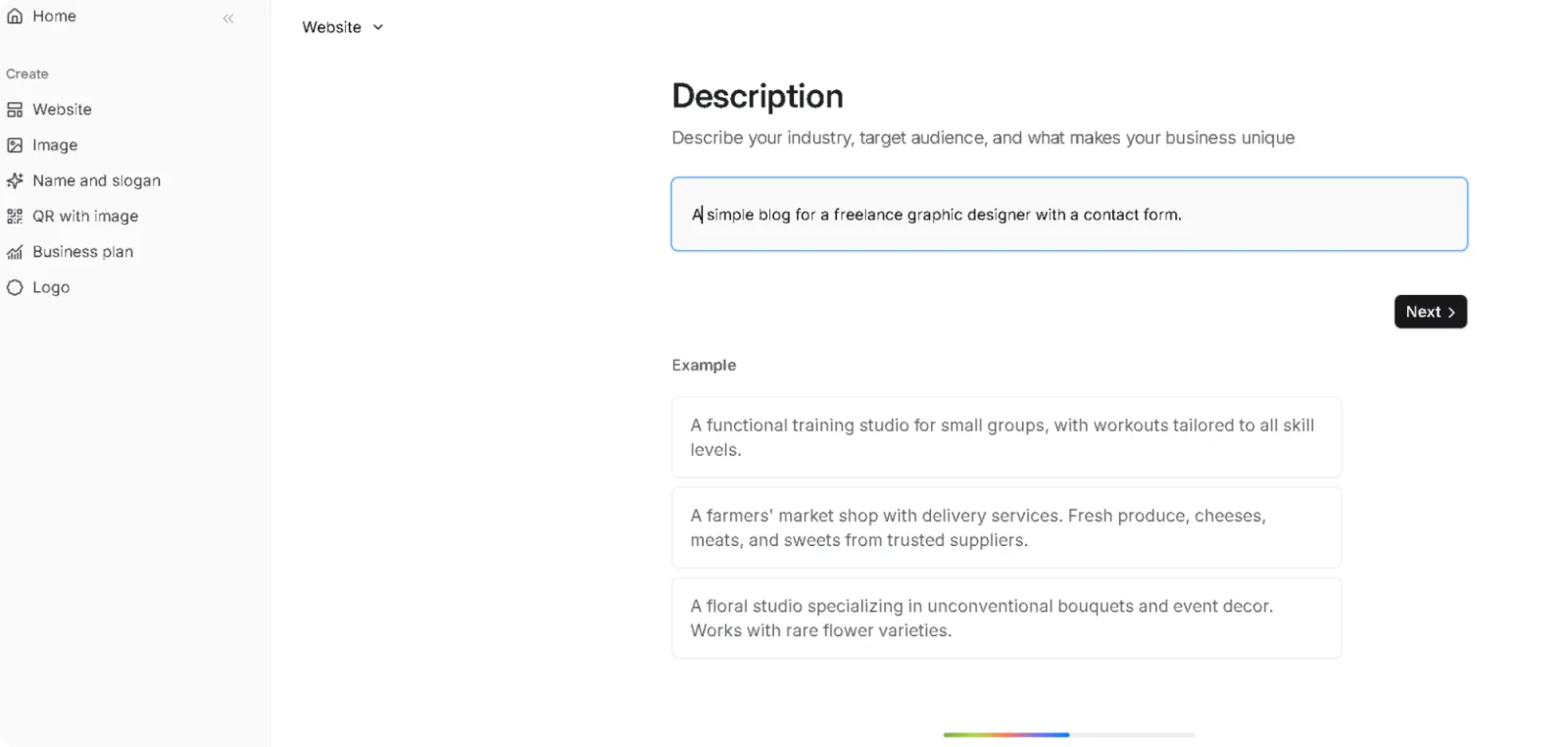
- Step 2: Go to the website generator from your dashboard.
- Step 3: Describe your membership site with a prompt like: "Create a fitness coaching membership site with three tiers: Basic ($29/month), Premium ($59/month with personalized coaching), and Elite ($99/month with video sessions). Include member login and exclusive content area."
Step 4: Select your preferred colors and design aesthetic.
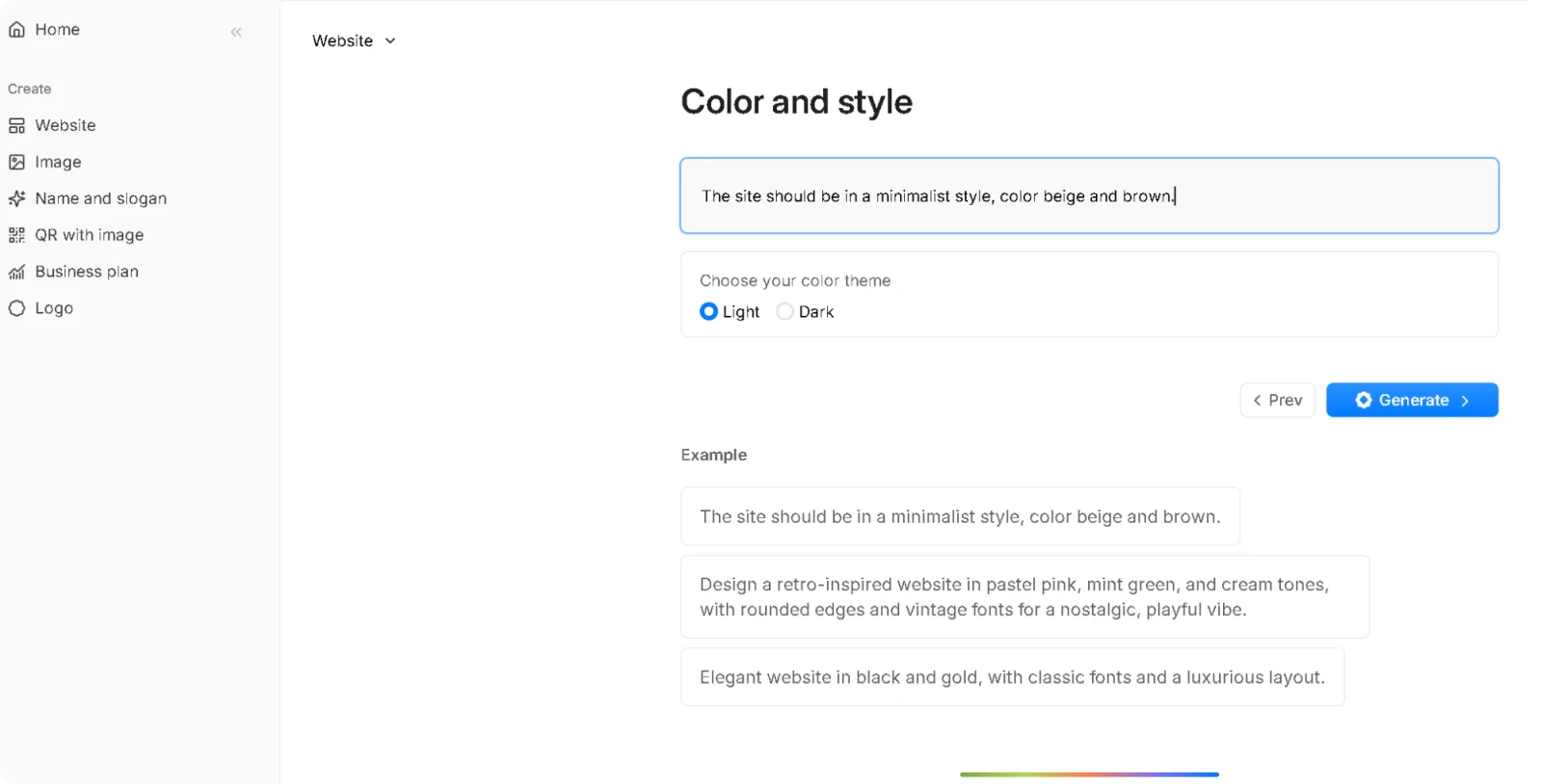
Step 5: Wait for the generation, as Codesi builds your complete membership site in minutes.
Step 6: Use the visual editor to customize your site, then publish.

Codesi handles member access control and content delivery, removing the technical barriers between your idea and paying members.
Ready to launch your membership site faster than you thought possible?
Start Codesi for free and create your membership website today.
Create your website with AI today
Codesi is a platform where you can make a website in 3 minutes.
No coding, no designers, no hassle - just AI.
