
Back to blog
8 Best Lovable Alternatives for Fast Website Creation in 2026
Discover the best Lovable alternatives and find AI website builders that help you create sites faster with clearer pricing and fewer technical limits.

Mar 2 2026
Lovable has gained significant traction since its 2024 launch, reaching nearly 8 million users and achieving a $1.8 billion valuation. The AI-powered website builder allows users to create full-stack web applications through natural language prompts.
However, the credit-based pricing model and technical limitations have made many users seek alternatives. This guide shares eight Lovable alternatives offering fast website creation without those friction points.
Why Users Are Looking for Lovable Alternatives
Lovable attracts users with its speed, turning ideas into working prototypes through conversational AI in hours instead of weeks. However, this initial appeal may fade as the platform's credit system and technical limitations surface during actual development.
Credits burn rapidly when the AI enters debugging loops, and simple changes that should cost pennies consume multiple credits. The platform marks issues as resolved even when they aren't, leaving users paying for work that is never delivered. Costs spiral unpredictably, with some users reporting hundreds of dollars spent chasing projects that refuse to stabilize.
Technical problems compound as projects grow beyond simple prototypes. Complex integrations collapse under the platform's limitations, triggering failures that erase hours of progress.
These mounting frustrations push users toward alternatives that offer predictable pricing, stable code generation, and the ability to scale projects without breaking existing functionality.
8 Best Lovable Alternatives Compared
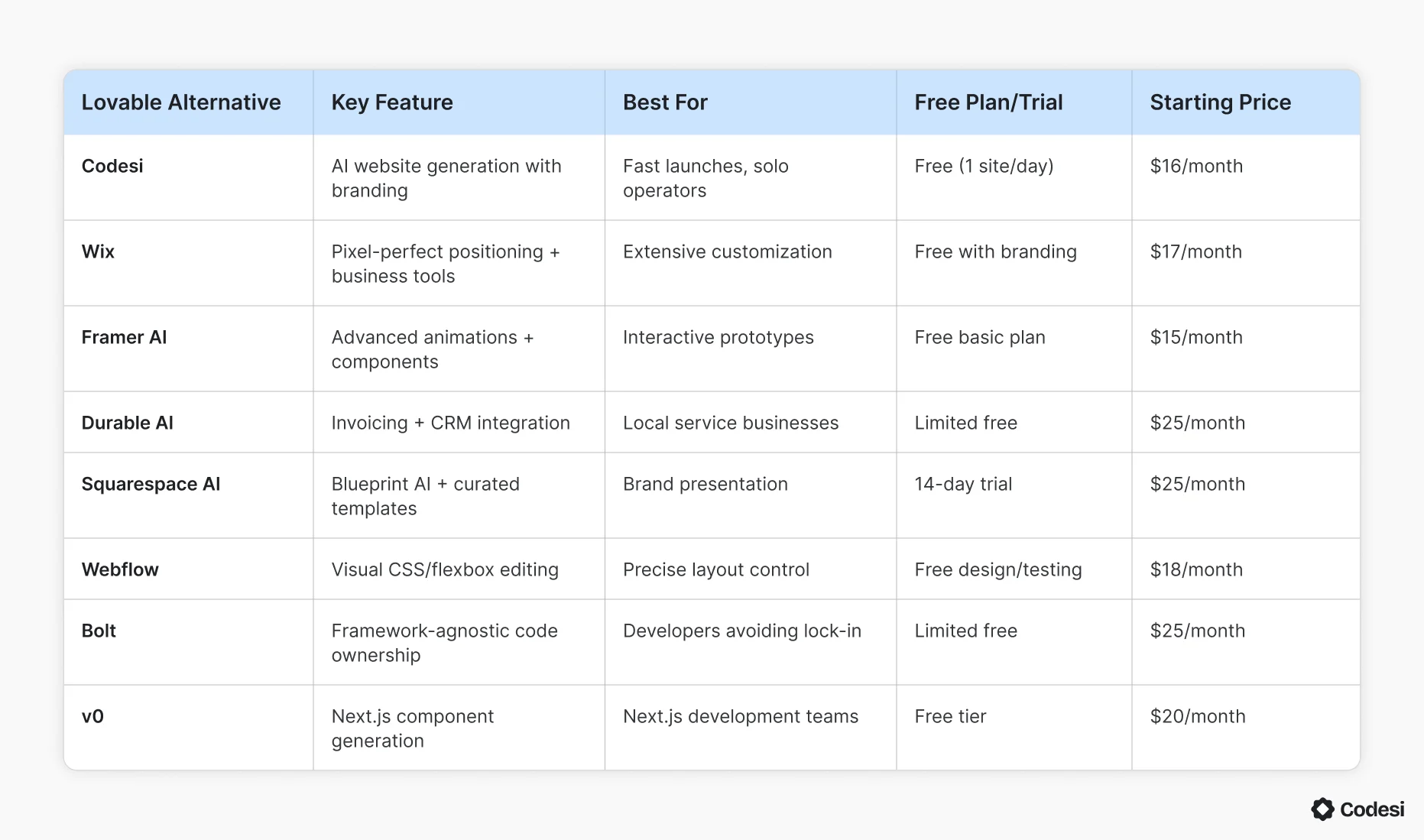
Each platform below offers different approaches to fast website creation. Comparing features, pricing, and ideal use cases can help you find the solution that matches your needs.
1. Codesi
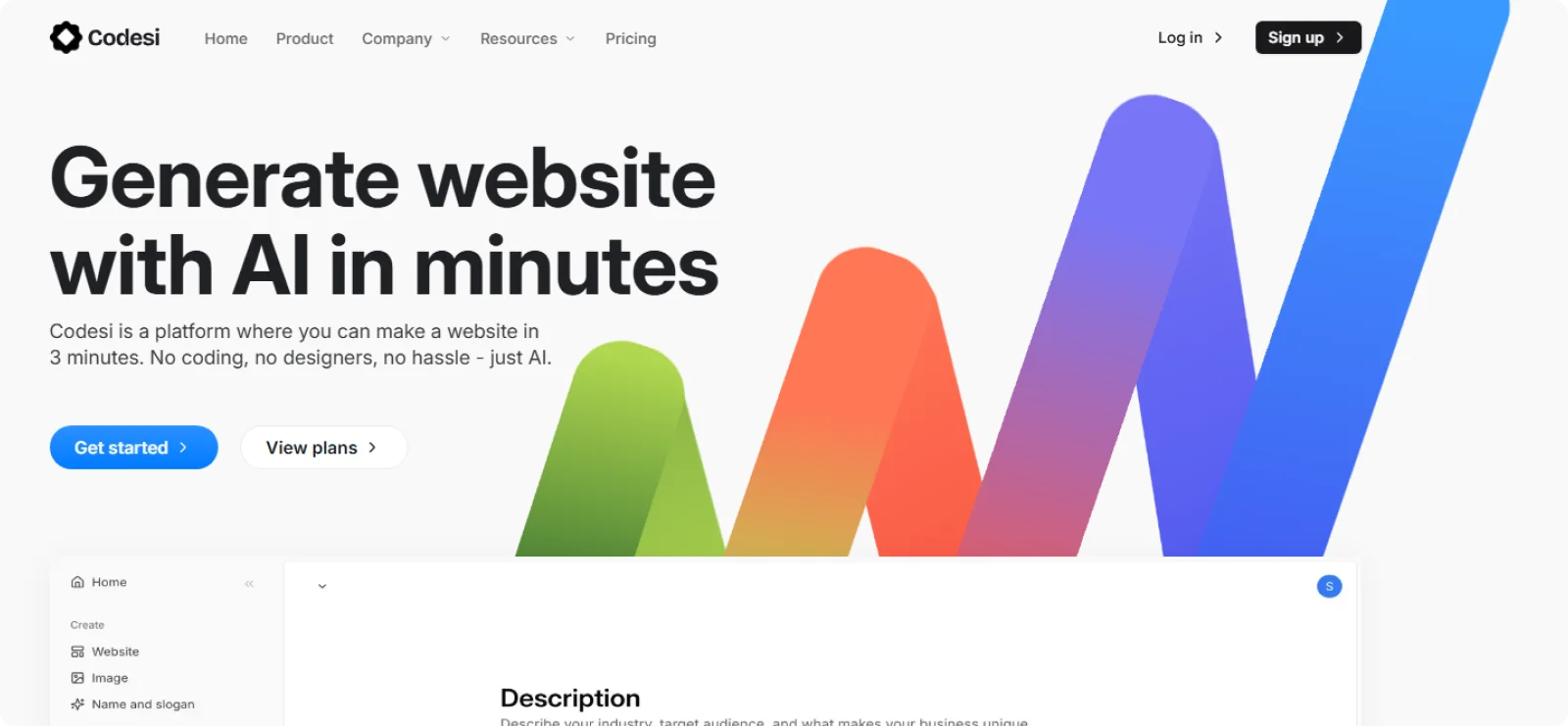
Codesi is built for founders, solo operators, and small teams that need a website to go live quickly without sorting through themes, extensions, or technical setup. It fits projects where a clear message and fast launch matter more than managing complex page hierarchies.
Key Features
- AI-powered site generation: Create a complete one-page website from a short prompt, including structured sections and positioning.
- Unified visual system: Generate a matching logo, color palette, and typography for consistent branding.
- Integrated image creation: Produce visuals that match the site's tone and layout without outside tools.
- Live visual editing: Edit text, sections, colors, and images directly on the page without switching views.
- Included hosting setup: Publish with SSL and core performance settings already handled.
Pros
- Eliminates early setup decisions regarding themes or plugins
- Automatically maintains a consistent design across sections
- Allows quick content edits without disrupting layout
Cons
- Excludes support for blogs, directories, or complex navigation structures
Pricing
Codesi offers a free plan with one site generation per day. Paid plans start at $16 per month, or $12 per month for annual billing.
2. Wix
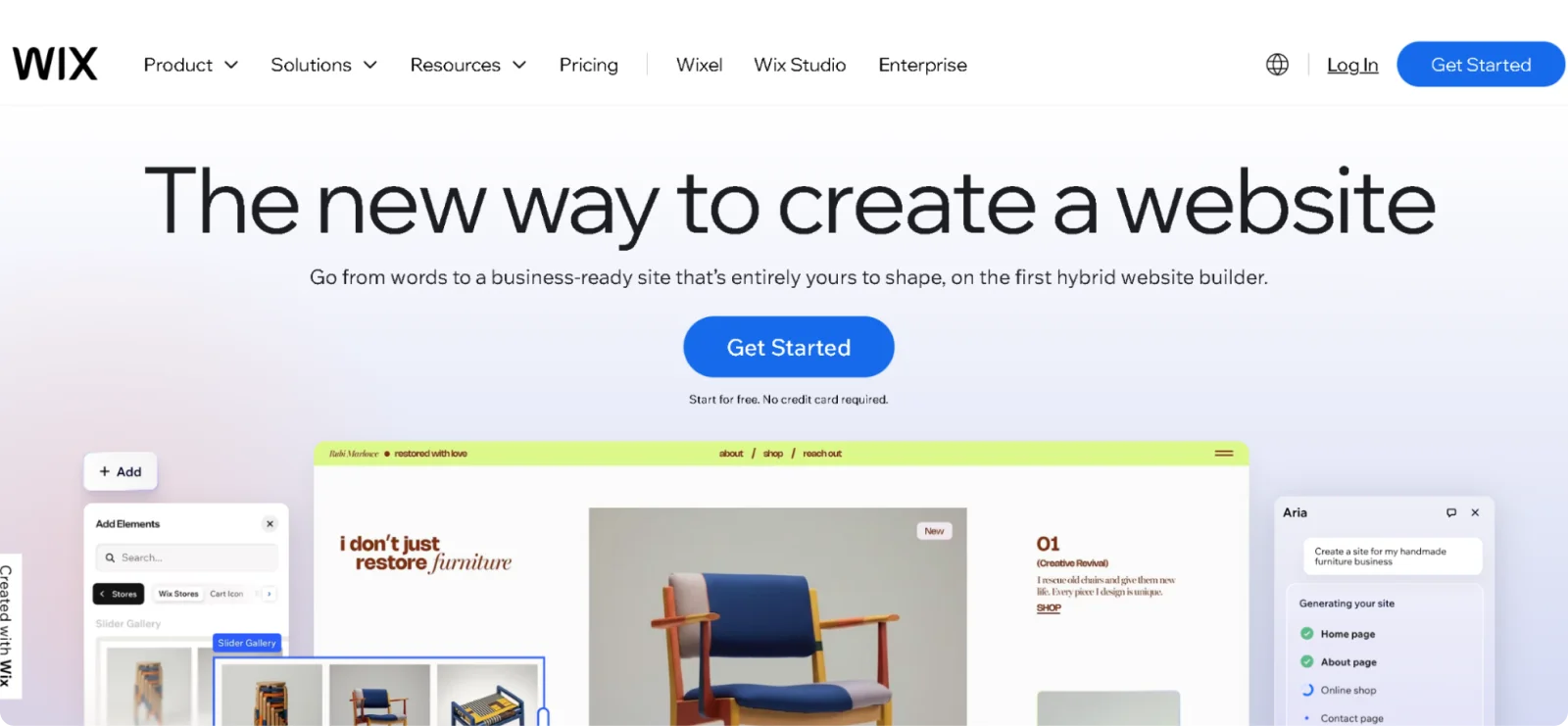
Wix serves users who want comprehensive website-building tools enhanced by AI assistance. The platform combines traditional drag-and-drop editing with prompts, allowing users to generate sites while maintaining manual control over every design element.
Key Features
- Extensive template marketplace: Access professionally designed templates with full customization capabilities.
- Pixel-perfect positioning: Place elements anywhere, without coding restrictions or grid limitations.
- Built-in business tools: Manage bookings, invoices, email marketing, and customer relationships through an integrated dashboard.
- App marketplace integration: Add functionality through apps for payments, shipping, analytics, and marketing.
- Wix ADI for automated design: Answer questions about your business and receive customized websites tailored to your preferences.
Pros
- Combines AI generation speed with traditional editing flexibility
- Provides extensive documentation and tutorials for all skill levels
- Includes comprehensive business management tools
Cons
- Prevents site export to other platforms or self-hosting options
- Introduces performance overhead on complex sites with many features
Pricing
Wix offers a free plan with Wix branding and limited features. Paid plans start at $17 per month.
3. Framer AI
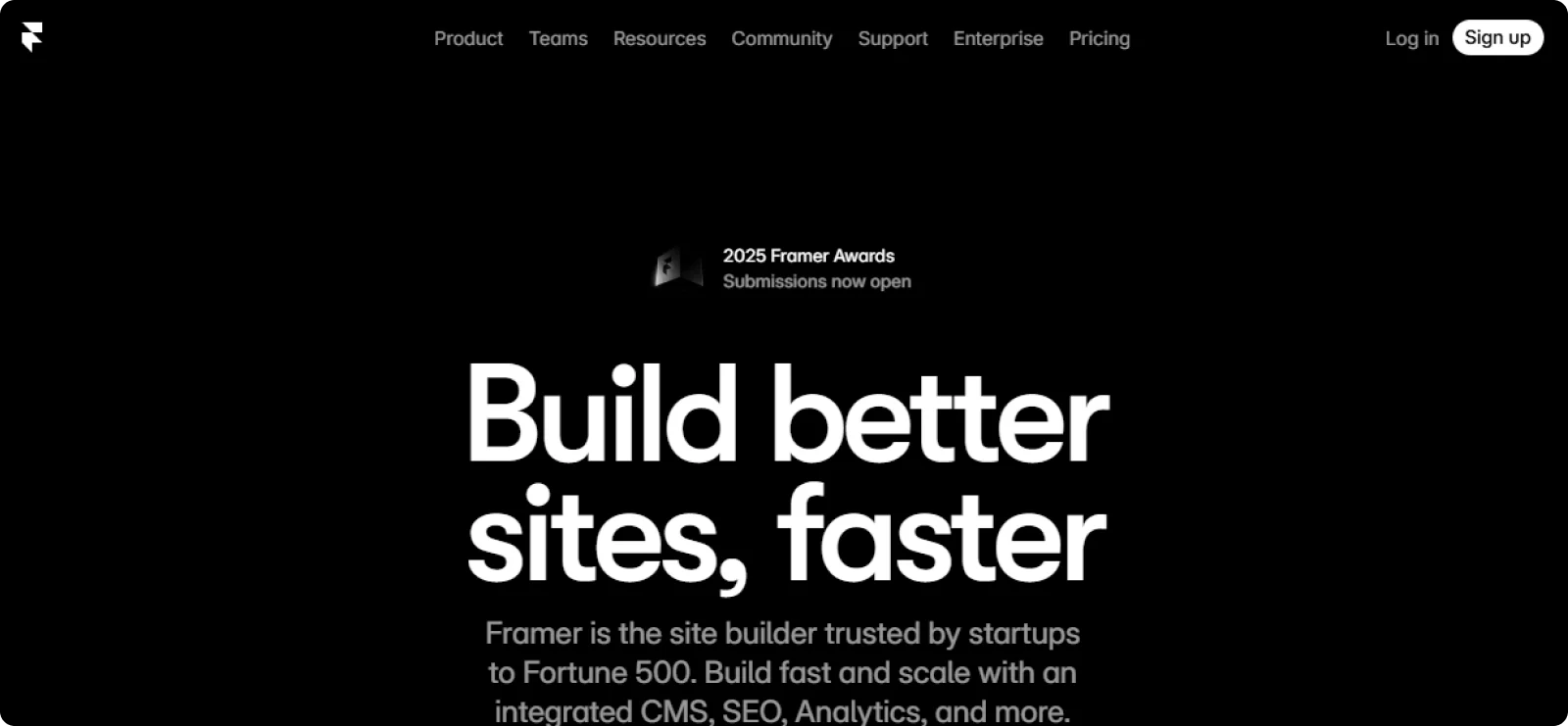
Framer appeals to startups and creators who test product ideas with polished, interactive prototypes. The platform generates modern landing pages with animations and micro-interactions, allowing rapid iteration without sacrificing visual quality.
Key Features
- Advanced animation controls: Add scroll-triggered animations, hover effects, and transitions through a visual interface without code.
- Component-based design system: Build reusable elements that maintain consistency across pages and projects.
- Real-time collaboration: Work simultaneously with team members on the same project, with instant updates.
- CMS for dynamic content: Manage blog posts, case studies, and portfolio items through built-in content management.
- Responsive breakpoint editing: Design separately for desktop, tablet, and mobile with precise control per device.
Pros
- Supports rapid testing and iteration for product validation
- Produces visually impressive pages faster than traditional builders
- Supports team collaboration better than most AI builders
Cons
- Requires manual SEO configuration for each page and element
- Presents a steeper learning curve for beginners
Pricing
Framer offers a free plan for basic projects. Paid plans start at $15 per month, or $10 per month on annual billing.
4. Durable AI
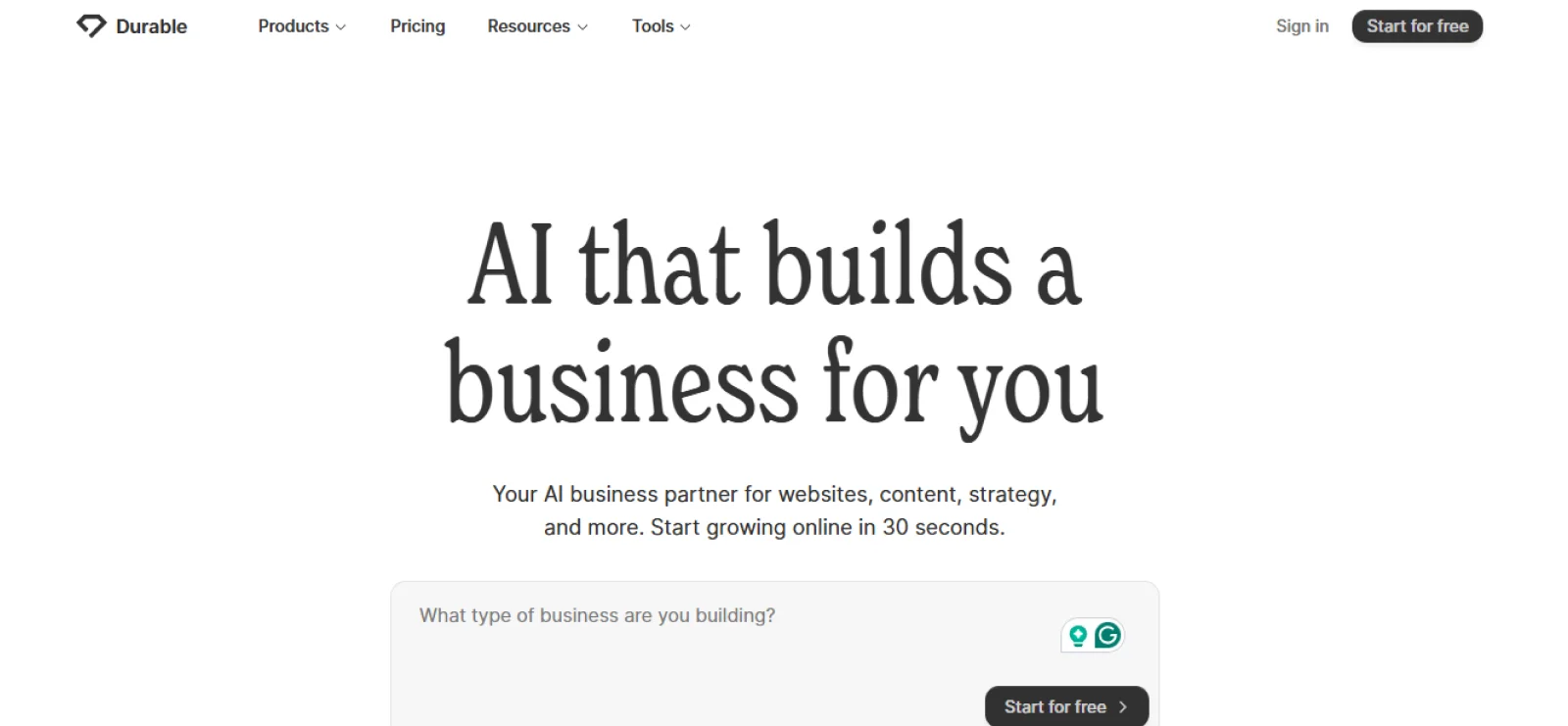
Durable AI targets local service businesses needing functional websites with minimal setup time. The platform generates business sites tailored to industry and location, with integrated invoicing and customer management tools.
Key Features
- Built-in invoicing system: Create and send professional invoices, track payments, and manage client billing from the same dashboard.
- AI-powered content creation: Generate service descriptions, about sections, and marketing copy based on business information provided.
- Appointment scheduling integration: Accept bookings on the website, manage the calendar, and send automated confirmations.
- Customer relationship tools: Store client information, track interactions, and manage communications through integrated CRM.
- Local SEO optimization: Configure business listings and location-based search settings automatically.
Pros
- Combines website creation with essential business management tools
- Generates appropriate content and structure for specific industries
- Simplifies the setup process for non-technical business owners
Cons
- Limits advanced design customization
- May not suit those with more comprehensive business management needs
Pricing
Durable AI provides a limited free option for testing. Paid plans start at $25 per month.
5. Squarespace AI
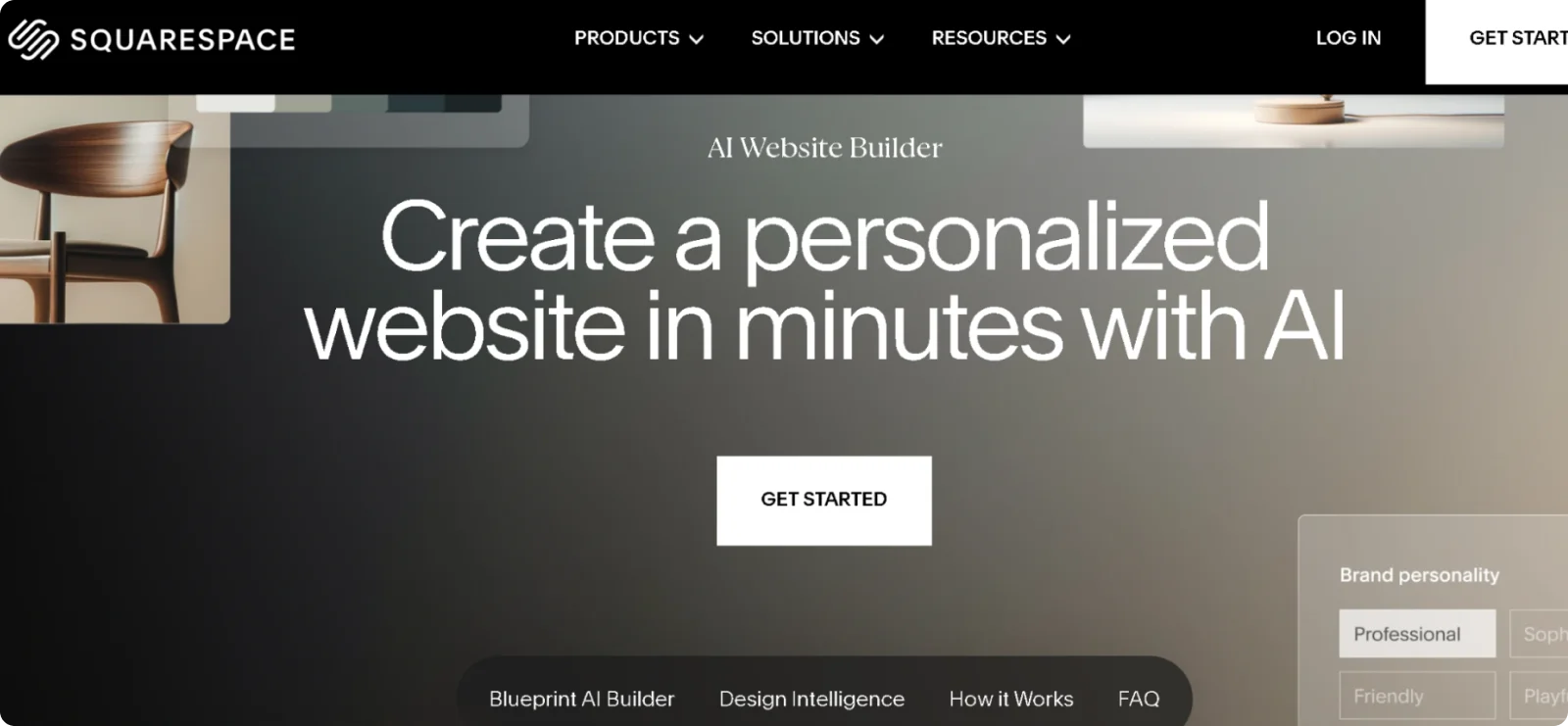
Squarespace attracts businesses prioritizing brand presentation and visual consistency. Its Blueprint AI builder generates complete sites from business descriptions while maintaining the platform's signature design quality and professional templates.
Key Features
- Professionally curated templates: Access designer-created layouts emphasizing typography, spacing, and visual hierarchy.
- Fluid Engine editor: Arrange content blocks on a flexible grid system with precise control over spacing and alignment.
- Integrated analytics dashboard: Track visitor behavior, traffic sources, and conversion metrics through built-in reporting.
- Email Campaigns: Design and send marketing emails matching website branding without separate email tools.
- Commerce capabilities: Sell products, manage inventory, and process orders through integrated e-commerce features.
Pros
- Delivers consistently high design quality across all generated sites
- Simplifies brand consistency through a coordinated styling system
- Includes comprehensive features without requiring multiple subscriptions
Cons
- Prevents template changes after launch
- Restricts layout flexibility beyond preset grid structures
Pricing
Squarespace does not offer a permanent free plan, but it does include a 14-day free trial. Paid plans start at $25 per month.
6. Webflow
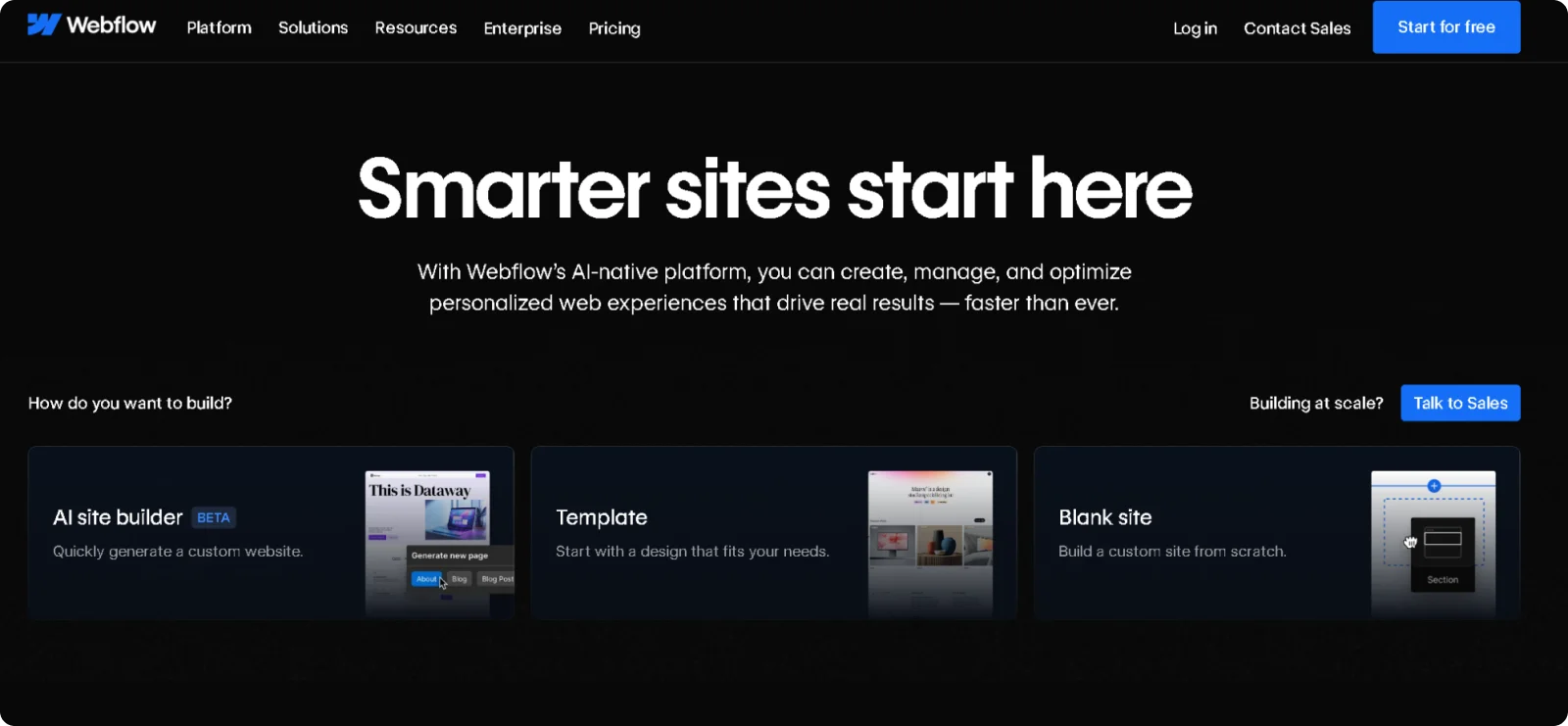
Webflow serves teams that need precise control over responsive layouts and content structure. The platform combines visual design tools with CMS capabilities, enabling designers to create pixel-perfect sites that developers can further refine with custom code.
Key Features
- Visual CSS grid and flexbox editing: Control layout positioning and responsive behavior through a visual interface mirroring professional code.
- Responsive breakpoint controls: Design separately for desktop, tablet, and mobile, with independent styling for each device size.
- Interactions and animations: Create scroll-based animations, hover effects, and page transitions without JavaScript.
- Global styling system: Manage colors, fonts, and spacing through centralized design tokens, updating across the entire site.
- Managed hosting with CDN: Publish sites through a global content delivery network with automatic SSL and performance optimization.
Pros
- Provides detailed control over every aspect of page structure and styling
- Produces clean, production-ready code matching hand-coded quality
- Handles complex content models without requiring a separate database setup
Cons
- Requires significant time investment to learn the interface and concepts
- May be overwhelming for users wanting a simple site creation
Pricing
Webflow offers a free plan for designing and testing. Paid plans start at $18 per month, with lower rates available when billed annually.
7. Bolt
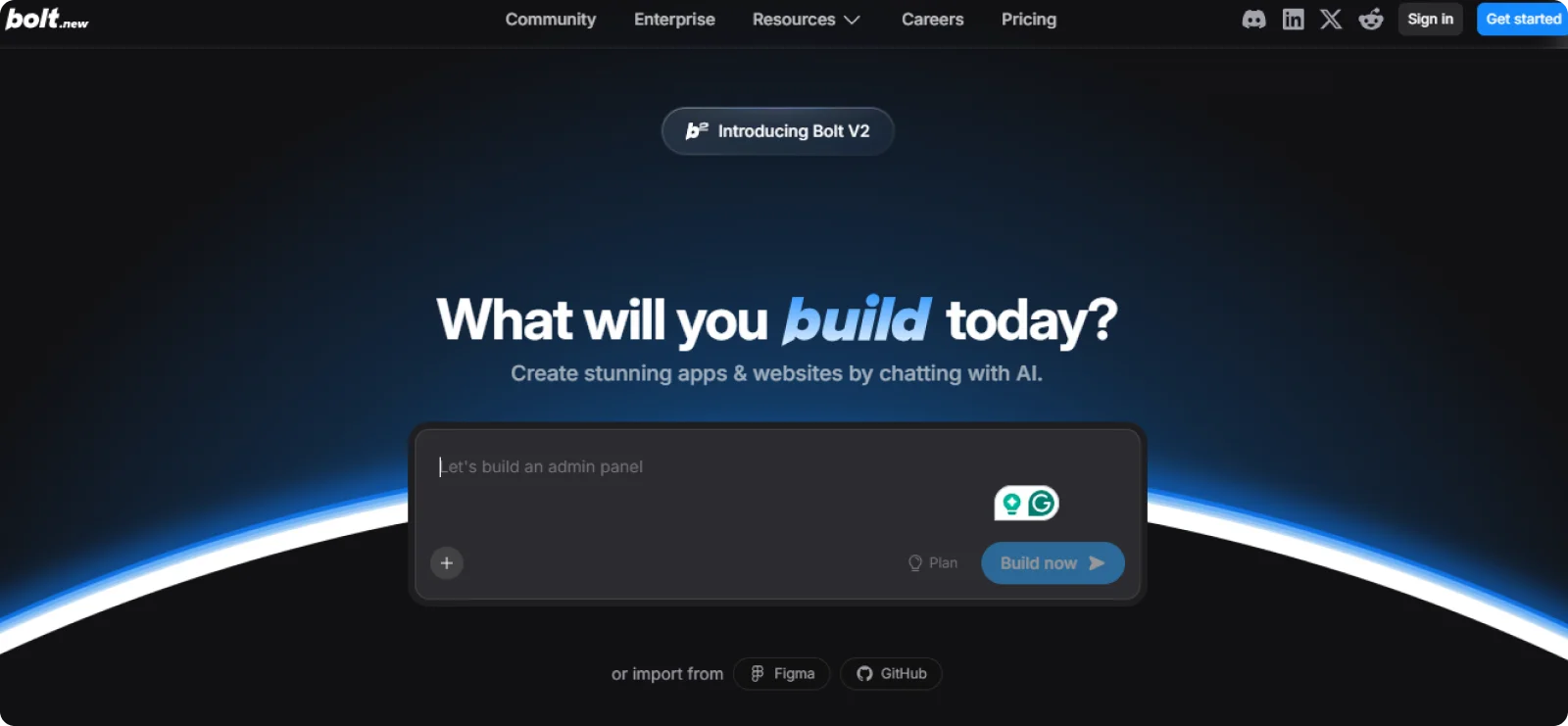
Bolt targets developers wanting AI code generation without platform lock-in. The tool generates complete application code that users can deploy anywhere, supporting multiple frameworks and giving full control over the technology stack.
Key Features
- Framework-agnostic code generation: Create applications in React, Vue, Svelte, or other frameworks based on project requirements.
- Real-time code preview: See generated applications running live while making prompt-based changes.
- Multiple language support: Generate backend code in Node.js, Python, or other languages alongside frontend.
- Environment configuration: Set up development, staging, and production environments with appropriate settings.
- Version control integration: Connect projects to GitHub or GitLab for standard development workflows.
Pros
- Eliminates platform dependency through complete code ownership
- Supports a wide range of frameworks and technology choices
- Appeals to developers wanting AI assistance without giving up control
Cons
- Lacks integrated hosting, requiring a separate deployment setup
- Provides less guidance for non-developers compared to hosted platforms
Pricing
Bolt offers a free plan with limited features. Paid plans start at $25 per month.
8. v0
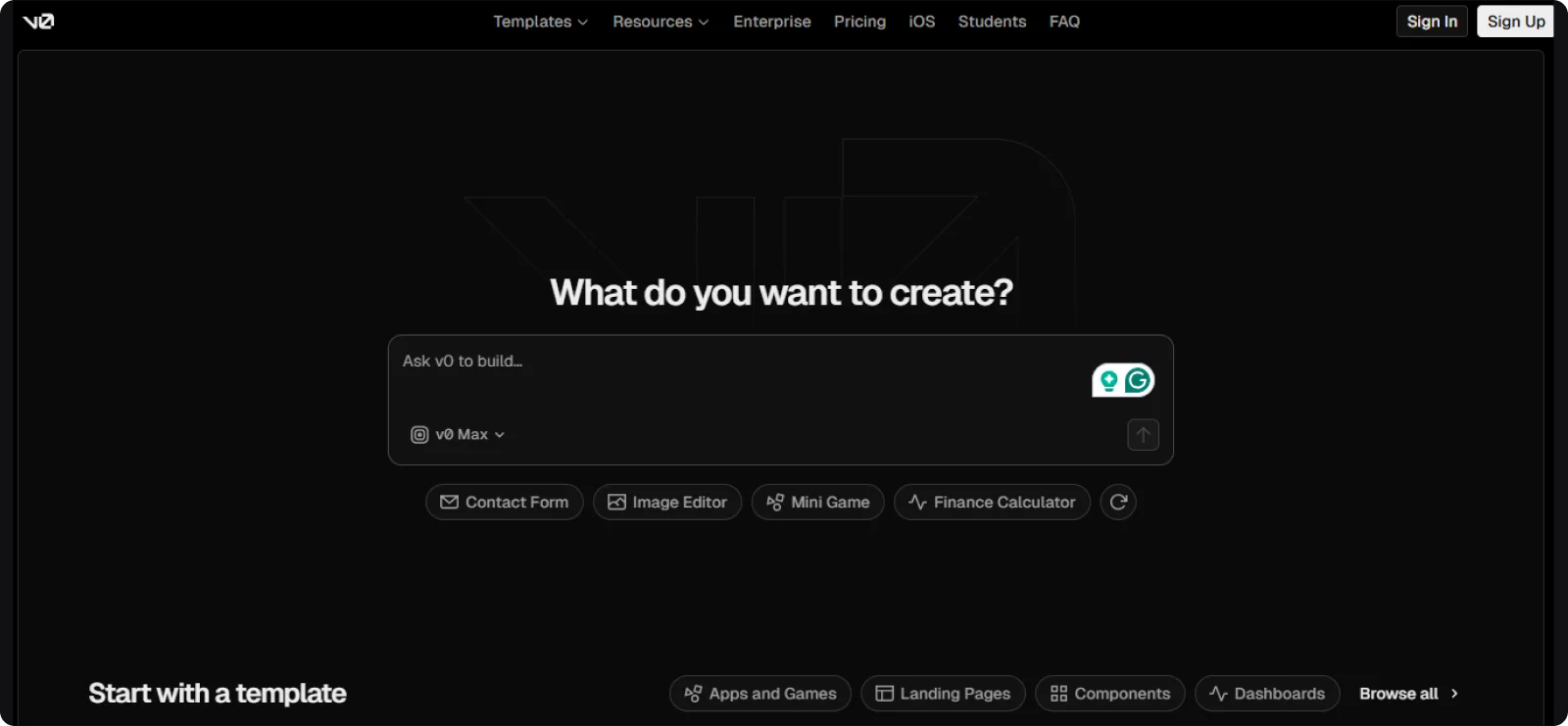
v0 by Vercel serves development teams building with Next.js who want AI-generated React components. The platform creates production-ready UI elements and page sections that integrate directly into existing Next.js projects.
Key Features
- shadcn/ui integration: Generate components using shadcn/ui library, maintaining a consistent design system.
- Prompt-based iteration: Refine generated components through follow-up prompts without manual code editing.
- Code export to projects: Copy generated components directly into existing codebases with dependencies listed.
- Tailwind CSS styling: Use Tailwind utility classes across all generated components for easy customization.
- Responsive component design: Adapt components to different screen sizes following modern responsive patterns.
Pros
- Integrates seamlessly into Next.js development workflows
- Produces high-quality, maintainable React components
- Accelerates development without replacing developer control
Cons
- Requires existing React and Next.js knowledge to use effectively
- Focuses on components rather than complete site generation
Pricing
v0 offers a free tier for basic usage. Paid plans start at $20 per month.
How to Choose the Right Lovable Alternative
The right platform for you depends on your technical comfort level and what you're actually trying to build. Consider these factors when evaluating alternatives:
- Technical comfort: If you're comfortable managing code and deployment workflows, platforms offering full code ownership give you maximum control. If technical setup feels overwhelming or you'd rather focus on running your business, choose solutions that generate complete sites and handle all infrastructure automatically.
- Project scope: Simple business sites and landing pages launch fastest with AI generators that create everything from a text description. If you need complex multi-page structures with blogs and extensive navigation, look for platforms with robust content management systems.
- Pricing model: Flat monthly pricing makes budgeting straightforward, letting you know exactly what you'll pay regardless of how many changes you make or errors you encounter.
- Design control versus speed: Some platforms require extensive configuration and prompt engineering to achieve desired results. Others generate complete, professional sites immediately from simple descriptions, eliminating the learning curve and iteration cycles entirely.
- Vendor dependency: Platforms that prevent lock-in let you export and migrate freely. Hosted solutions create infrastructure dependency but eliminate technical management entirely. Consider whether you value portability or prefer not to worry about hosting, security, and maintenance.
Why Codesi Is the Best Lovable Alternative
Codesi eliminates unpredictable credit systems entirely, replacing them with flat monthly pricing that doesn't punish you for the platform's mistakes. There are no debugging loops consuming your budget, no charges when AI fails to fix its own errors, and no surprise costs as your project grows.
Rather than wrestling with prompts and hoping the AI understands your intent, simply describe your business in plain language. Codesi generates complete websites in minutes, automatically creating coordinated branding, professional visuals, and functional layouts without requiring any code. The platform handles hosting, security, and technical infrastructure behind the scenes, so you can focus on running your business.
Updates happen through visual editing, not prompt engineering. You can make changes directly to what you see rather than describing modifications and hoping for the best. Sites work immediately without entering unstable states that corrupt existing functionality. As your needs evolve, you can add features without breaking what already works, scaling smoothly rather than collapsing under complexity.
Ready to build without the chaos?
Try Codesi for free and generate your complete site in minutes.
Create your website with AI today
Codesi is a platform where you can make a website in 3 minutes.
No coding, no designers, no hassle - just AI.
