
Back to blog
8 Best Alternatives to Hostinger Website Builder in 2026
Explore the best Hostinger website builder alternatives to help you find a flexible platform that fits your needs and grows with your site.

Feb 4 2026
Hostinger Website Builder is commonly used by individuals and small businesses that want an affordable, all-in-one way to get a website online quickly. The builder is bundled with hosting, offers guided setup, and removes much of the technical friction involved in launching a basic site.
Over time, however, many site owners find that what worked for a first launch does not always hold up as requirements change.
This guide reviews eight Hostinger Website Builder alternatives in 2026 that offer more room to grow without forcing an early rebuild.
Why Users Are Looking for Hostinger Website Builder Alternatives
Hostinger Website Builder is often chosen for its low cost and simple onboarding. For first-time site owners, the guided editor and bundled hosting make it easy to publish a functional website without prior experience.
As sites evolve, common pain points start to surface. Users frequently report friction when making structural changes or migrating content, especially once a site goes beyond a basic setup. Others point to slower support response times when issues arise, which can be disruptive when updates or fixes are time-sensitive.
The editor’s constrained layout system can also feel limiting for users who want more control over how pages are organized and updated.
Because of this, many users look for alternatives that offer clearer editing control, greater flexibility in site structure, and continuous support.
8 Best Alternatives to Hostinger Website Builder Compared
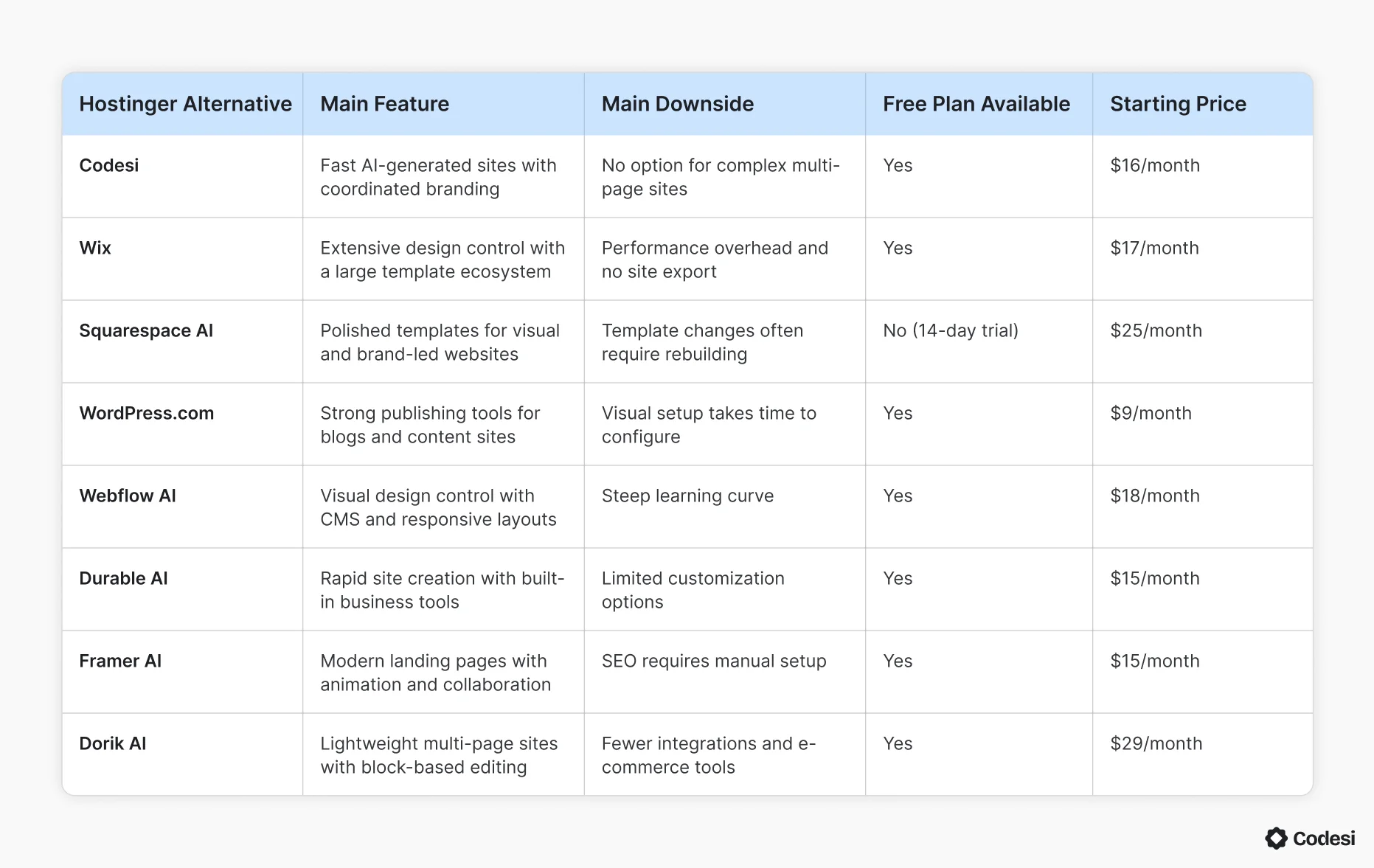
Before exploring the options in detail, the table below shows a side-by-side comparison of the leading alternatives to Hostinger Website Builder.
1. Codesi
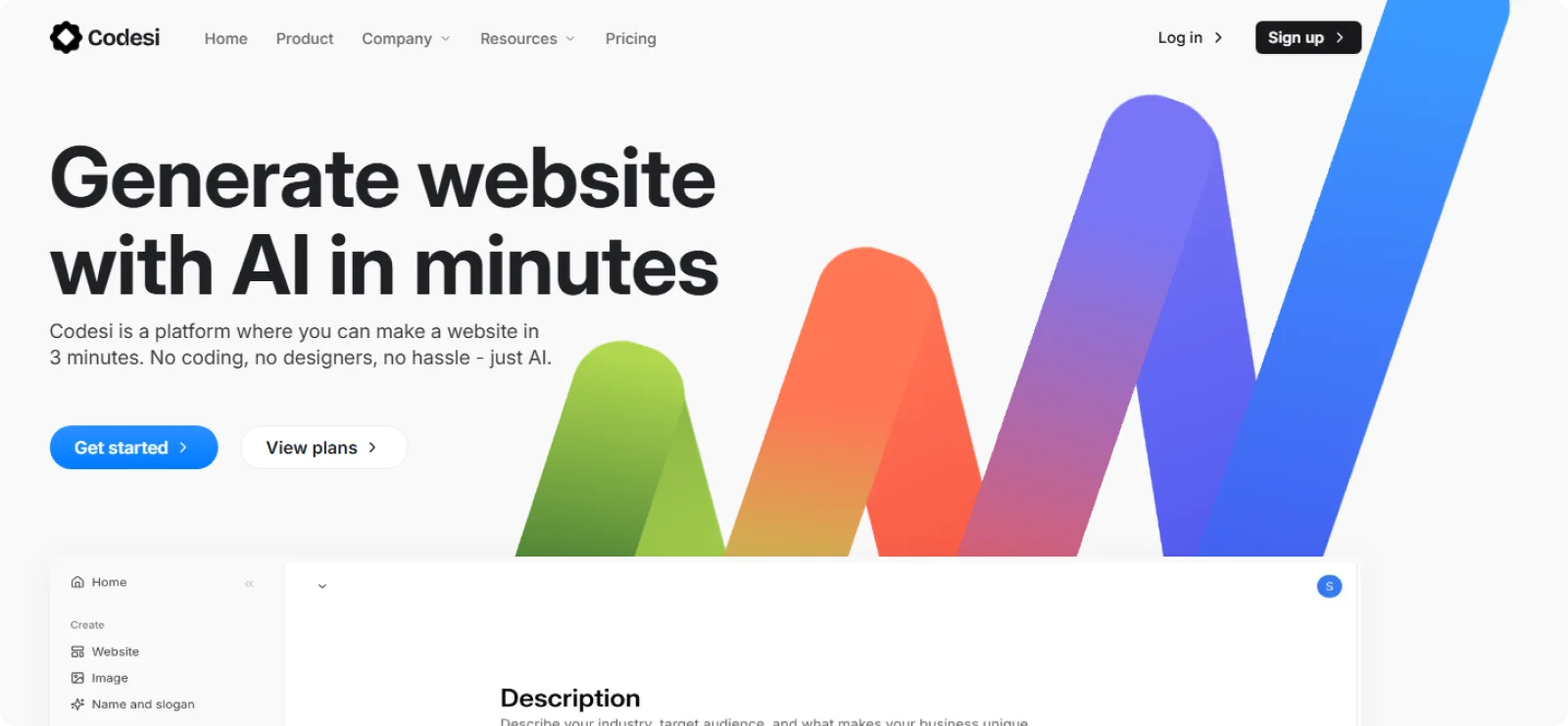
Codesi is designed for founders, consultants, and small teams who want a professional website up and running quickly without managing templates, plugins, or hosting setup. It works best for focused marketing sites where speed, clarity, and consistency matter more than complex page structures.
Key Features
- AI-generated website creation: Builds a complete one-page site from a short description, including layout structure and content sections
- Coordinated branding output: Creates logos and visual styles that remain consistent across the page
- Built-in image generation: Generates AI images aligned with the site’s messaging and layout without external tools
- On-page visual editor: Allows direct editing of text, layout, colors, and images
- Managed hosting included: Publishes sites with hosting, SSL, and performance settings already configured
Pros
- Removes the need to choose templates, layouts, or plugins before publishing
- Keeps sites fast and stable by avoiding third-party add-ons
- Makes updates easy to apply without breaking layout or styling
Cons
- Fewer integration options than some advanced builders
- Restricts use cases that require blogs, directories, or complex navigation
Pricing
Codesi offers a free plan with one site generation per day. Paid plans start at $16 per month, or $12 per month on annual billing.
2. Wix
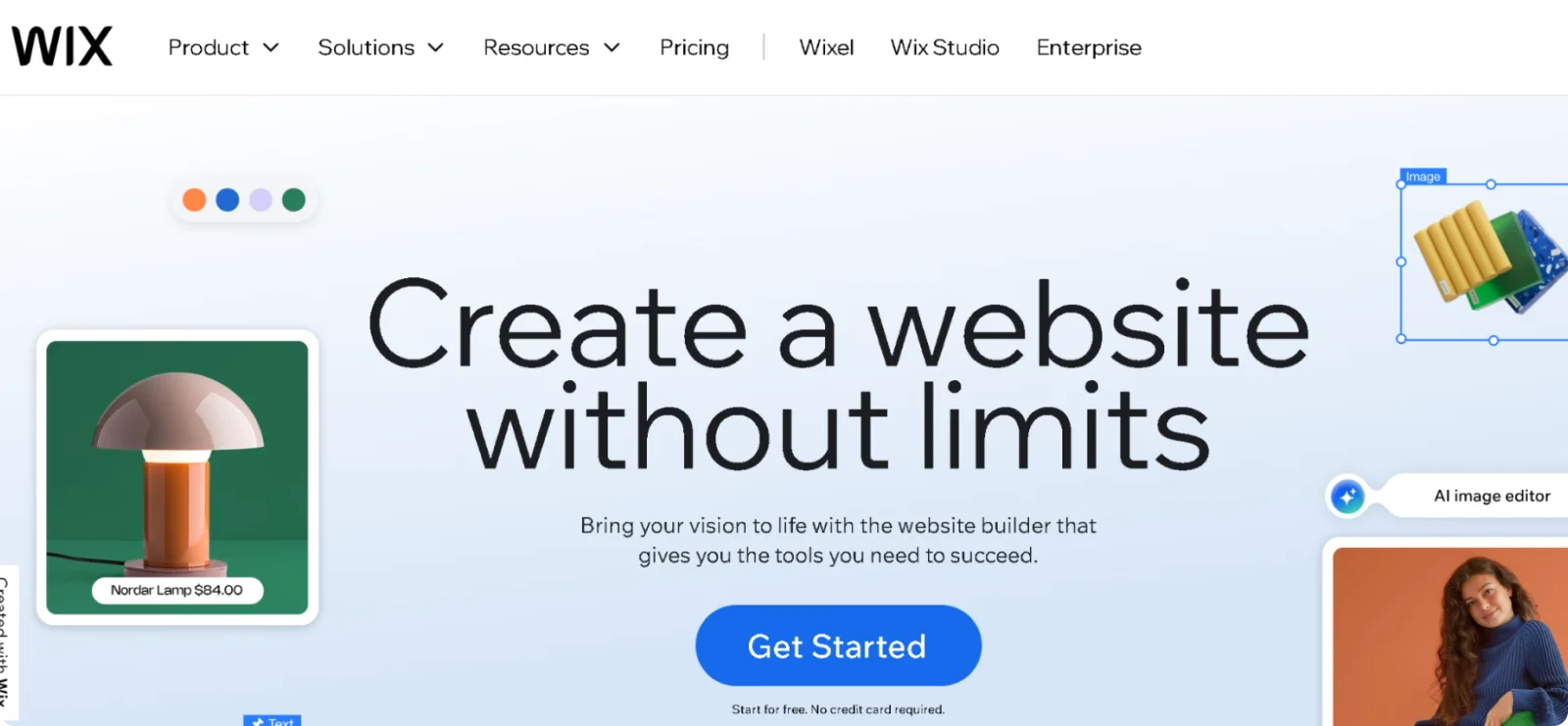
Wix is a popular website builder that combines design, content management, and basic site tools into one dashboard. It appeals to users who want visual control over their site while still relying on a structured editor to guide decisions.
Key Features
- Editor customization controls: Adjusts layout, spacing, fonts, and colors directly on the page through visual controls
- Template library: Offers a wide range of layouts for blogs, stores, portfolios, and service-based websites
- Blogging tools: Manages posts, categories, tags, and publishing schedules from a central dashboard
- Media management: Organizes images and videos across pages and supports reuse throughout the site
- App marketplace: Adds extra functionality like forms, bookings, and marketing tools through optional integrations
Pros
- Supports multiple site types in one platform
- Provides extensive documentation and tutorials
- Allows visual edits without coding
Cons
- Introduces performance overhead on complex sites
- Prevents site export to other platforms
Pricing
Wix provides a free plan with platform branding. Paid plans start at $17 per month.
3. Squarespace
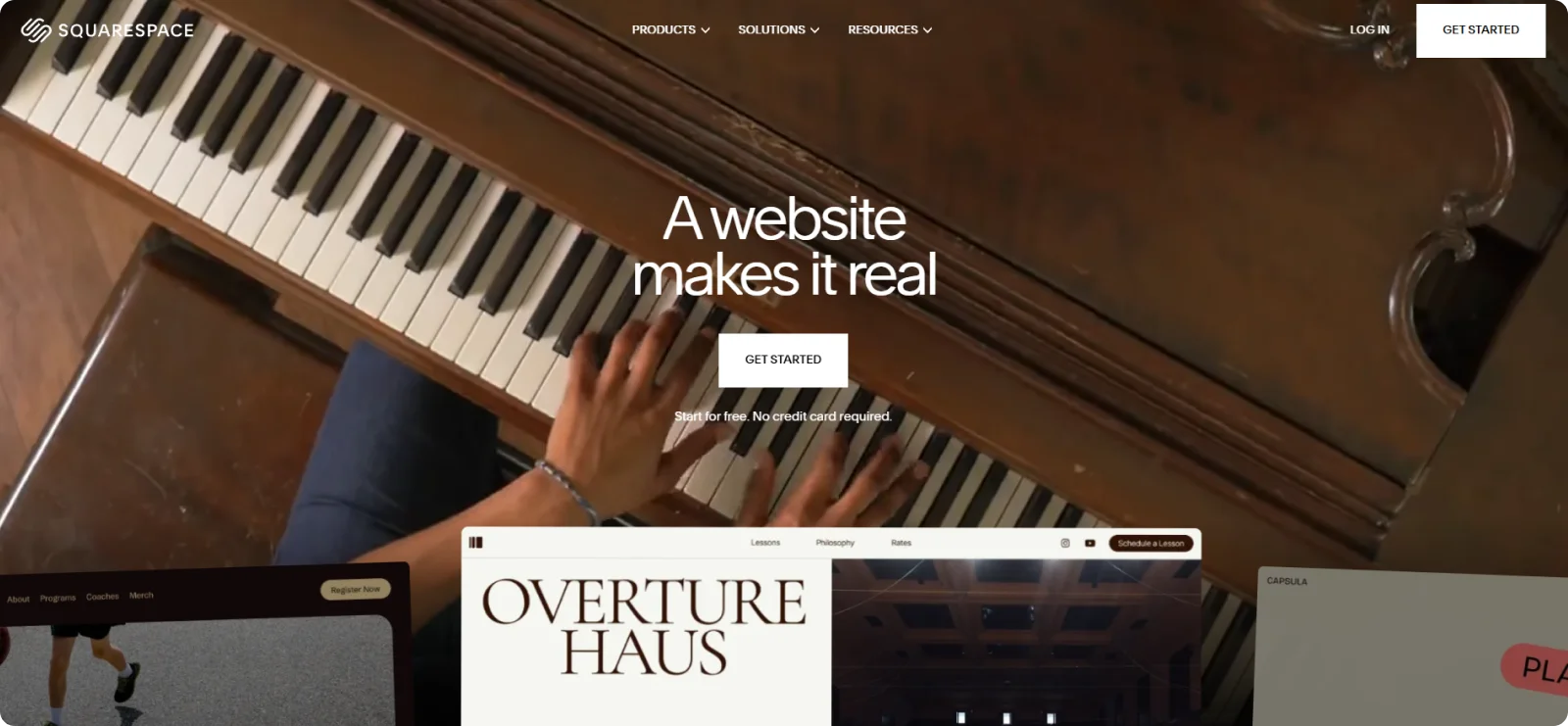
Squarespace is a website builder that focuses on clean layouts and consistent page styling. It is commonly used for portfolio sites and brand-led projects where typography, spacing, and imagery shape first impressions more than deep structural customization.
Key Features
- Design-focused templates: Uses professionally designed layouts that emphasize spacing, typography, and visual balance
- AI layout suggestions: Recommends page structure and content placement based on site type and goals
- Style controls: Applies font, color, and spacing changes consistently across all pages
- Built-in SEO tools: Manages page titles, descriptions, and basic indexing settings without plugins
- Integrated scheduling: Supports planned publishing and updates for pages and content
Pros
- Delivers consistent design across pages
- Simplifies site-wide style changes
- Reduces setup decisions for visual projects
Cons
- Requires rebuilding content when changing templates
- Restricts layout flexibility beyond preset grids
Pricing
Squarespace AI does not offer a permanent free plan, but it does include a 14-day free trial. Subscriptions start at $25 per month, or $16 per month on annual plans.
4. WordPress.com
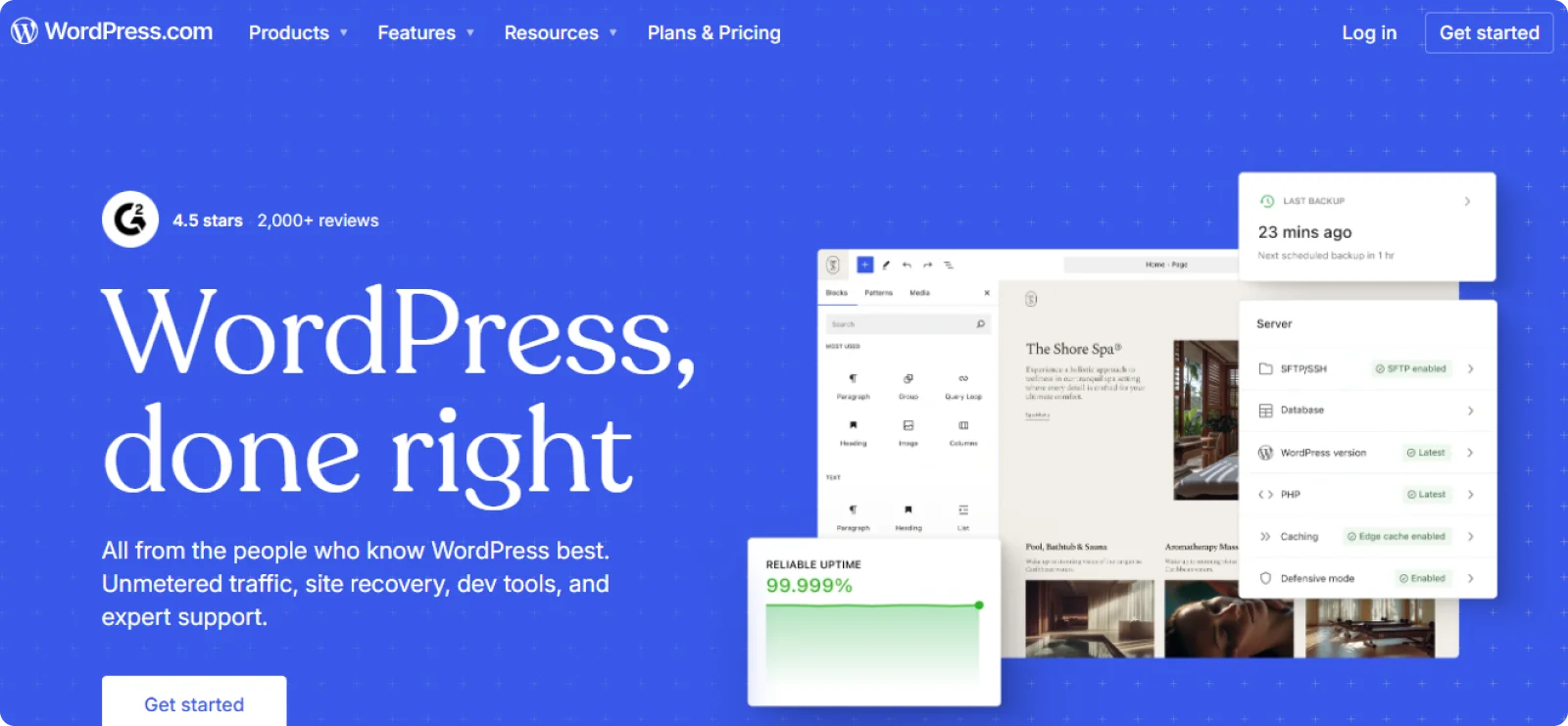
WordPress.com is a fully managed website builder that lets users create blogs, content sites, and basic online stores without having to deal with hosting or server maintenance. It is best suited for content-driven websites where publishing, organization, and reliability matter more than custom layout control.
Key Features
- Managed hosting environment: Handles hosting, security updates, and backups automatically as part of the service
- Block-based editor: Builds pages and posts using a visual block editor designed for content creation
- Theme-based customization: Controls site appearance through predesigned themes rather than free-form layout tools
- Built-in performance tools: Includes caching, security features, and analytics through native platform integrations
- Monetization options: Supports newsletters, payments, and e-commerce features on eligible plans
Pros
- Handles frequent content updates well
- Scales with growing publishing needs
- Provides access to an extensive ecosystem
Cons
- Requires configuration for visual customization
- Restricts advanced features to higher tiers
Pricing
WordPress.com includes a free entry-level plan with basic features. Paid plans start at $9 per month.
5. Webflow AI
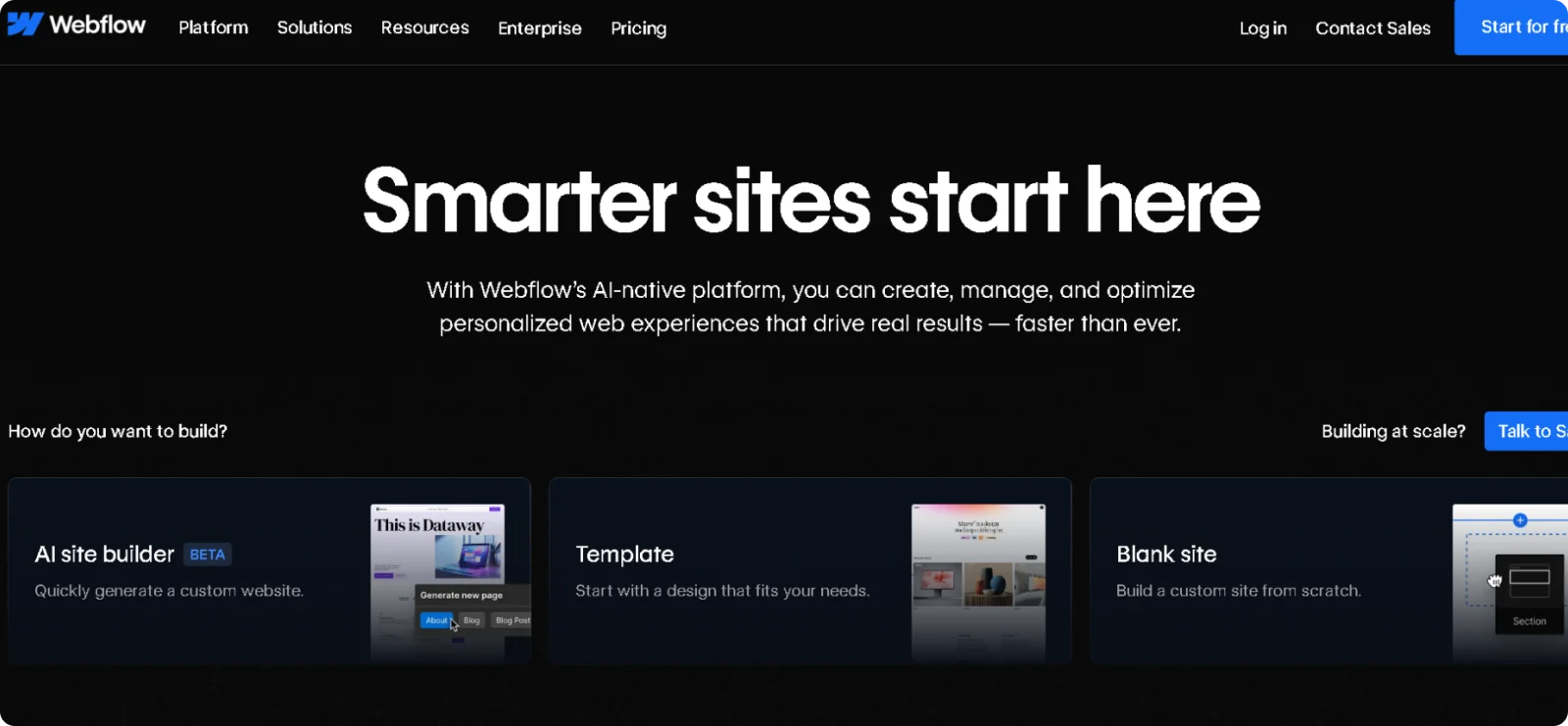
Webflow is built for teams that want precise control over layout and structure, as it emphasizes design accuracy over speed. It suits projects where spacing, responsiveness, and content structure need to be handled deliberately rather than generated automatically.
Key Features
- Visual design editor: Controls layout, spacing, and styling at an element level without writing code
- CMS collections: Manages dynamic content such as blogs, directories, and resource libraries
- AI layout guidance: Suggests structure and class organization during the design process
- Responsive breakpoints: Adjusts layouts separately for desktop, tablet, and mobile screens
- Managed hosting: Delivers sites through a global CDN with built-in security and performance handling
Pros
- Offers detailed control over page structure
- Produces clean, production-ready output
- Handles complex content models without plugins
Cons
- Requires time to learn the interface
- Slower launches
Pricing
Webflow offers a free plan for design and testing. Paid plans start at $18 per month, with lower rates available when billed annually.
6. Durable AI
Durable AI is built for small business owners who need a functional website quickly and want basic business tools included on the same platform. It is commonly used by service providers who prioritize speed and simplicity over design customization or complex site structure.
Key Features
- AI-generated business websites: Creates a starter site based on business type and location
- Section-based editor: Updates content using guided sections instead of free-form layout controls
- Built-in invoicing tools: Manages invoices and basic client records directly from the dashboard
- Service-focused layouts: Uses page structures designed for local and service-based businesses rather than general-purpose sites
- Mobile-responsive output: Automatically adapts layouts for mobile devices
Pros
- Publishes a usable business website in a short amount of time
- Combines website creation with fundamental business management tools
- Keeps the editing experience simple for non-technical users
Cons
- Limits visual customization options
- Restricts advanced features for portfolio layouts
Pricing
Durable AI provides a limited free option for testing. Paid plans start at $15 per month.
7. Framer AI
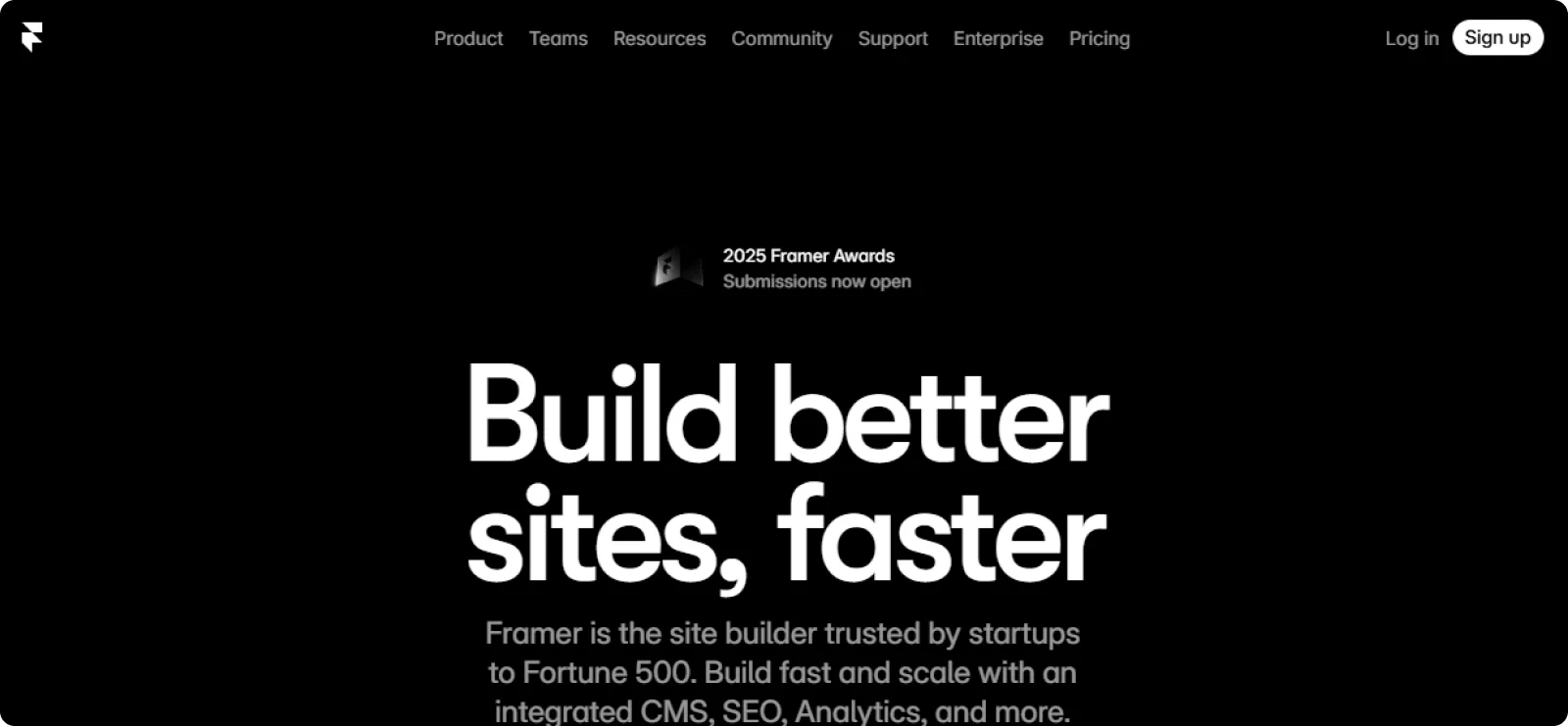
Framer is used by startups and creators to test ideas, add visual polish, and iterate quickly. Pages are assembled from modern components, which makes it easier to experiment with layouts and interactions without building everything from scratch.
Key Features
- Component library: Uses prebuilt buttons, forms, navigation elements, and layout blocks
- Animation tools: Adds transitions and motion effects to pages without custom code
- Live collaboration: Allows multiple editors to work on the same project at the same time
- Quick publishing: Pushes updates live with minimal setup or configuration steps
- Design-first editor: Adjusts spacing, typography, and layout visually with fine control
Pros
- Produces modern-looking pages quickly
- Supports fast testing and iteration
- Handles collaboration better than most builders
Cons
- Requires manual SEO configuration
- Relies on user control for optimization
Pricing
Framer AI includes a free tier for basic projects. Paid plans start at $15 per month, with discounts offered on annual plans.
8. Dorik AI
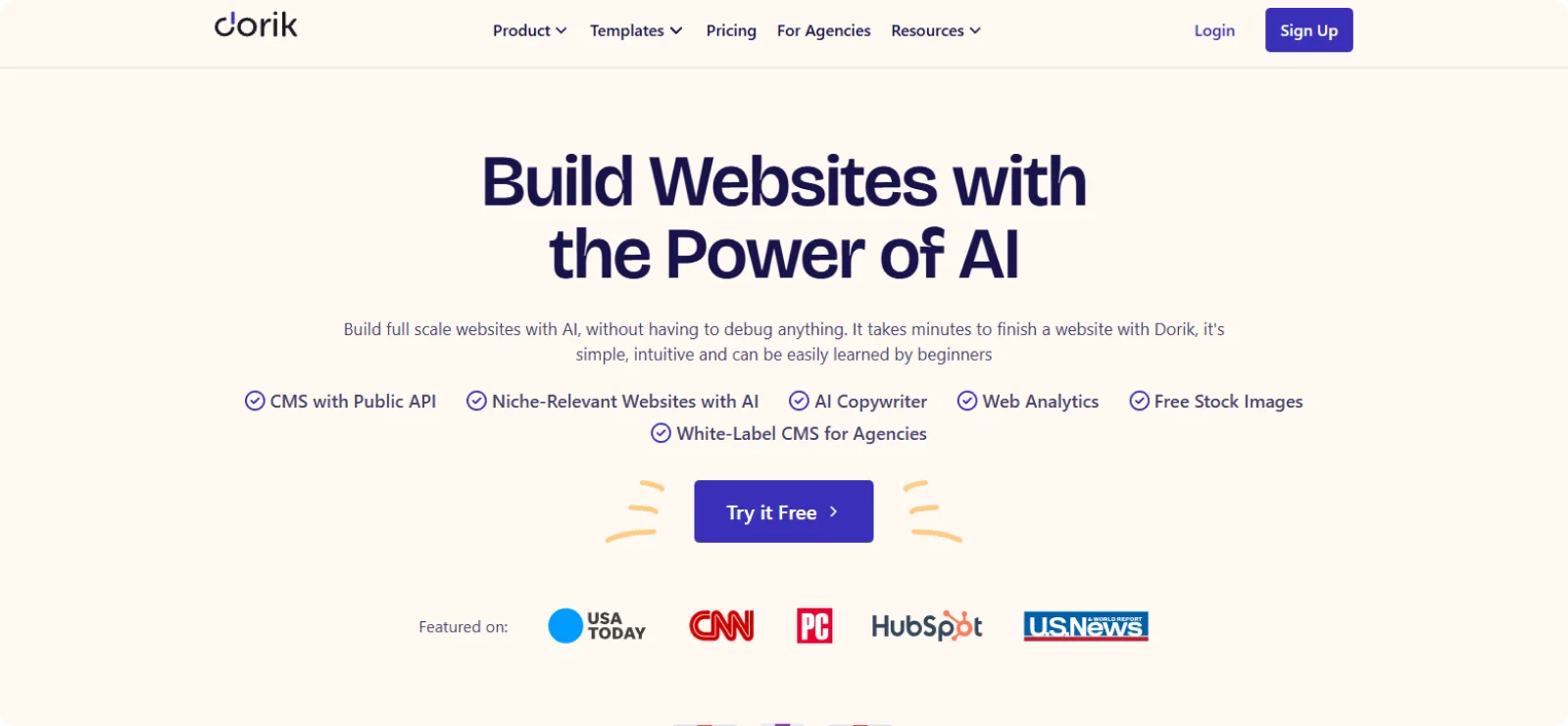
Dorik AI is used by individuals and small teams who want a lightweight website builder with more layout freedom than basic editors. It combines AI-assisted site generation with manual section control, making it suitable for simple multi-page sites that still require a detailed structure.
Key Features
- Prebuilt page structures: Provides ready-made layouts for common pages like home, about, services, and contact
- Section-based page builder: Lets users add, remove, and rearrange content sections without touching code
- Custom domain support: Connects personal domains with built-in hosting and SSL
- Global styling controls: Manages fonts, colors, and spacing consistently across all pages
- CMS functionality: Supports blogs and content-driven pages through a built-in content system
Pros
- Allows more layout control than entry-level builders
- Supports multi-page sites without added complexity
- Keeps the interface lightweight and easy to navigate
Cons
- Offers fewer integrations than larger platforms
- Limits advanced e-commerce features
Pricing
Dorik AI includes a free plan with feature limitations. Paid plans start at $29 per month.
Why Codesi Is the Best Hostinger Website Builder Alternative
Codesi stands out among Hostinger Website Builder alternatives by prioritizing a simpler, more direct approach to getting a site live and keeping it updated. Instead of relying on templates and layered editors, it starts with a complete, ready-to-publish page that can be adjusted as needs change.
This approach makes Codesi especially suitable for founders, consultants, and small teams who want a professional site without coding or managing ongoing technical setup.
For users who value speed, clarity, and ease of maintenance over complex site structures, Codesi offers a more sustainable alternative to Hostinger Website Builder.
Do you want a website that stays easy to update?
Try Codesi for free and see how quickly you can get online.
Create your website with AI today
Codesi is a platform where you can make a website in 3 minutes.
No coding, no designers, no hassle - just AI.
