
Back to blog
7 Best Drag-and-Drop Website Builders [2026 Comparison]
Discover the best drag-and-drop website builders and learn how to create a professional site quickly without coding or technical setup.

Mar 2 2026
![7 Best Drag-and-Drop Website Builders [2026 Comparison]](https://codesi.ai/admin/static/cov07_d65907e4e8.webp)
There are over 1 billion websites worldwide, and research has shown that 73% of small businesses now have a website. More founders are choosing to build and manage their sites themselves rather than rely on developers.
Modern builders handle mobile responsiveness, hosting, and basic SEO settings automatically, reducing the technical work once required to launch. What matters now is selecting a platform that fits your design preferences, feature needs, and budget.
This guide compares seven drag-and-drop website builders for non-technical users, focusing on editing style, strengths, and pricing, so you can choose confidently.
Why Drag-and-Drop Builders Work for Non-Tech Users
Drag-and-drop website builders generally make website creation more accessible to non-technical users, though ease of use varies between platforms.
The term describes the editing method rather than guaranteeing simplicity, but most drag-and-drop builders share features that make them more beginner-friendly than traditional solutions. Below are a few reasons they make sense for non-tech users:
- Instant visual feedback: Move a button, edit text, or swap an image, and the result appears on the page immediately without waiting for previews or refreshes. This real-time feedback helps you understand what works regardless of your technical knowledge.
- Ready-made design blocks: The platforms provide pre-built sections like forms, galleries, and buttons that already look consistent and function properly. You’re assembling tested components rather than building everything from scratch or troubleshooting why elements don’t match visually.
- Mobile responsiveness handled automatically: Most drag-and-drop builders resize images, stack sections, and adjust layouts for phones and tablets without requiring separate mobile editing. You build once, and the site adapts to every screen size without extra configuration, though some platforms offer more control than others.
- Familiar editing experience: The interface feels similar to PowerPoint or Canva, with drag-and-drop placement and click-to-edit text. The learning curve is measured in hours rather than months, though some advanced builders may require more time to master despite using drag-and-drop mechanics.
Best Drag-and-Drop Website Builders for Non-Tech Users
Choosing the right drag-and-drop builder depends on your design goals, required features, and the level of layout control you want.
The comparison table below outlines each platform’s editing style, strengths, and ideal use case:
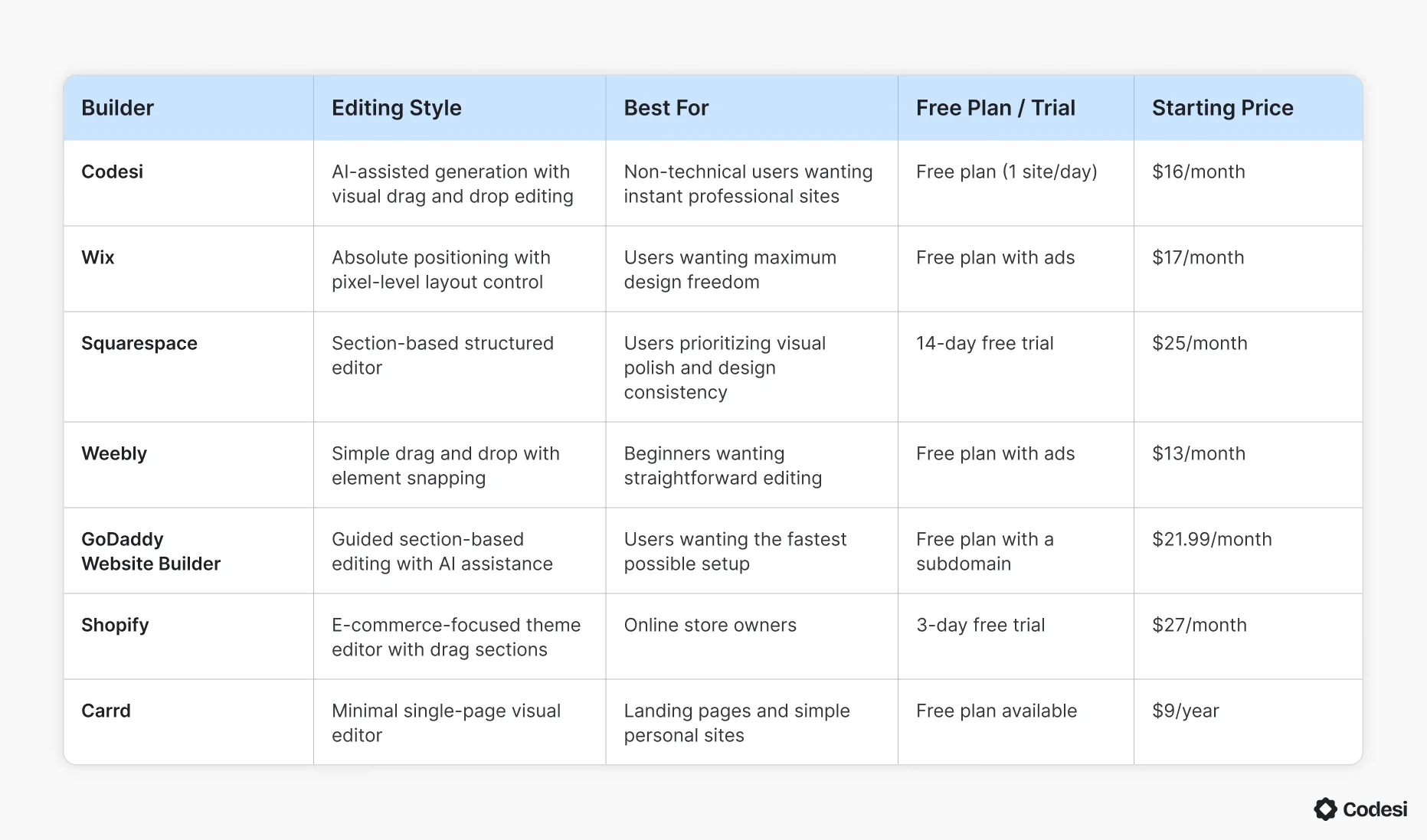
1. Codesi
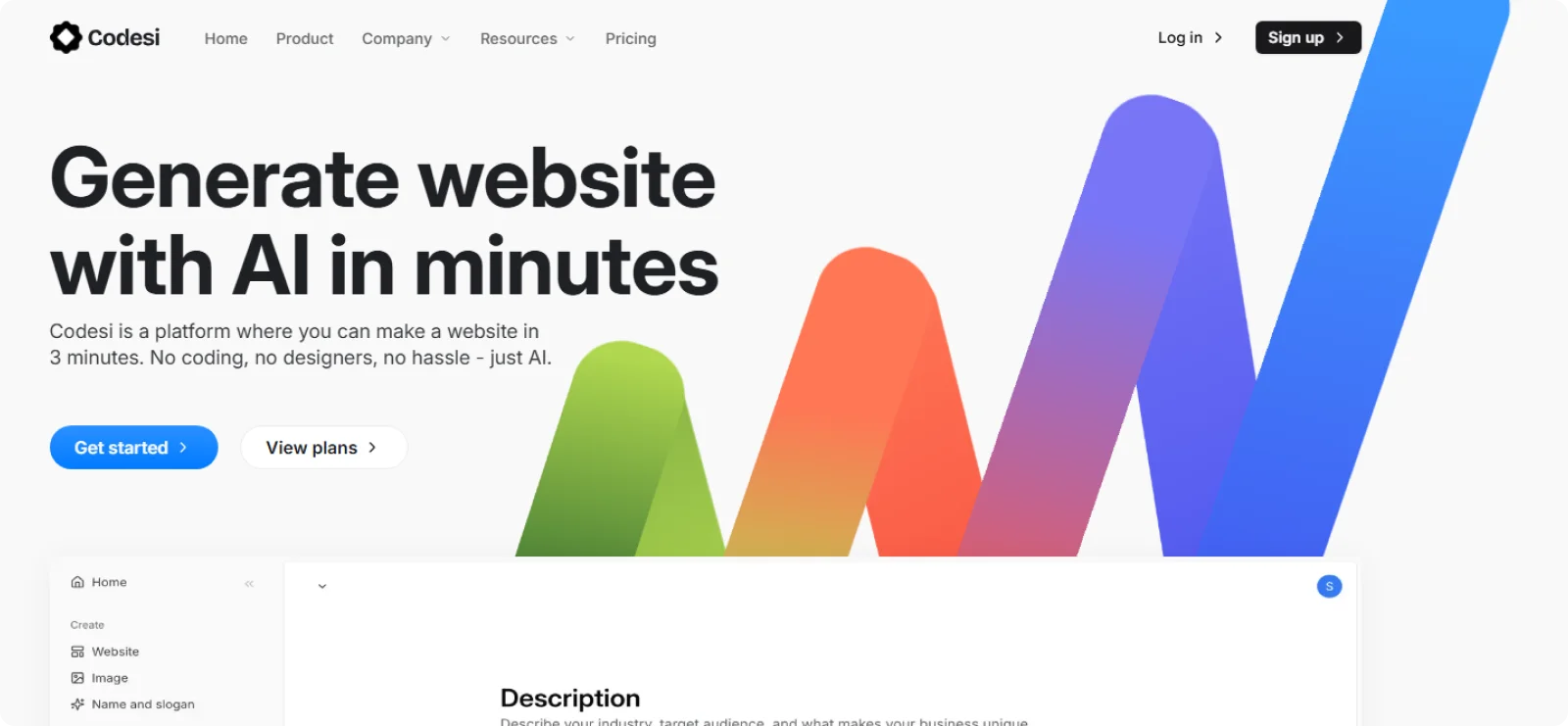
Codesi combines AI generation with visual drag-and-drop editing for the fastest path from idea to a published site. The platform handles the technical setup automatically while letting you customize designs through an intuitive interface that requires no coding knowledge.
Key Features
- Visual element editing: Adjusts text, images, colors, and spacing by clicking and modifying directly on the page
- Pre-built sections library: Adds features like testimonials, services, and contact forms by dragging complete sections into layouts
- Automatic mobile optimization: Ensures all edits work perfectly on smartphones without separate mobile editing
- Integrated branding tools: Generates logos and custom imagery through AI
- One-click publishing: Deploys sites to fast global hosting with SSL security and automatic backups
Pros
- Creates ready-to-publish sites, eliminating hours of template customization
- Combines AI speed with visual editing control for optimal balance
- Requires zero technical knowledge for setup, editing, or publishing
Cons
- Restricts advanced SEO customization like schema markup and custom redirects
Pricing
Codesi offers a free plan with one site generation per day. Paid plans start at $16 per month, or $12 per month on annual billing.
2. Wix
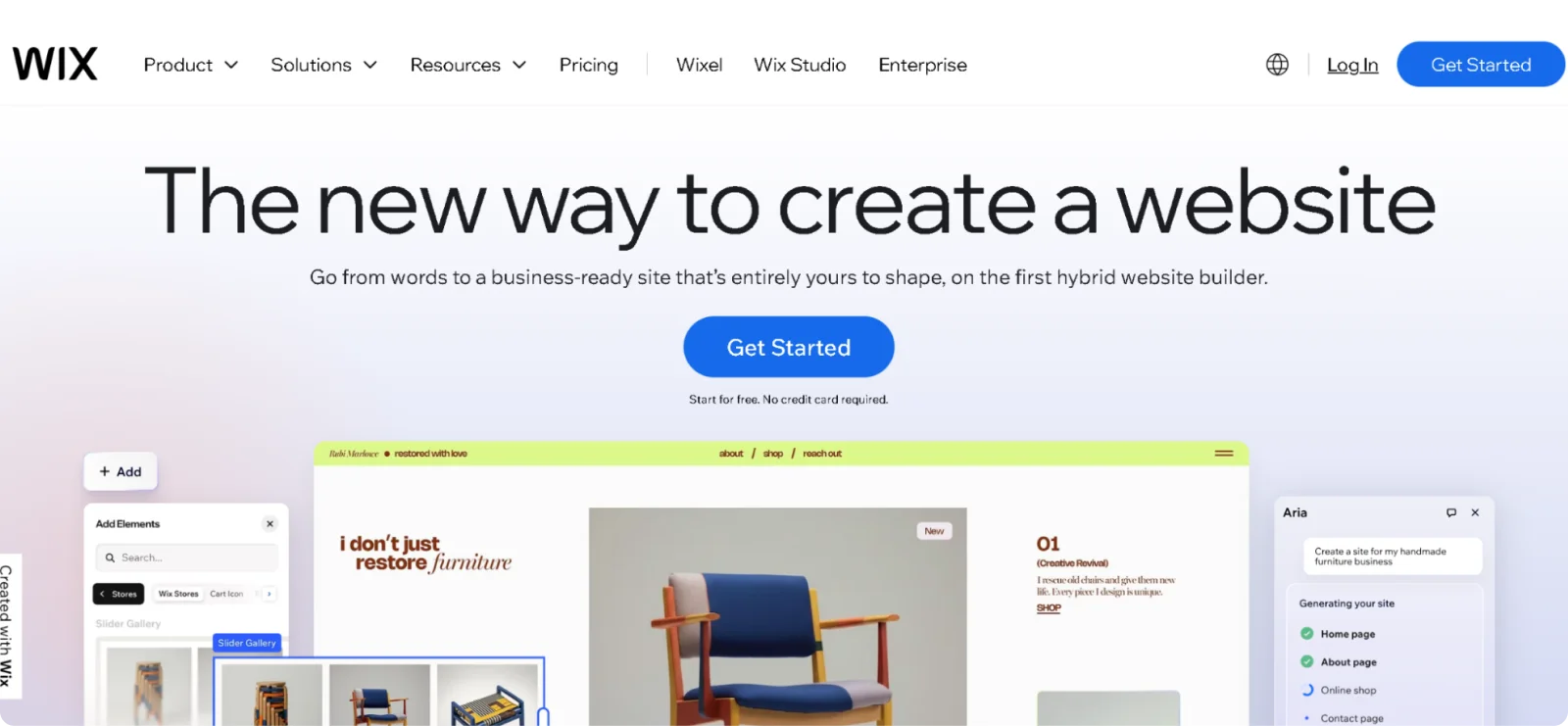
Wix provides absolute positioning freedom, letting you place elements precisely anywhere on the canvas. Wix offers the most design flexibility among mainstream builders, appealing to those who know exactly what they want their site to look like.
Key Features
- 900+ designer templates: Starts with professionally designed templates across all industries and styles
- Wix App Market: Adds functionality through 300+ apps for bookings, forms, chat, marketing, and specialized features
- Wix ADI (Artificial Design Intelligence): Generates complete sites automatically by asking questions about your business
- Advanced site permissions: Controls member access with password-protected pages and custom user roles
- Built-in SEO tools: Optimizes pages with customizable meta titles, descriptions, and structured data
Pros
- Offers design freedom for creating unique layouts
- Includes an extensive app ecosystem
- Offers both AI generation for beginners and advanced tools for design-savvy users
Cons
- May be overwhelming for users preferring guided design experiences
- Locks you into the platform with no export option
Pricing
Wix offers a free plan with Wix branding and ads. Paid plans start at $17/month.
3. Squarespace
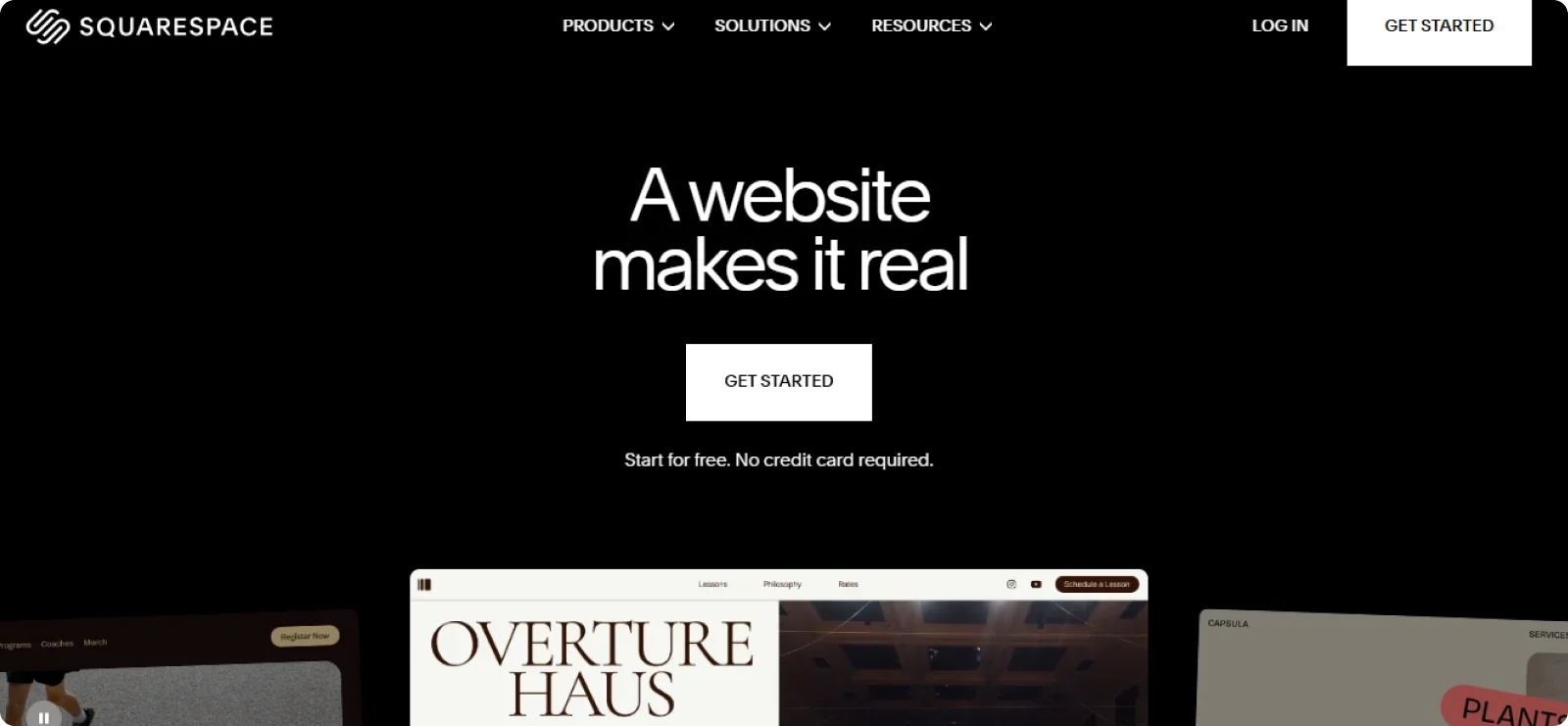
Squarespace balances beautiful design with section-based editing that reduces layout mistakes. The builder keeps editing within structured sections, so designs stay consistent and professional, regardless of user skill level.
Key Features
- Award-winning templates: Offers 180+ templates with superior visual design and typography
- Style editor: Changes fonts, colors, and spacing across the entire site from one control panel
- Built-in analytics: Tracks visitor behavior, traffic sources, and popular content
- Commerce functionality: Sells physical products, digital goods, and services with integrated checkout
- Blogging platform: Publishes and organizes articles with categories, tags, and RSS feeds
Pros
- Consistently delivers aesthetically pleasing results
- Maintains visual coherence through global styling controls and section constraints
- Provides a comprehensive feature set without requiring multiple third-party integrations
Cons
- Includes higher starting prices
- Requires customizing default templates for more unique results
Pricing
Squarespace does not offer a permanent free plan, but it does offer a 14-day free trial. Paid plans start at $25 per month, or $16 per month when billed annually.
4. Weebly
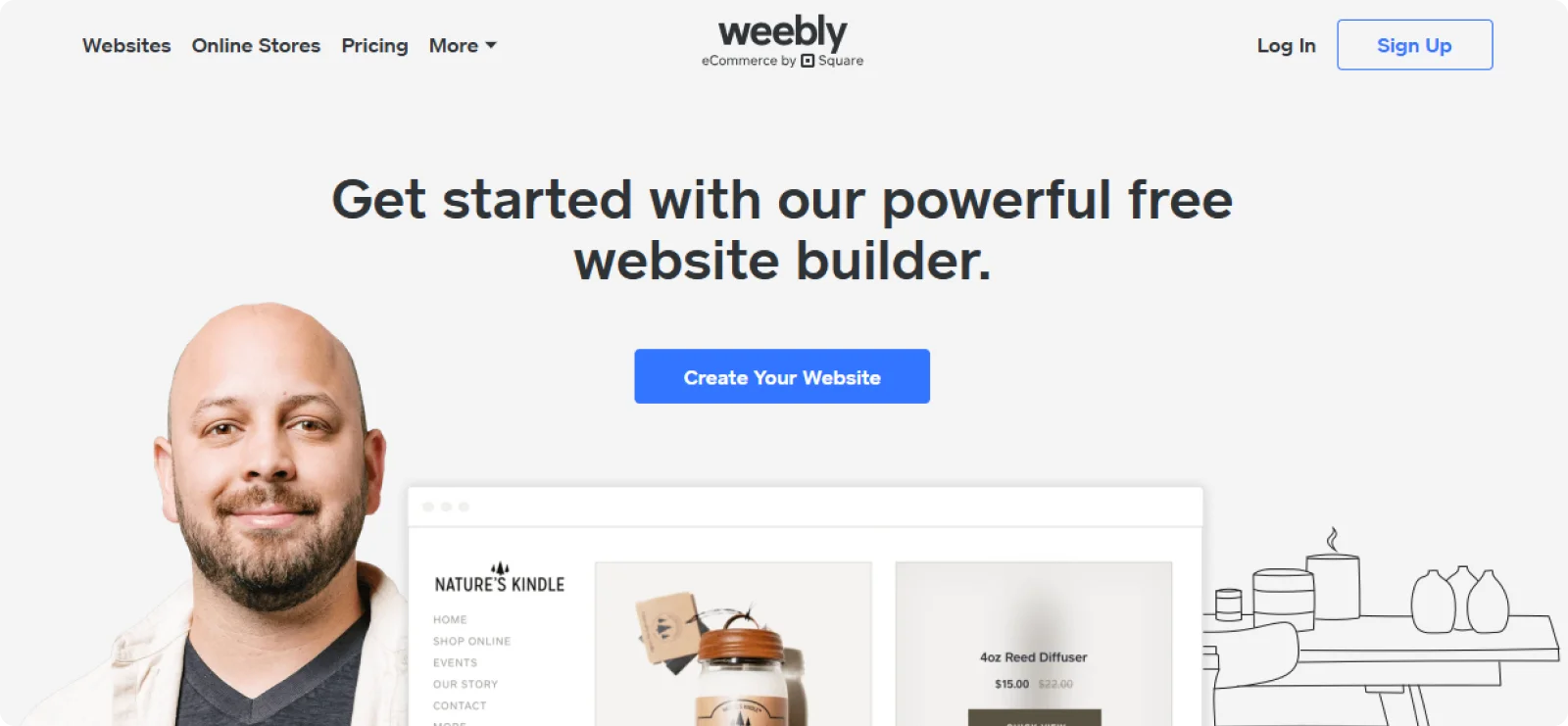
Weebly simplifies drag-and-drop editing with element snapping and straightforward interfaces. The editor targets users who want to create practical websites without learning advanced design concepts or spending hours on customization.
Key Features
- Pre-built page layouts: Selects complete page designs for common information pages like about us, contact us, and services
- Theme customization: Changes colors, fonts, and header styles through simple controls
- SEO optimization tools: Provides meta descriptions, title editing, and sitemap generation for search visibility
- Mobile-responsive themes: Adapts all designs to work on smartphones and tablets
- App Center: Extends functionality through marketing, forms, and business tool integrations
Pros
- Supports visibility and growth through SEO features
- Provides an intuitive interface that requires minimal learning
- Includes basic e-commerce features suitable for small product catalogs
Cons
- Limits advanced design customization
- Restricts the ability to create highly unique layouts that stand out visually
Pricing
Weebly offers a free plan with Weebly branding. Paid plans start at $13/month.
5. GoDaddy Website Builder
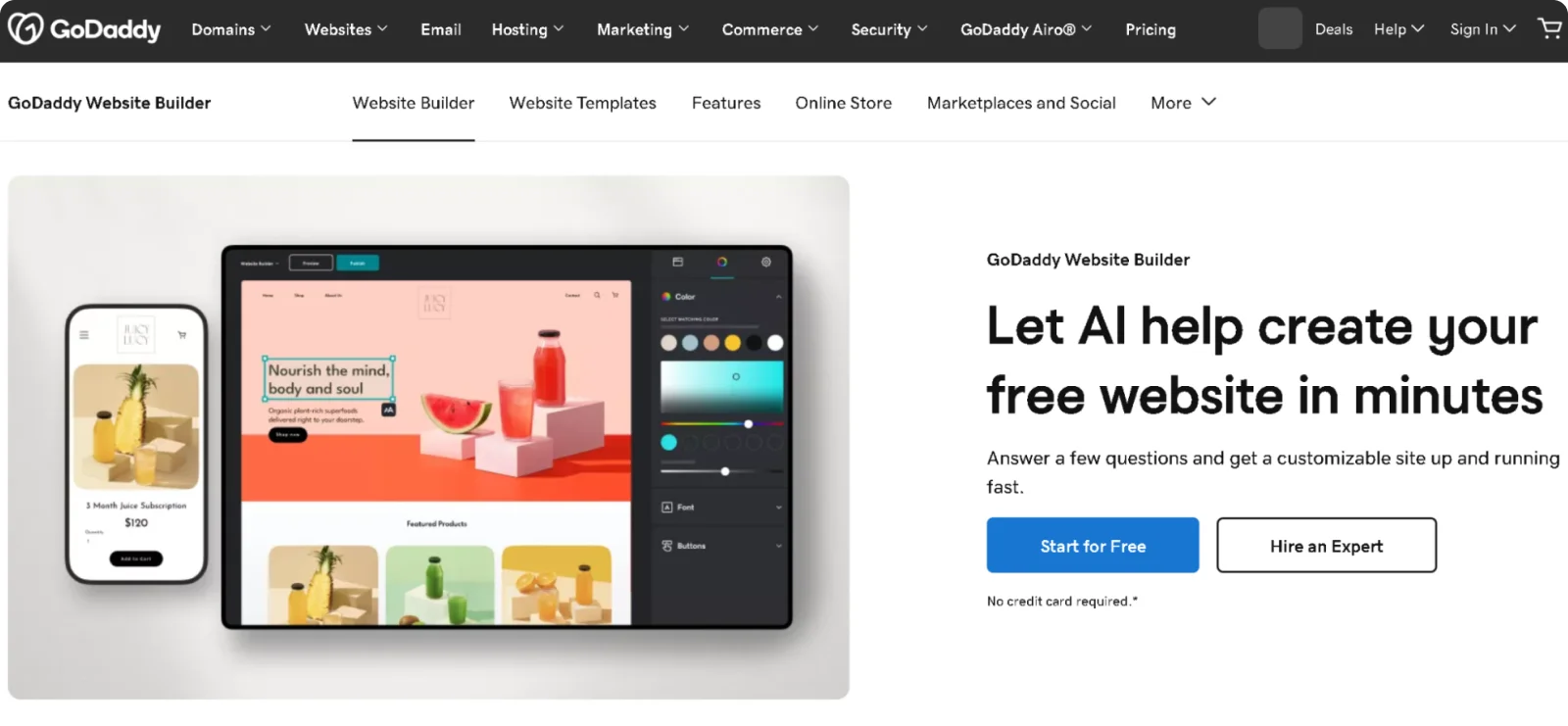
GoDaddy combines guided editing with AI assistance for the fastest possible site creation. The platform prioritizes speed over flexibility, making it ideal for users who want a professional online presence without spending days designing.
Key Features
- Section editing: Customizes pre-built sections for services, testimonials, galleries, and contact information
- Email marketing integration: Includes built-in email campaign tools with templates and subscriber management
- Appointment scheduling: Adds a booking calendar for service businesses directly to the site
- Marketing tools: Includes email campaigns, social media posting, and SEO recommendations
- Mobile app: Allows website editing through smartphones using iOS and Android apps
Pros
- Launches professional sites in under an hour through AI generation and simple editing
- Integrates seamlessly with GoDaddy domains and email for unified management
- Provides a familiar interface for existing GoDaddy users
Cons
- Offers limited third-party app integrations
- Restricts design flexibility to predefined section layouts
Pricing
GoDaddy offers a free plan with a subdomain. Paid plans start at $21.99 per month, or $9.99 per month on an annual billing cycle.
6. Shopify
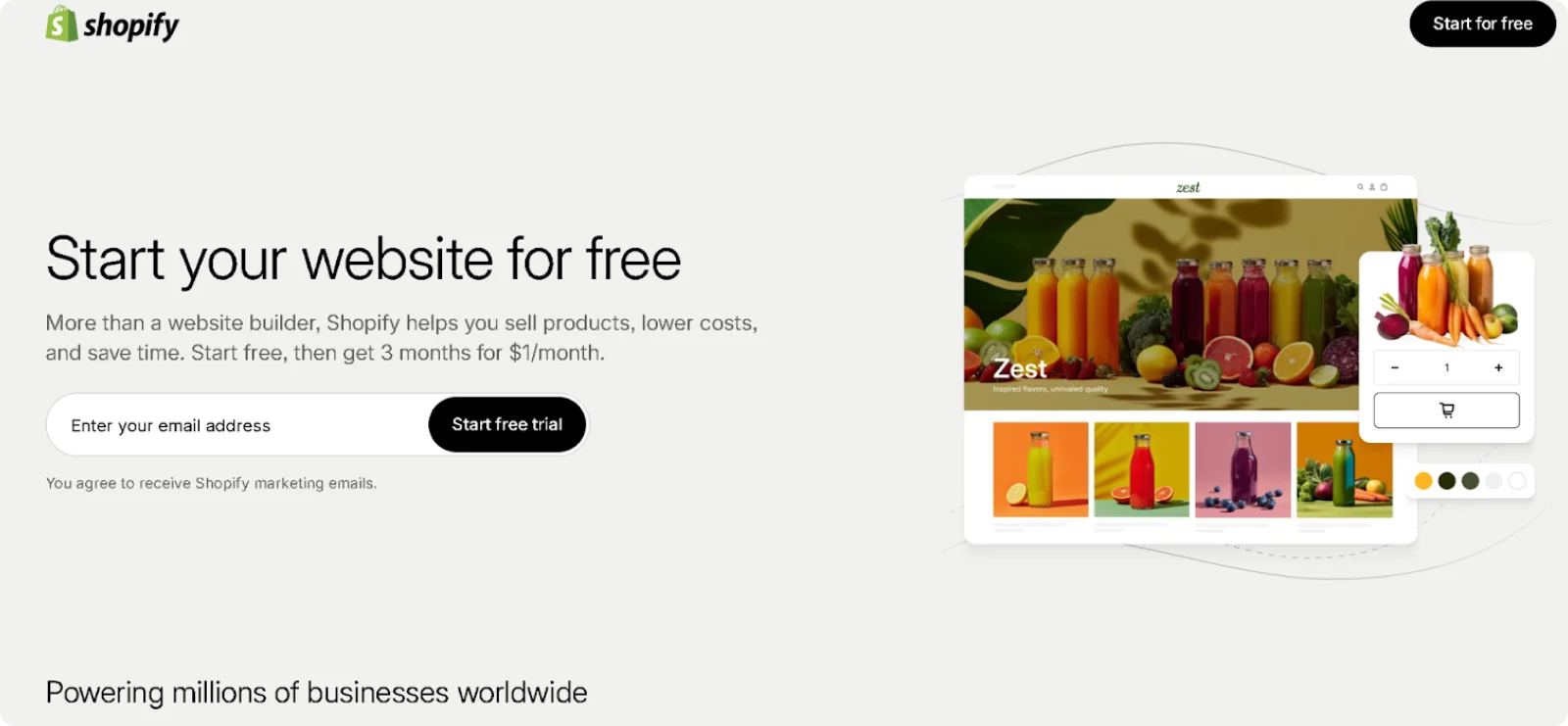
Shopify focuses drag-and-drop editing on e-commerce functionality and product showcase. The website builder optimizes every editing decision for selling products rather than general website creation.
Key Features
- Product management: Adds unlimited products with variants, inventory tracking, and organized collections
- Checkout builder: Customizes checkout pages to reduce cart abandonment and increase conversions
- Mobile-optimized themes: Ensures product pages, checkout, and navigation work perfectly on smartphones
- Point of sale integration: Syncs online and in-person sales through Shopify POS hardware
- Abandoned cart optimization: Sends reminder emails to customers who leave items in their cart
Pros
- Delivers comprehensive e-commerce features purpose-built for online selling
- Provides reliable infrastructure that can handle traffic spikes during sales and promotions
- Includes an extensive app ecosystem
Cons
- Focuses primarily on stores, making it suboptimal for service businesses or content sites
- Adds transaction fees when using payment processors other than Shopify Payments
Pricing
Shopify offers a 3-day free trial, then $1/month for the first 3 months. Paid plans start at $27 per month after the promotional period.
7. Carrd
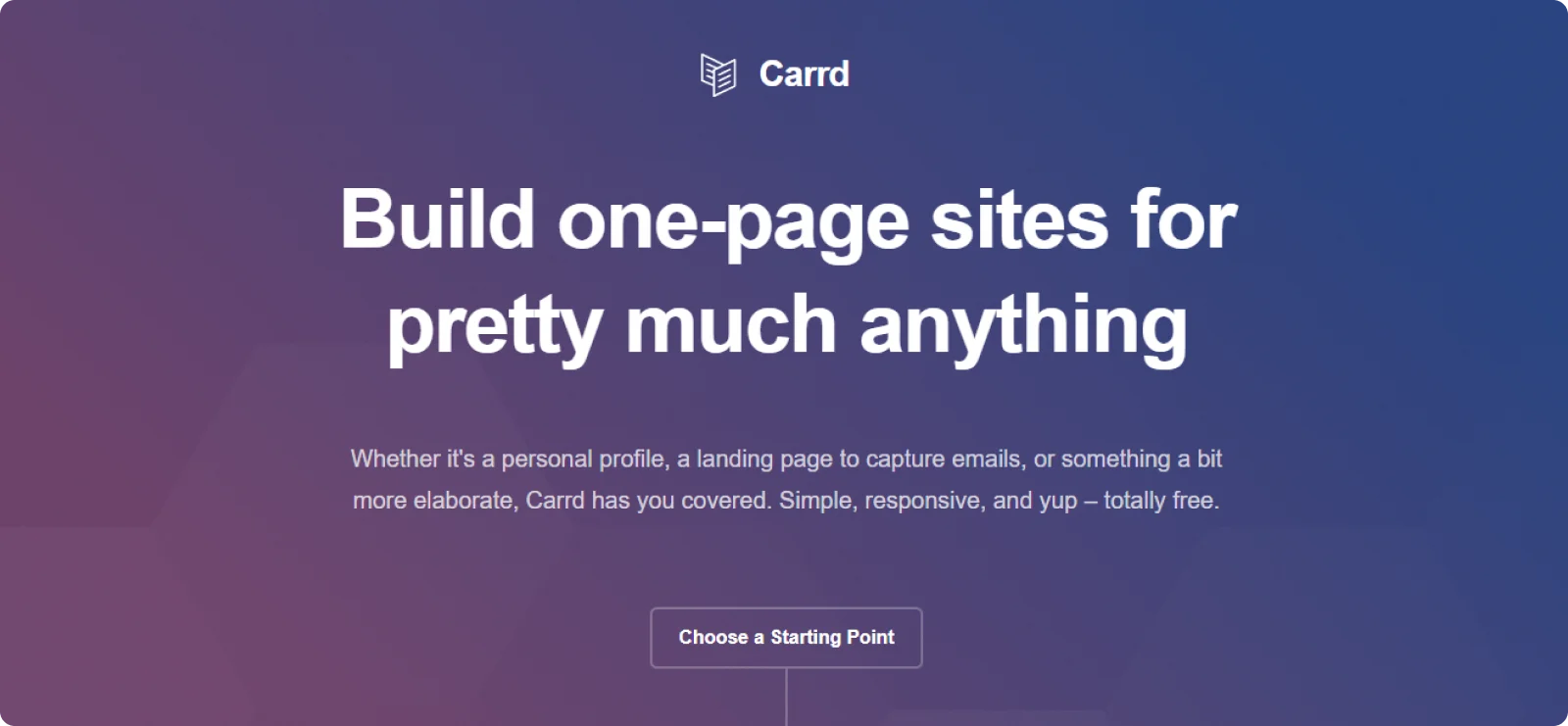
Carrd keeps drag-and-drop website building simple, focused on fast single-page sites. The platform is good for users who want a lightweight, affordable, and easy-to-manage builder.
Key Features
- Responsive templates: Starts with mobile-friendly designs that automatically adapt to different screen sizes, so your site works smoothly on phones and tablets
- Form integrations: Connects contact forms to email marketing tools and automation services for lead capture and notifications
- Custom domain support: Publishes sites on personal or business domains, helping maintain a professional brand presence
- Embed support: Adds external widgets, videos, payment buttons, and custom scripts with simple embed blocks
- Single-page layout: Provides focused templates optimized for a one-page presentation without navigation complexity
Pros
- Launches simple websites in under an hour
- Keeps pricing significantly lower than most full-site builders
- Maintains clean layouts without overwhelming customization options
Cons
- Lacks built-in e-commerce functionality
- Offers limited scalability for larger businesses
Pricing
Carrd offers a free plan. Paid plans start at $9 per year.
How to Choose the Right Drag-and-Drop Website Builder
Choosing the right builder depends on your design preferences, technical comfort, and website goals. Keep these factors in mind:
- Design control vs. simplicity: Fully flexible editors offer creative freedom but require design judgment to produce polished results. Section-based builders guide your layouts for cleaner outcomes with less effort and fewer decisions.
- Template quality: Strong templates save time and help your site look professional rather than generic. The starting point matters because heavy customization takes hours you might not have.
- Built-in features: Make sure the builder includes what you need, like e-commerce, booking tools, or blogging, without relying on multiple third-party apps. Juggling separate tools adds complexity and potential points of failure.
- Mobile optimization: Some platforms adjust automatically for mobile, while others allow separate editing for precise control. Automatic adaptation works well when you want one less thing to manage.
- Learning curve: Simpler tools help you launch quickly, while advanced builders take longer to master but offer deeper customization. Consider how much time you can invest before you need the site live.
The best choice balances speed with the level of control you actually need. Most business owners benefit more from launching quickly with a solid foundation than from perfecting details that take weeks to complete.
Why Codesi Is the Best Drag-and-Drop Builder for Fast Launches
Codesi solves the blank-canvas problem by providing a complete starting point from your business description. Instead of staring at an empty page, you get a structured website with coordinated colors, imagery, and content already arranged.
The platform handles design decisions most people struggle with. Headlines flow in proper hierarchy, calls to action sit where visitors naturally look, and spacing creates rhythm that guides the eye. You can then use the visual editor to adjust text, swap images, and rearrange sections without breaking what’s already working.
Logo creation and AI image generation take place within the same platform, eliminating the need to switch between multiple tools. The two-part input system asks about your business separately from your visual preferences, producing better results than you’d get if you were cramming everything into one description.
Ready to skip hours of template customization and technical setup?
Start Codesi for free and turn your business description into a working website.
Create your website with AI today
Codesi is a platform where you can make a website in 3 minutes.
No coding, no designers, no hassle - just AI.
