
Back to blog
7 Best Website Builders for Law Firms to Use in 2026
Discover the best website builders for law firms & learn how you can create a professional site, attract clients, and streamline your intake process.

Mar 31 2026
The best website builders for law firms combine professional templates, client intake tools, and local SEO features into a single platform. Over 74% of prospective legal clients visit a firm's website before reaching out. So, getting a professional law firm website up fast, without hiring a developer, is exactly what website builders are built for.
This guide covers seven website builders for law firms in 2026, so you can find the right fit without testing every option yourself.
Key Takeaways
- A law firm website needs secure intake forms, attorney bios, practice area pages, and local SEO to convert visitors into consultations.
- Legal-specific builders outperform generic tools for intake workflows and compliance-aware design.
- The right builder depends on firm size, budget, and how central the website is to your client acquisition process.
- AI-powered builders have made it possible for solo practitioners to get a professional, branded site live without a developer or designer.
How the Best Website Builders for Law Firms Were Selected
Not every website builder works for a law firm. The following criteria were applied to narrow the list to tools that meet the needs of a legal practice:
- Template quality: Covers professionally designed layouts that support practice area pages, attorney bio sections, and clear calls to action
- SEO capabilities: Includes built-in meta management, mobile optimization, and local search support so firms can compete without hiring a specialist
- Intake and booking features: Captures high-intent visitors through secure contact forms and consultation scheduling, not just a visual presentation
- Growth capacity: Allows firms to add pages, practice areas, and integrations over time without rebuilding or migrating to a new platform
- Pricing transparency: Lists publicly available plans that work across different budget levels, from solo practitioners to mid-sized firms.
7 Best Website Builders for Law Firms to Consider in 2026
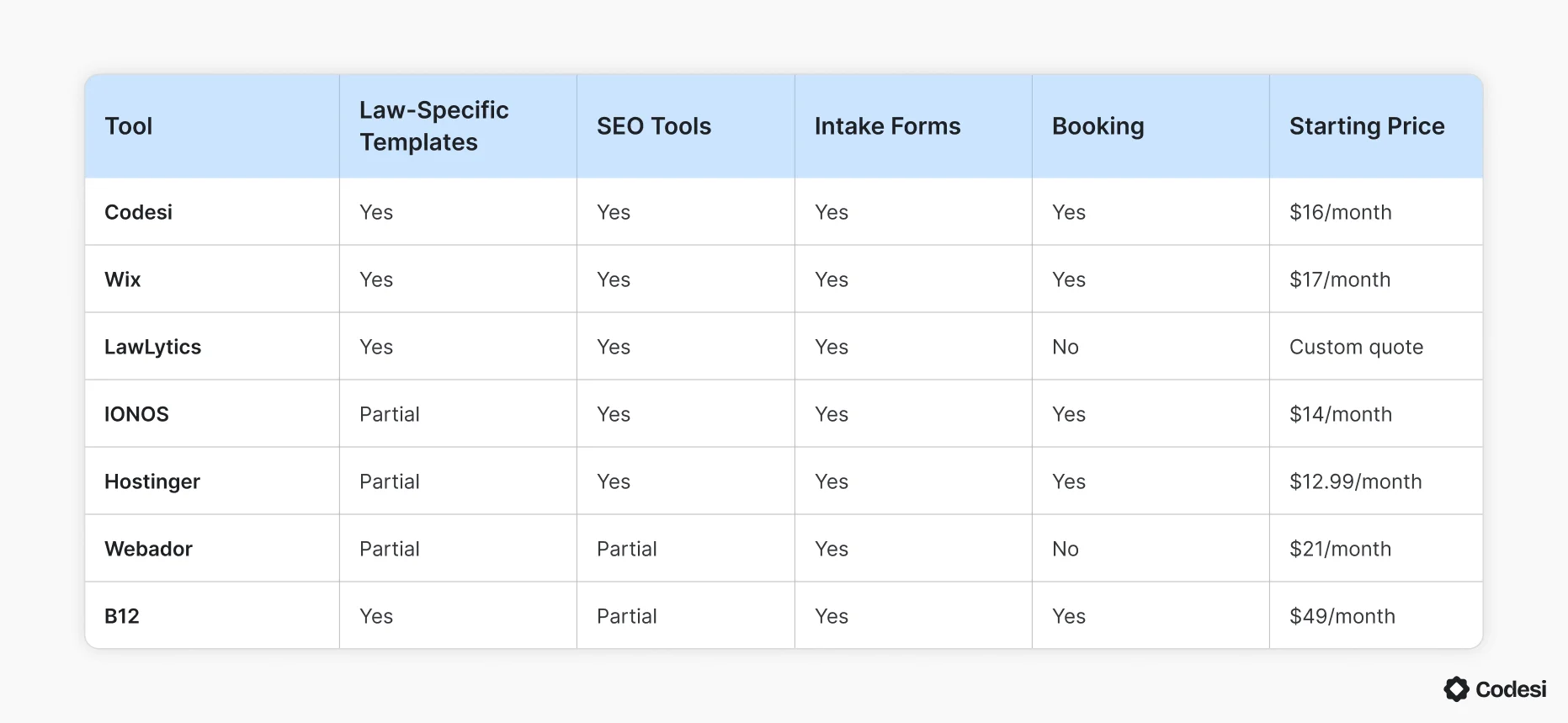
Each tool below suits a different firm size, budget, and priority. The table below compares them across key features before the detailed breakdown:
1. Codesi
Best for: Solo attorneys and small firms that need a professional site live fast
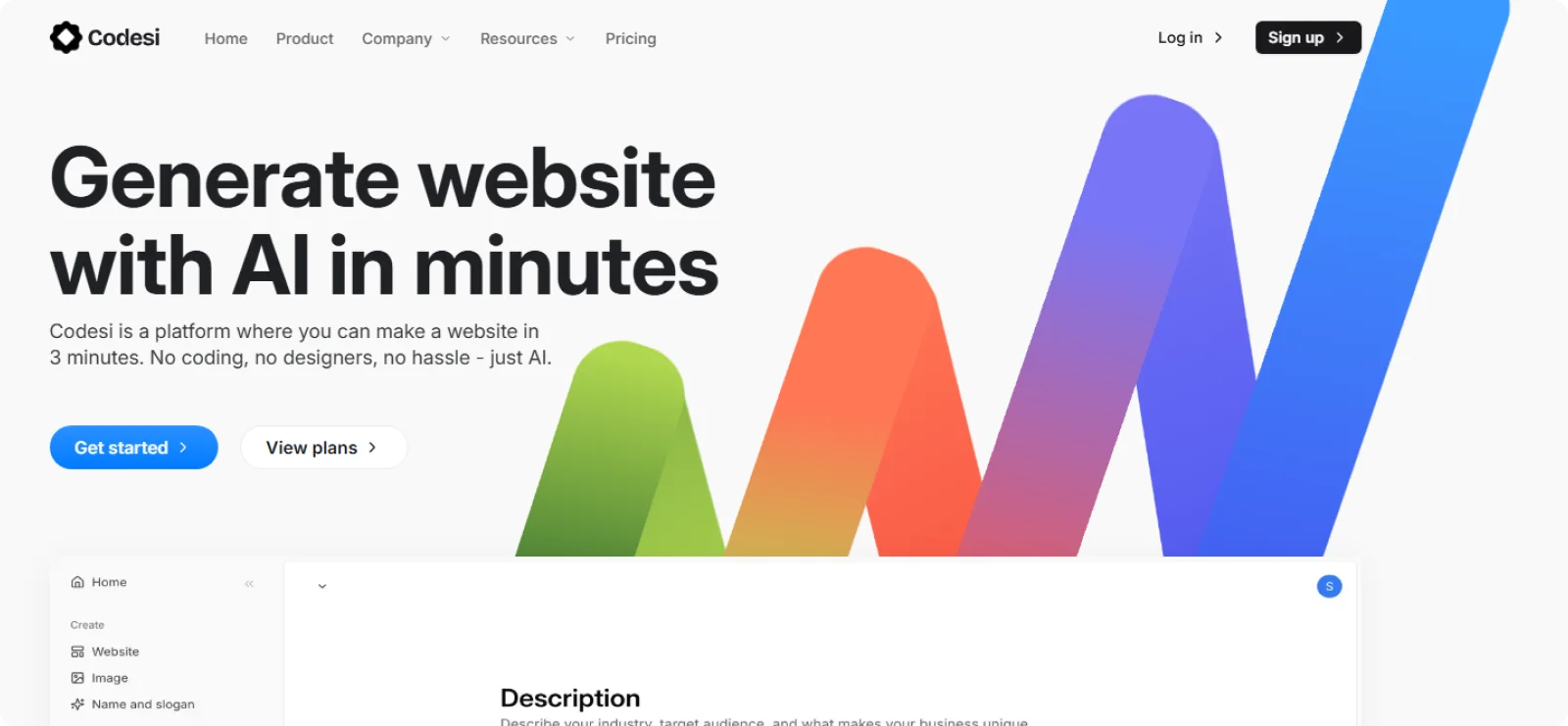
Codesi is an AI website builder that converts a plain-language description of your law firm into a complete, branded website in under three minutes. Every site it generates is original, built around your specific input rather than a shared template pool.
Key Features
- AI logo creator: Generates multiple logo variations with matching color palettes and typography for consistent branding
- AI image generation: Creates custom AI images based on your business context
- Live visual editing: Lets you modify text, swap images, and rearrange sections directly on the page
- SSL encryption: Secures every published site automatically
Pros
- Publishes a fully branded, mobile-optimized site
- Generates original designs per prompt, so your site does not look like every other law firm using the same template
- Eliminates the need to manage hosting, security, and technical setup separately
Cons
- Offers fewer third-party integrations
Pricing
Codesi offers a free plan with one website generation per day, full editor access, and one month of free hosting. Paid plans start at $16/month, or $12/month billed annually.
When NOT to use: Skip Codesi if your firm needs a heavily customized visual identity or tight integration with existing practice management software. Codesi's current feature set does not cover those requirements.
2. Wix
Best for: Law firms that want a beginner-friendly builder with a large template library
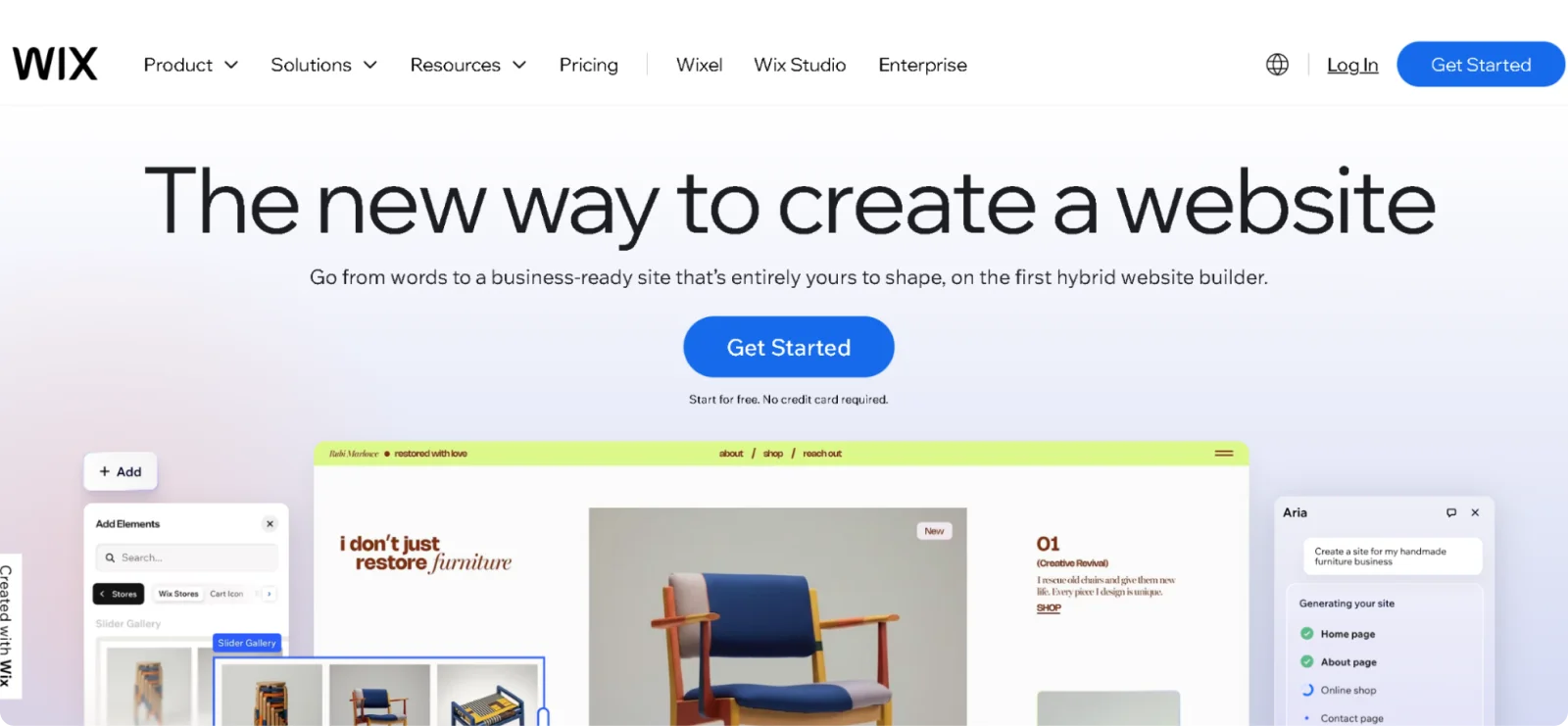
Wix gives attorneys full control over layout and content through a drag-and-drop editor, without requiring any technical background. Its App Market extends the platform well beyond a basic site, covering everything from client intake to marketing automation.
Key Features
- Wix Bookings: Lets prospective clients schedule consultations directly from the site without back-and-forth emails
- App Market: Connects 300+ third-party tools for intake forms, live chat, Google Analytics, and legal disclaimer plugins
- Wix ADI: Builds a customized site by asking questions about your firm type, practice areas, and preferred style
- Velo by Wix: Unlocks serverless computing and custom web application development for firms that need advanced functionality
Pros
- Covers law firms' specific needs, including contact forms, booking, and live chat, without additional plugins
- Supports 24/7 customer service through live chat, email, and a detailed knowledge base
- Updates regularly with new AI features and performance improvements
Cons
- Locks you into your chosen template; switching later means rebuilding the site from scratch
- Slows down on sites with heavy animations or large media libraries
Pricing
Wix offers a free plan with Wix branding and a subdomain. Paid plans start at $17/month for Light, $29/month for Core, and $39/month for Business.
When NOT to use: Avoid Wix if your firm requires legal-specific compliance features or a tightly integrated intake pipeline connected to practice management software.
3. LawLytics
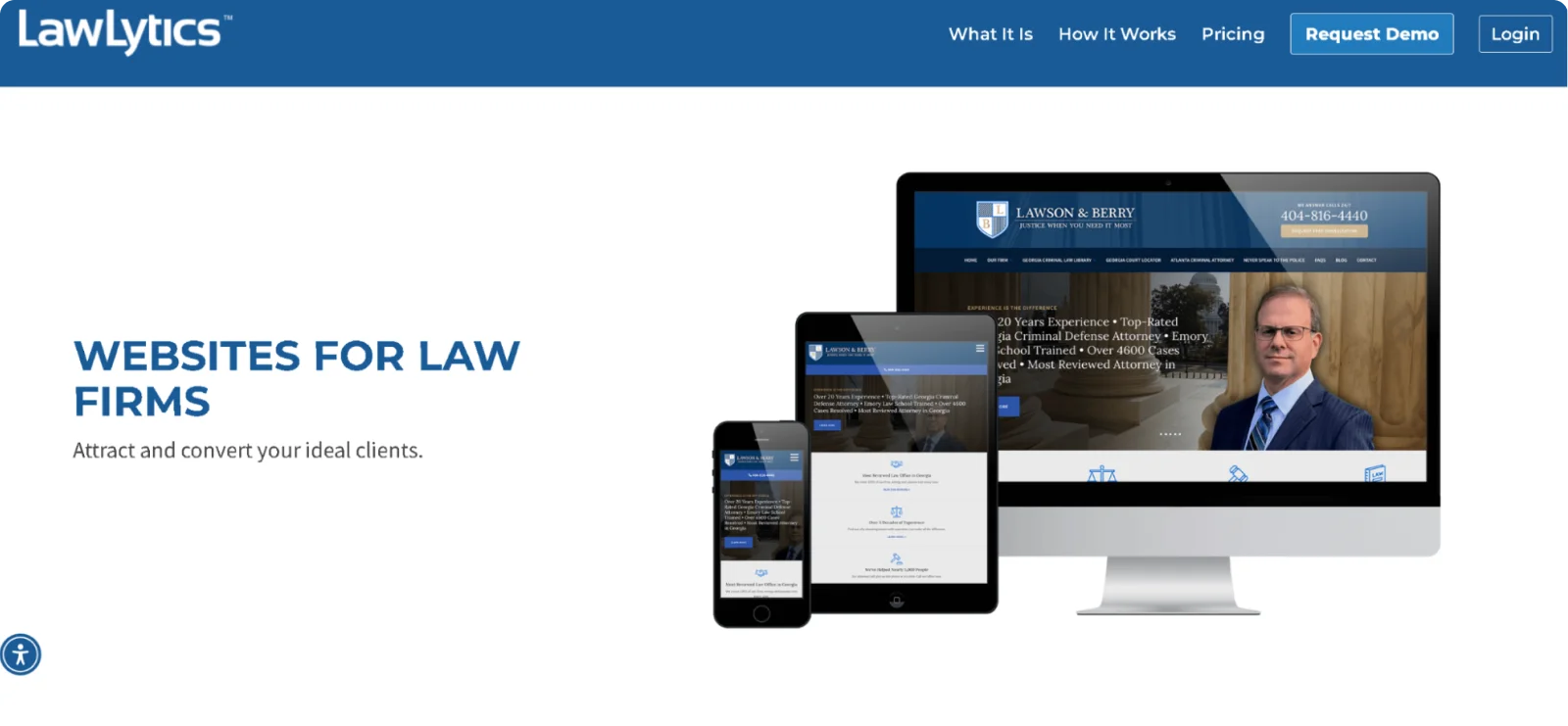
Best for: Solo practitioners and small firms that want a legal-specific platform with built-in strategy support
LawLytics was built by a lawyer, exclusively for lawyers. Rather than offering a generic builder with legal templates bolted on, the platform structures everything around how law firm websites convert visitors into clients, from content publishing to intake form design.
Key Features
- Legal-specific content tools: Guides attorneys through publishing practice area pages, case results, and blog posts
- Unlimited intake forms: Builds and deploys contact and intake forms across the site with no cap on form count
- On-demand design refreshes: Updates site design at no extra cost as part of the membership
- Clio Grow integration: Connects with Clio Grow so new inquiries captured through the site feed directly into the firm's intake pipeline
Pros
- Provides unlimited strategy support from legal marketing specialists, not general customer service agents
- Hosts sites on an attorneys-only platform with built-in security and automatic backups
- Requires no long-term contract, allowing firms to change service levels at any time
Cons
- Limits design flexibility compared to general-purpose builders
- Focuses exclusively on law firms, so firms that expand into adjacent services may find the platform restrictive
Pricing
LawLytics does not publish pricing publicly. Prices vary by firm size and location, so you need to fill out a form to get your custom quote.
When NOT to use: Skip LawLytics if your firm needs a highly customized visual identity or wants full design control without relying on a managed platform.
4. IONOS

Best for: Budget-conscious firms that need a fast, low-maintenance website with built-in hosting
IONOS bundles website building, hosting, domain registration, and a professional email address into a single subscription. Its AI builder generates a site from a few setup questions, reducing the time from sign-up to a live site to under an hour.
Key Features
- RankingCoach: Tracks competitor search rankings and provides step-by-step guidance for improving your firm's local SEO
- AI SEO text generator: Writes optimized meta titles and descriptions on higher-tier plans, reducing manual SEO work
- SiteAnalytics: Monitors visitor numbers, page views, referral sources, and bounce rate from within the dashboard
- Personal consultant: Assigns a dedicated advisor on all plans to help with setup and ongoing optimization
Pros
- Bundles domain, hosting, SSL, and a professional email address into every plan, including the entry-level tier
- Offers 24/7 phone support with a callback option, a channel that most competitors at this price do not provide
- Remains affordable at renewal compared to competitors, even after the first-year introductory pricing ends
Cons
- Limits template selection to roughly 30 options
- Restricts layout customization through a section-locked editor, which prevents freeform design adjustments
Pricing
IONOS website builder plans start at $6/month for the first year (introductory rate), then renew at $14/month for Starter. All plans include a free domain for the first year. No free plan is available, but a 30-day money-back guarantee applies.
When NOT to use: Don't use IONOS if your firm needs advanced design flexibility, a large template library, or robust third-party app integrations.
5. Hostinger

Best for: Solo practitioners who need a fully branded site that they can easily launch and refine
Hostinger's AI Website Builder generates a complete site, including copy and images, from a short business description. It's often praised for its ease of use, as it lets you create new pages and make changes with minimal effort.
Key Features
- AI Blog Generator: Produces blog posts up to 2,000 words in multiple tones, useful for law firms building practice-area content for SEO
- Heatmap analytics: Records visitor click and scroll behavior to identify which parts of the page hold attention and which do not
- Smart grid editor: Snaps design elements into alignment automatically, keeping layouts clean without manual adjustment
- Scheduling integration: Supports client appointment booking on the Business plan without requiring a third-party plugin
Pros
- Suitable for non-tech users
- Includes unlimited free SSL certificates and standard DDoS protection on all plans
- Supports up to 25 websites on the Premium plan, useful for firms managing multiple practice microsites
Cons
- Locks website data to the platform, making migration to another builder require a near-complete rebuild
- Raises renewal rates significantly after the introductory period
Pricing
Hostinger doesn't offer a free plan, but it does offer a 30-day money-back guarantee. Website Builder plans start at $12.99/month or $3.49/month when paid annually.
When NOT to use: Skip Hostinger if your firm plans to migrate its website to another platform within a few years. The closed ecosystem makes that transition significantly harder than it would be with an open or exportable platform.
6. Webador
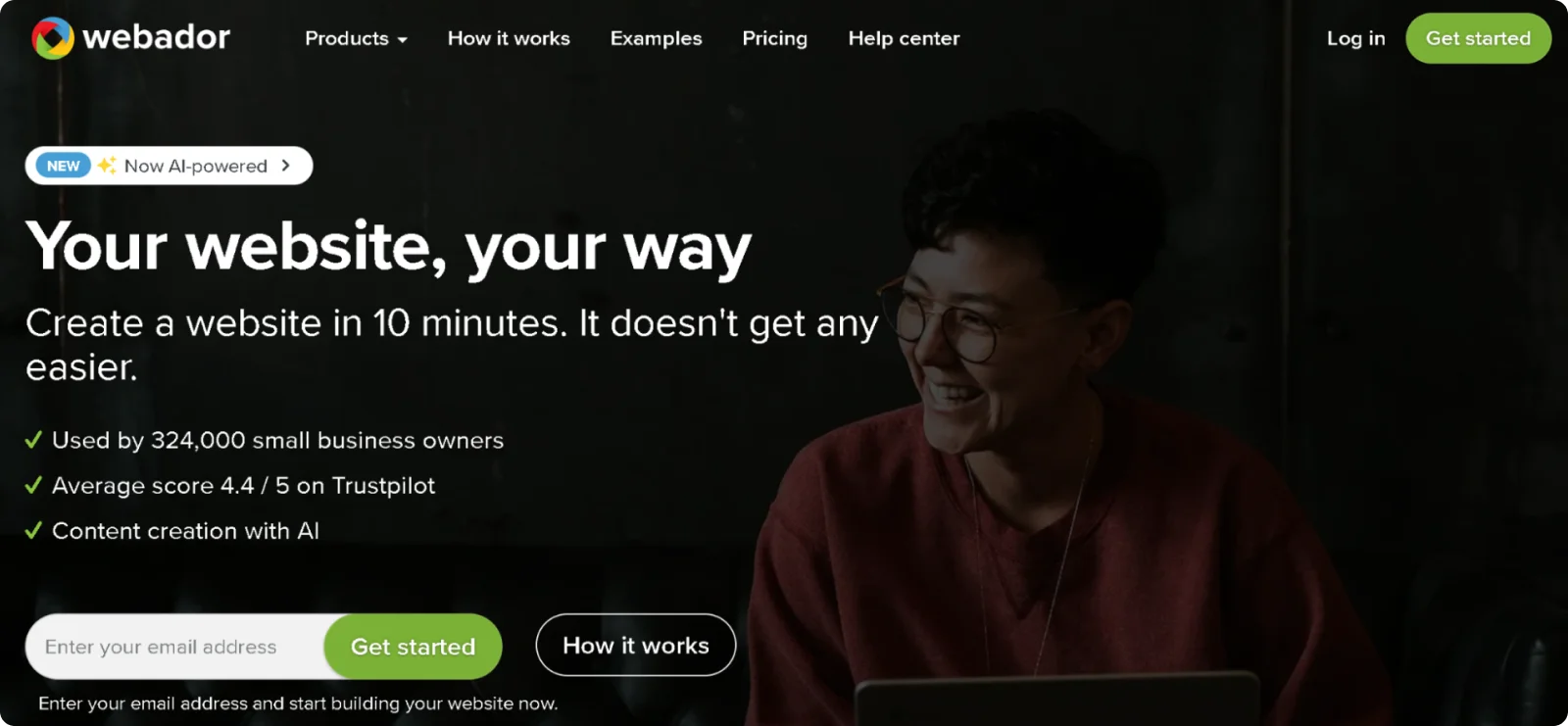
Best for: Small firms that want a clean, functional site online in under 10 minutes
Webador is a website builder running on 100% renewable energy, designed specifically for beginners and small business owners. Its editor automatically snaps every element into a grid, so pages stay visually consistent without any design knowledge.
Key Features
- Auto-grid editor: Aligns every page element automatically, maintaining visual consistency across all devices
- Built-in SEO tracker: Surfaces actionable ranking recommendations directly in the editor
- Embedded map: Adds an up-to-date location map to any page, helping prospective clients find the firm's physical office
- Five-star rating widget: Lets firms display client ratings directly on the site to build credibility with new visitors
Pros
- Delivers a published, mobile-optimized website in under 10 minutes
- Offers unlimited storage and bandwidth on all plans
- Provides a free plan with no time limit, allowing firms to test the platform before committing to paid features
Cons
- Lacks phone and live chat support, with assistance available only through email and a help center
- Limits template options to 41 designs with no category filtering, making it harder to find law-specific layouts
Pricing
Webador offers a free plan with unlimited storage. Paid plans start at $10/month for the first 12 months, then increase to $21/month.
When NOT to use: Don't use Webador if your firm needs advanced SEO control, third-party CRM integrations, or a highly customised visual identity.
7. B12
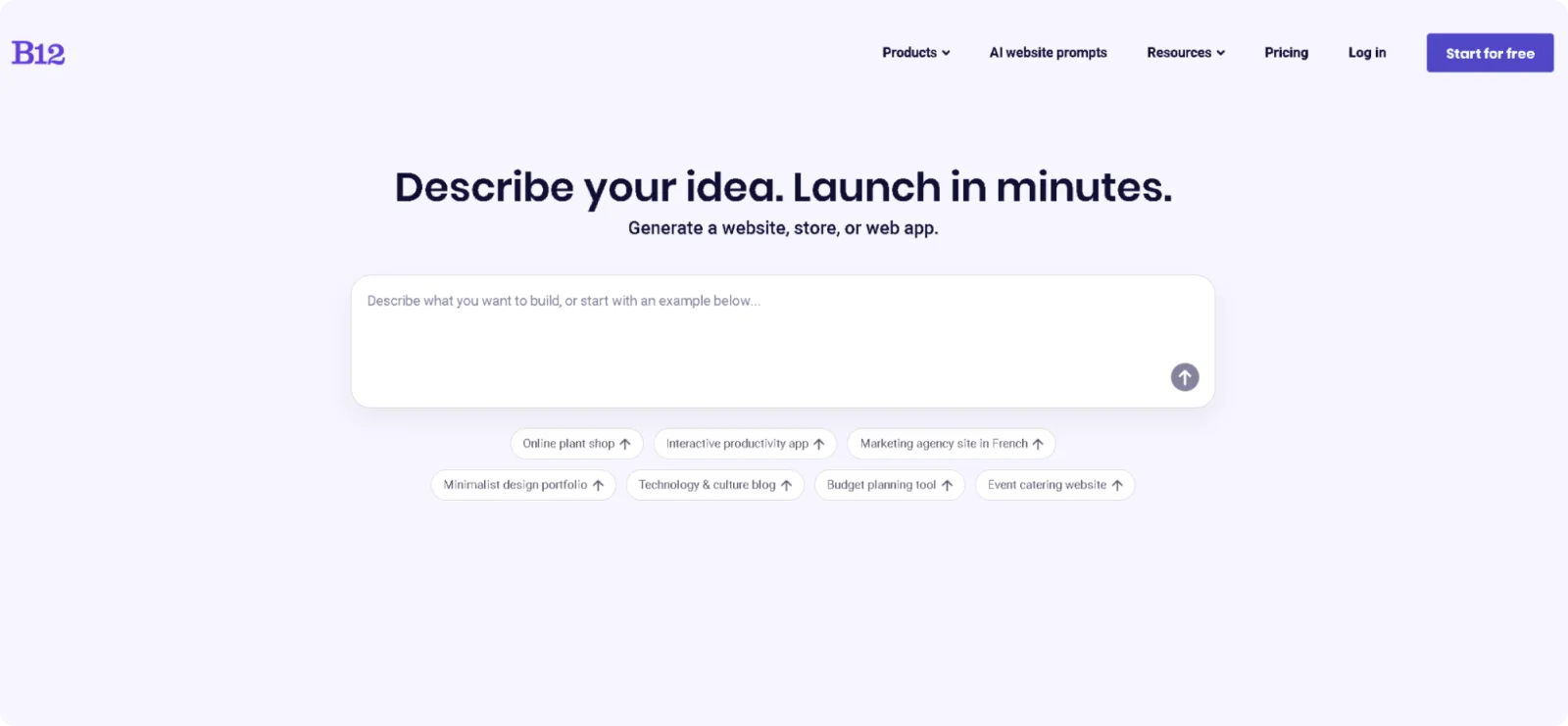
Best for: Law firms that want an AI-built website with client intake, scheduling, and payments in one platform
B12 is an AI-powered website builder built exclusively for professional service providers, including law firms. The platform crawls the web to gather information about your practice before generating a site draft, producing industry-specific layouts, copy, and imagery.
Key Features
- Human-assisted AI: Pairs AI site generation with access to B12's team of designers, copywriters, and SEO specialists who refine the site after the initial draft is produced
- Client intake forms: Captures prospect information directly on the site and routes it into a built-in contact management system
- Online scheduling and payments: Allows prospective clients to book consultations and pay for them without leaving the site or requiring a third-party integration
- AI content assistant: Drafts web pages, blog posts, and email campaigns from within the platform, with SEO optimization applied automatically
Pros
- Generates an industry-specific website draft in under 60 seconds, with law firm-relevant copy and imagery included from the start
- Bundles intake forms, scheduling, payments, contracts, and email marketing into a single subscription
- Provides access to live design and copywriting experts on higher plans
Cons
- Produces poor organic search visibility without an independent SEO strategy
- Limits design flexibility for experienced users who want granular control over layout
Pricing
B12 offers a free plan with a B12 subdomain and limited AI credits. The Website plan starts at $1/month for the first three months. After that period, it costs $49/month, and it includes a custom domain, analytics, and conversion tools.
When NOT to use: Skip B12 if your firm needs deep design flexibility or wants full manual control over every page element.
How to Choose the Right Website Builder for Your Law Firm
There is no single right answer. The tool that works for a solo practitioner is not the same one that works for a mid-sized firm with multiple locations and a dedicated marketing person.
Start with what you actually need the site to do. If your main goal is getting a professional website online fast, an AI-powered builder will get you there in under an hour. If design control and a large template library matter more, a general-purpose builder gives you that flexibility.
Budget and functionality go hand in hand. Some builders on this list are affordable enough for a solo practitioner just starting out, while others bundle intake, scheduling, and payments into a single platform for firms actively growing.
The honest starting point for most firms is a builder that handles the technical side automatically, so you can focus on the work that actually pays.
Why Codesi Is the Best Website Builder for Law Firms
Most website builders still leave a lot of work to you. You pick a template, drag sections around, configure SEO settings separately, and spend a weekend getting something that looks halfway decent. For a busy attorney, that is not a realistic ask.
Codesi takes a different approach. Describe your firm, and it generates a complete, branded site in minutes. Practice area pages, contact forms, mobile optimization, and SEO structure come built in. There is no setup checklist to work through, no code to write, and no designer to brief.
A site that loads fast, looks professional, and makes it easy to reach you does more for your intake than any amount of time spent tweaking layouts.
Codesi handles the technical side so you can focus on what actually moves your practice forward. It is free to start, and your first generation takes minutes.
Why spend days on a site that could be live before your next consultation?
Start Codesi for free and see what it builds for your firm today.
FAQ
Does a law firm need a website?
Yes. According to a 2025 iLawyer Marketing survey of over 1,000 consumers, 87% of people use Google to research a lawyer before making contact. Without a website, a firm has no presence in that search.
A professional site also establishes credibility, provides a 24/7 intake channel, and reduces the volume of basic inquiries staff handle.
Does SEO work for law firms?
It does, and it remains one of the highest-return marketing channels available to legal practices. The same iLawyer Marketing survey found that Google holds a dominant lead over every other research platform consumers use to find attorneys.
How do law firms promote themselves?
Most firms combine their website with a Google Business Profile, client referrals, legal directories like Avvo and FindLaw, and social media.
A website anchors all of these channels, since directory listings, Google Ads, and social posts drive traffic back to it.
Create your website with AI today
Codesi is a platform where you can make a website in 3 minutes.
No coding, no designers, no hassle - just AI.
