
Back to blog
8 Best Website Builders for Artists [2026 Comparison List]
Explore the best website builders for artists and learn how you can showcase your work, attract clients, and build a professional portfolio online.

Mar 31 2026
![8 Best Website Builders for Artists [2026 Comparison List]](https://codesi.ai/admin/static/cov07_ebab2dc536.webp)
Artists often start by sharing their work on social platforms, but those spaces were never designed to function as portfolios. Images get compressed, posts disappear in crowded feeds, and older work becomes difficult for collectors or clients to find.
A personal website solves that problem by giving artists a permanent place to present their work, explain their process, and provide a clear way to get in touch or purchase artwork. Website builders make launching that kind of site much easier. You no longer need coding skills or a developer to publish a professional website.
This guide compares eight website builders for artists in 2026 to help you find the platform that fits your workflow and portfolio needs.
What Is a Website Builder for Artists?
A website builder for artists is a platform that allows creatives to build professional portfolio websites without coding. Instead of hiring a developer, you can design and publish a site using templates and visual editors.
Most builders include tools artists typically need, such as:
- Portfolio galleries for displaying artwork
- Image optimization for high-quality visuals
- Contact forms for commissions or inquiries
- E-commerce tools for selling prints or originals
- Built-in hosting and security
Without a personal website, artists often rely on social platforms where algorithms decide what people see. A dedicated website gives you control over how your work is presented while helping collectors, clients, and galleries discover your portfolio through search engines.
Best Website Builders for Artists Compared
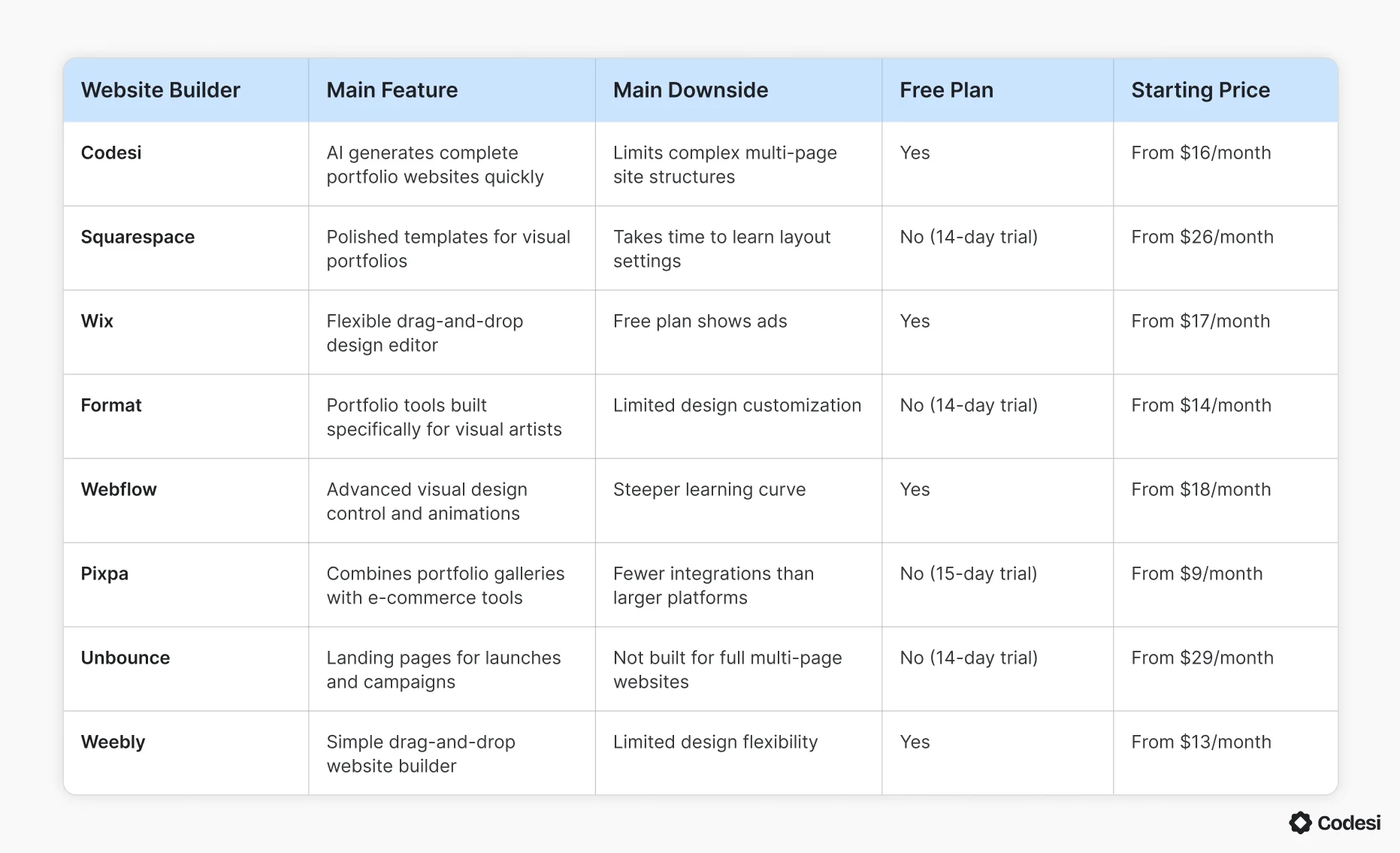
Before exploring each platform in detail, the table below highlights the main features, limitations, and pricing of the best website builders for artists in 2026. This quick comparison can help you see how the platforms differ at a glance.
1. Codesi
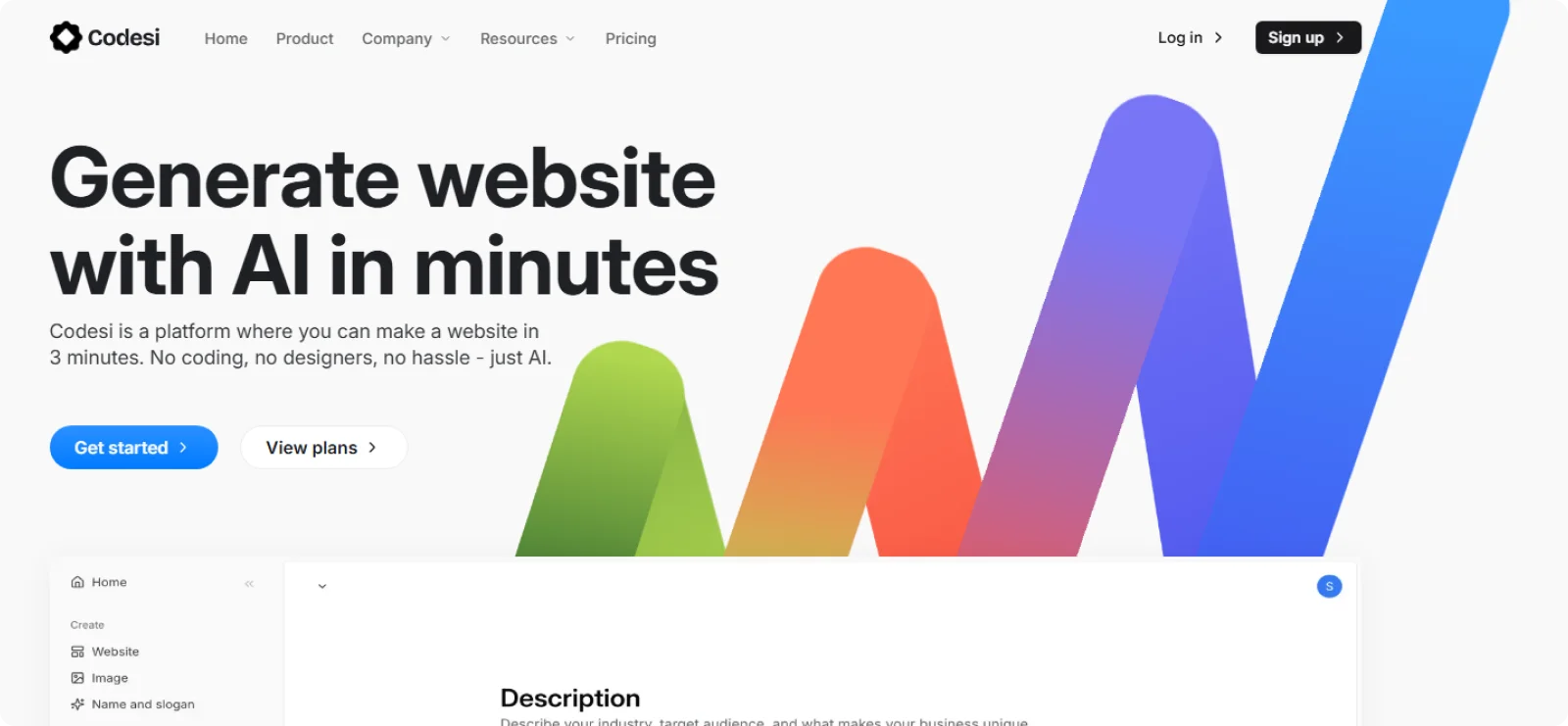
Codesi is designed for creators who want a professional website online quickly without dealing with templates, plugins, or hosting setup. As an artist, you can use it to launch a clean portfolio site where your work remains the focus instead of spending hours adjusting layouts.
Key Features
- AI website generation: Create a complete portfolio website from a short description, including page structure and starter sections.
- AI image creation: Generate visuals that match the page theme.
- On-page visual editing: Edit text, replace images, and adjust sections directly on the live page.
- Automated visual consistency: Maintain coordinated typography, spacing, and color styling across the entire site.
- Managed website infrastructure: Run the website with hosting, SSL, and performance configuration handled automatically.
Pros
- Reduces time spent choosing templates or configuring design settings
- Maintains consistent visual presentation across the entire portfolio
- Edits sections, text, and images directly on the page layout
- Manages hosting, plugins, and technical website maintenance
Cons
- Excludes advanced e-commerce tools for large product catalogs
Pricing
Codesi offers a free plan that includes one website generation per day. Paid plans start at $16 per month or $12 per month when billed annually.
2. Squarespace
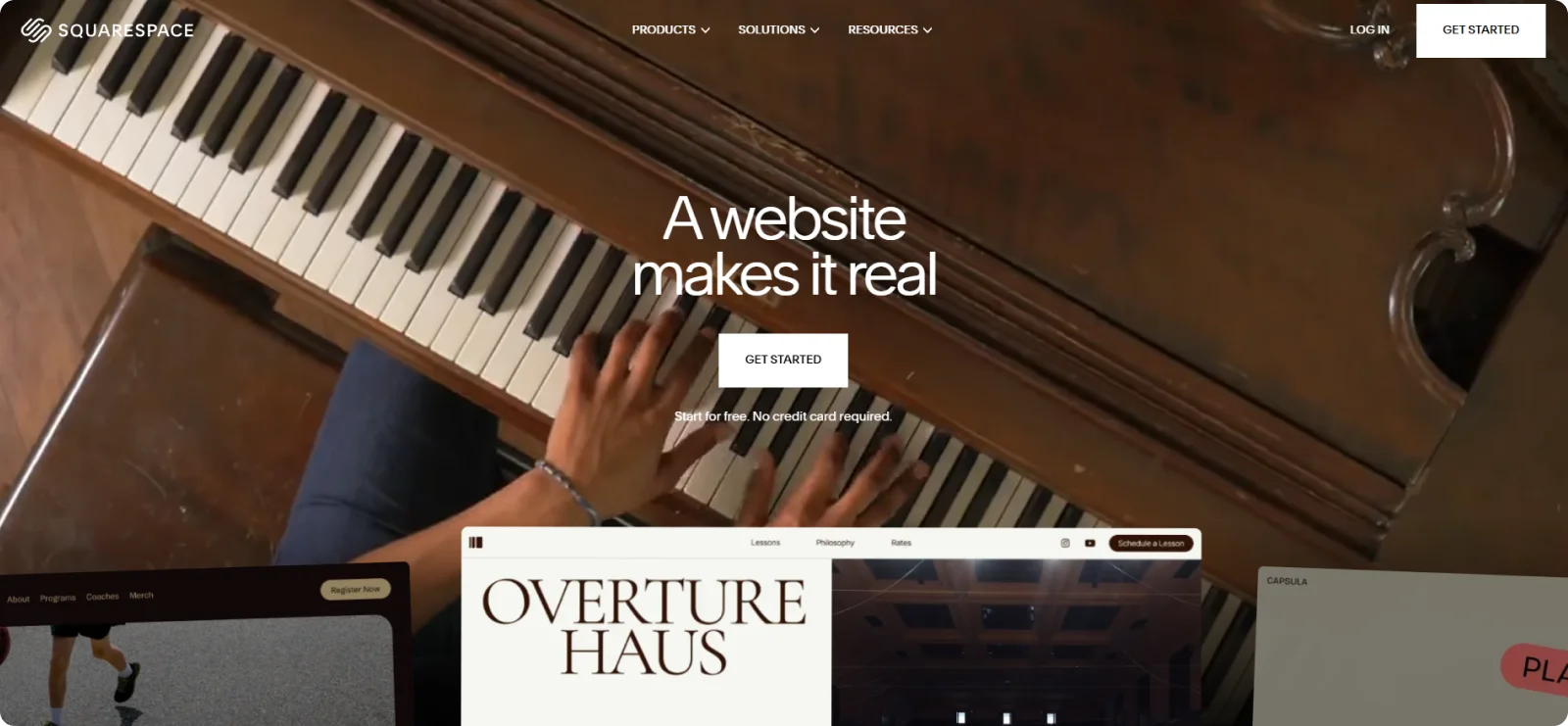
Squarespace is widely used by photographers, illustrators, and visual artists who want polished portfolio websites. Its design-focused templates make it easier to present image-heavy work professionally.
Key Features
- Portfolio page templates: Provide structured layouts designed to present visual work professionally.
- Gallery display formats: Showcase artwork using grids, slideshows, masonry layouts, or full-width scrolling galleries.
- Integrated e-commerce tools: Sell prints, digital downloads, or merchandise directly from the website.
- Visual design controls: Adjust typography, spacing, and layout sections without writing code.
- Built-in hosting services: Run the website with hosting, security certificates, and updates managed automatically.
Pros
- Presents artwork using professionally designed portfolio layouts
- Supports online stores for selling prints or digital artwork
- Offers strong typography and image presentation options
- Includes reliable infrastructure with security and updates handled automatically
Cons
- Section-based layout editing may be too complex for beginners
- Restricts layout freedom
Pricing
Squarespace does not offer a free plan, but it includes a 14-day free trial. Paid monthly plans start at $26 per month.
3. Wix
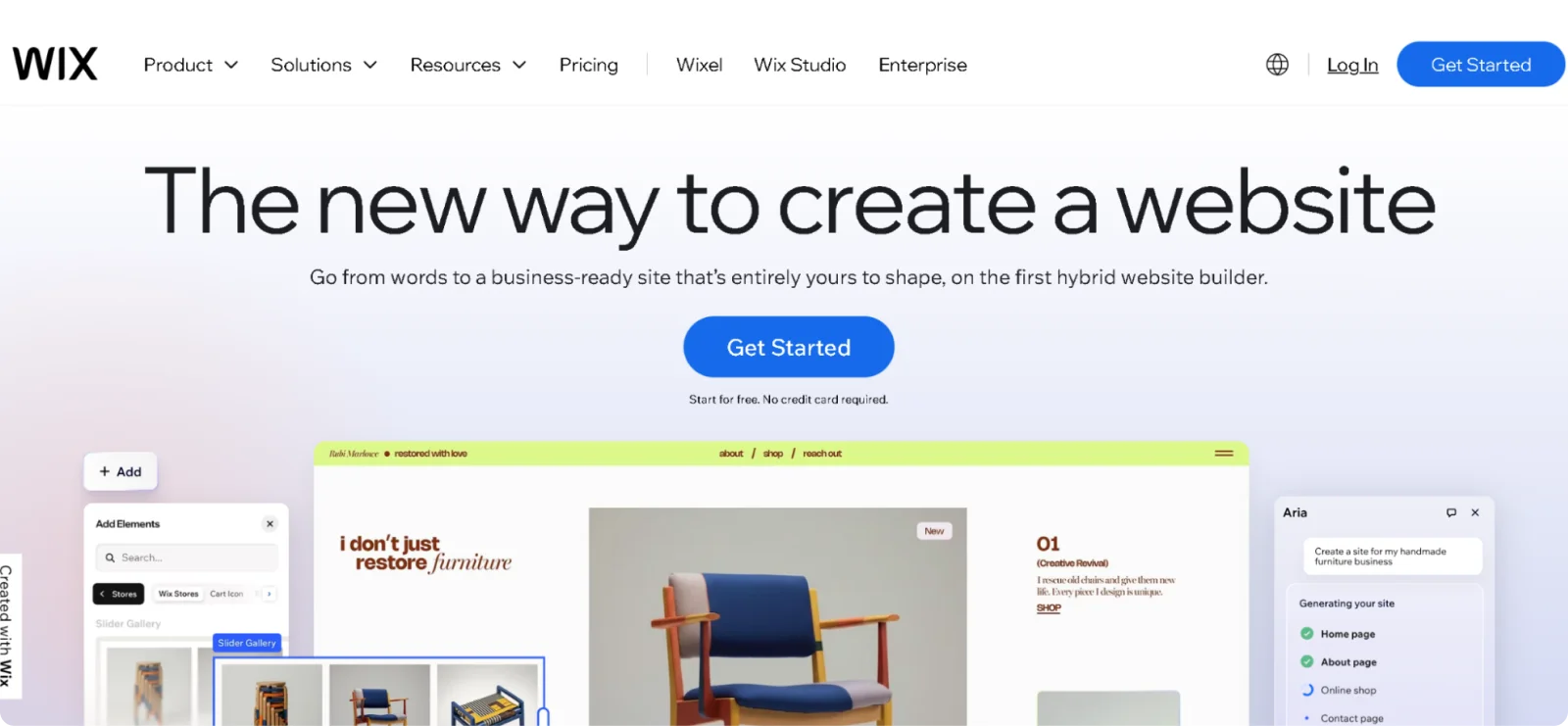
Wix is one of the most flexible website builders available, giving artists full control over the placement of page elements. Its extensive template library makes it a common choice for creatives seeking design freedom without coding.
Key Features
- Drag-and-drop page editor: Place images, text blocks, and design elements freely on the page canvas.
- Creative portfolio templates: Start from layouts built for photographers, illustrators, and visual artists.
- Integrated online store tools: Sell artwork, prints, and digital downloads through the website.
- App marketplace integrations: Extend functionality by adding booking systems, marketing tools, or analytics apps.
- AI website setup assistant: Generate initial layouts and sections from a brief site description.
Pros
- Allows complete creative freedom when arranging page elements
- Offers a large selection of templates for creative portfolios
- Provides extensive third-party integrations through the app marketplace
- Supports business tools such as booking, marketing, and analytics
Cons
- Creates cluttered page layouts without careful design decisions
- Displays ads and branding on the free plan
Pricing
Wix offers a permanent free plan. Paid plans start at $17 per month with a 14-day money-back guarantee.
4. Format
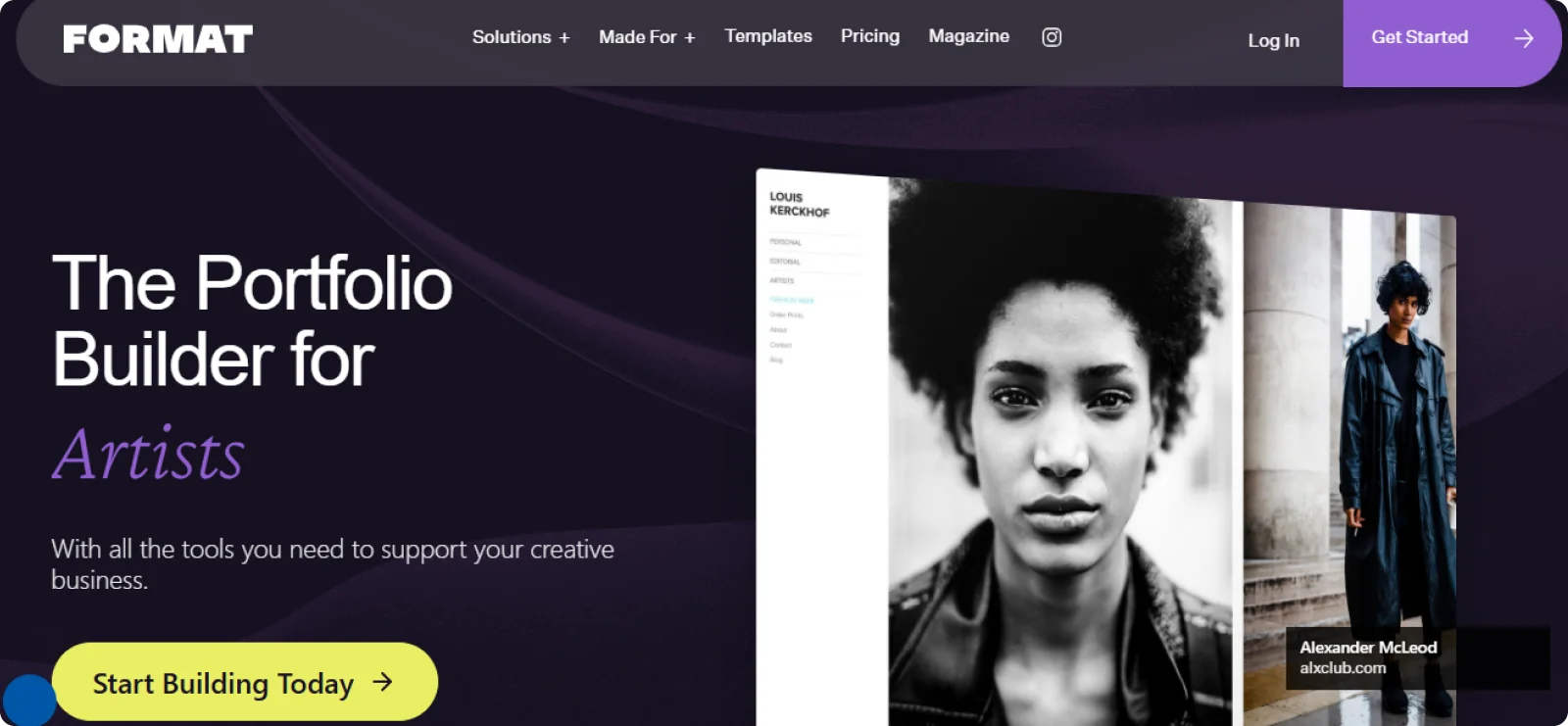
Format is a portfolio builder designed specifically for photographers and visual artists. The platform focuses on clean portfolio layouts and tools that help creatives present their work professionally to clients, galleries, and collectors.
Key Features
- 90+ portfolio-focused templates: Choose from layouts built specifically for photographers, artists, and designers, all mobile-optimized and professionally structured for visual work.
- Adobe Lightroom and Capture One integration: Sync directly from your editing software to update portfolio images without downloading and manually re-uploading files.
- High-resolution image storage: Upload and display artwork at full quality with up to 1TB of storage, keeping portfolios sharp across all screen sizes.
- Zero-commission sales tools: Sell digital downloads, services, or physical products directly through the site without Format taking a percentage of each transaction.
- Built-in SEO and marketing tools: Improve search visibility and connect the site to social media and email subscriber forms from within the platform.
Pros
- Gives visual creatives a platform built around portfolio presentation rather than general website needs
- Removes the manual file transfer step for photographers already working in Lightroom or Capture One
- Doesn’t charge platform commission on any transaction
Cons
- Limits broader website features, such as advanced blogging tools
- Provides fewer layout customization options when compared to general builders
Pricing
Format offers a 14-day free trial with full access to its portfolio features. Paid plans start at $14 per month.
5. Webflow
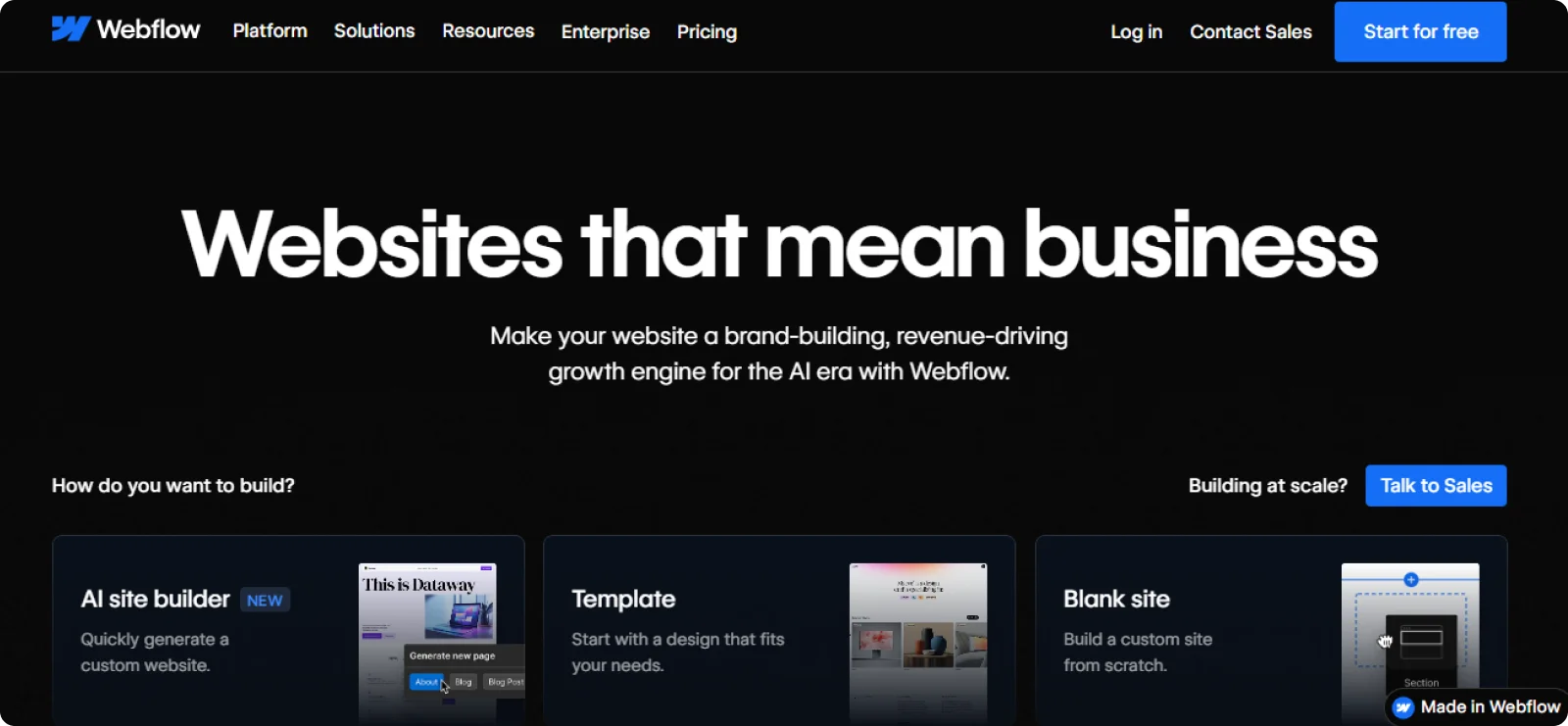
Webflow is a visual website design platform that provides advanced layout control. Artists with design experience can create highly customized portfolio sites, including interactive galleries, animations, and complex page structures.
Key Features
- Artist-focused portfolio pages: Organize work into projects and collections for easy browsing.
- Private client proofing galleries: Share protected galleries where clients can review and select images.
- Online artwork sales tools: Sell prints, downloads, or other creative products through the site.
- Visual customization controls: Adjust fonts, layout styles, and colors to match your brand.
- Portfolio organization system: Arrange artwork into categories that make navigation easier for visitors.
Pros
- Provides detailed visual control over layout and design structure
- Supports animations and interactive effects that enhance presentation
- Allows dynamic portfolio management through CMS collections
- Offers the option to export the site code for hosting flexibility
Cons
- Has a steeper learning curve for beginners
- Increases costs when hosting plans are added
Pricing
Webflow’s free Starter plan lets users build and test two projects. Paid plans start at $18 per month.
6. Pixpa
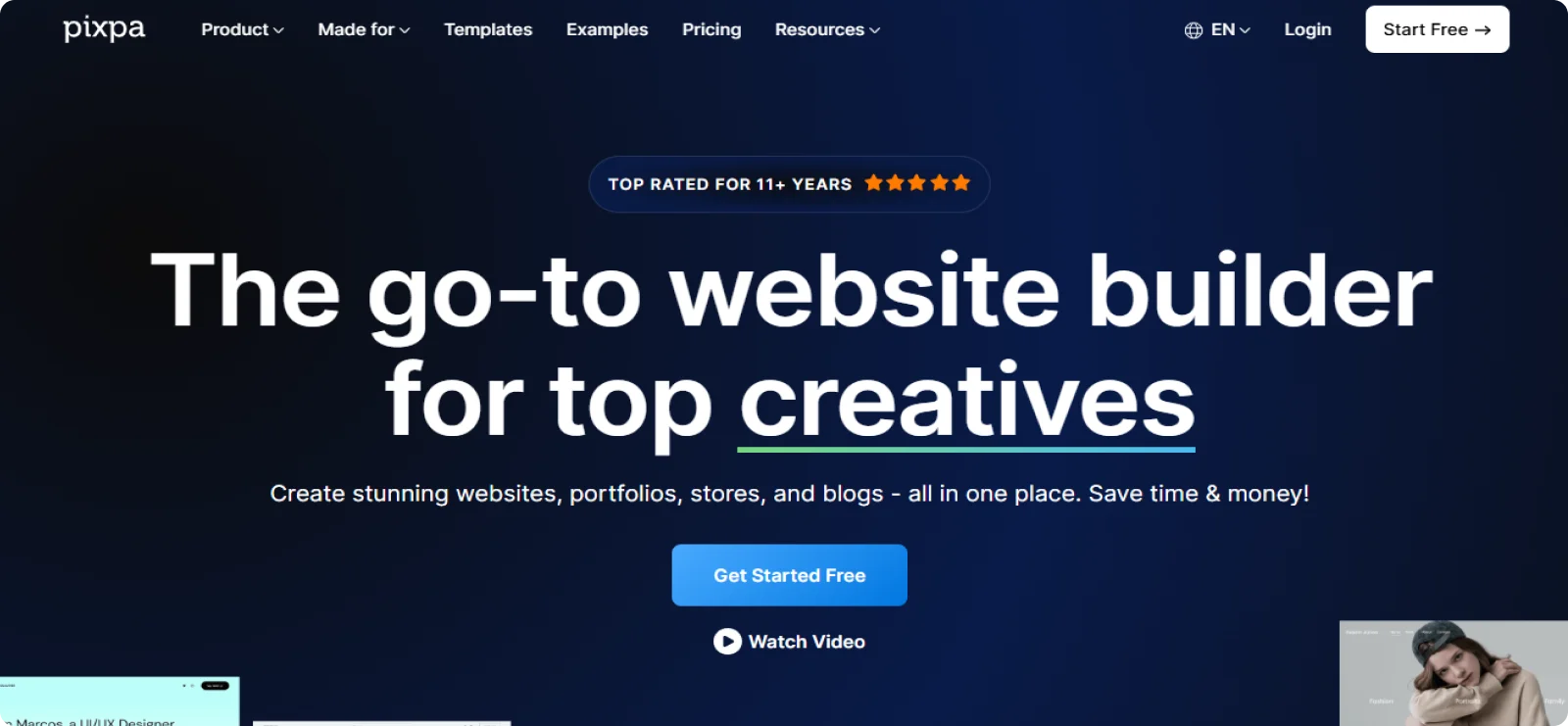
Pixpa is a website builder designed for photographers, artists, and creative professionals who want portfolio presentation and e-commerce tools on a single platform. It combines portfolio galleries, client proofing features, blogging, and online store functionality, making it useful for artists who sell work or manage client projects directly through their site.
Key Features
- Portfolio management dashboard: Upload, organize, and update artwork collections from a central workspace.
- Client gallery sharing: Create private galleries where clients can review selected work.
- Integrated ecommerce system: Sell prints, digital products, or creative services directly from the site.
- Visual theme customization: Adjust typography, color palettes, and layout styles through design settings.
- Built-in blogging platform: Publish articles, exhibition updates, or creative process posts.
Pros
- Combines portfolio presentation with e-commerce functionality
- Covers the full workflow for working creatives, from presenting work to delivering it to clients and selling it
- Keeps the financial side straightforward by removing platform commission fees from every sale
Cons
- Provides fewer integrations than larger website builder platforms do
- Limits advanced layout flexibility compared with design-focused tools
Pricing
Pixpa offers a 15-day trial period. Paid monthly subscriptions start at $9.
7. Unbounce
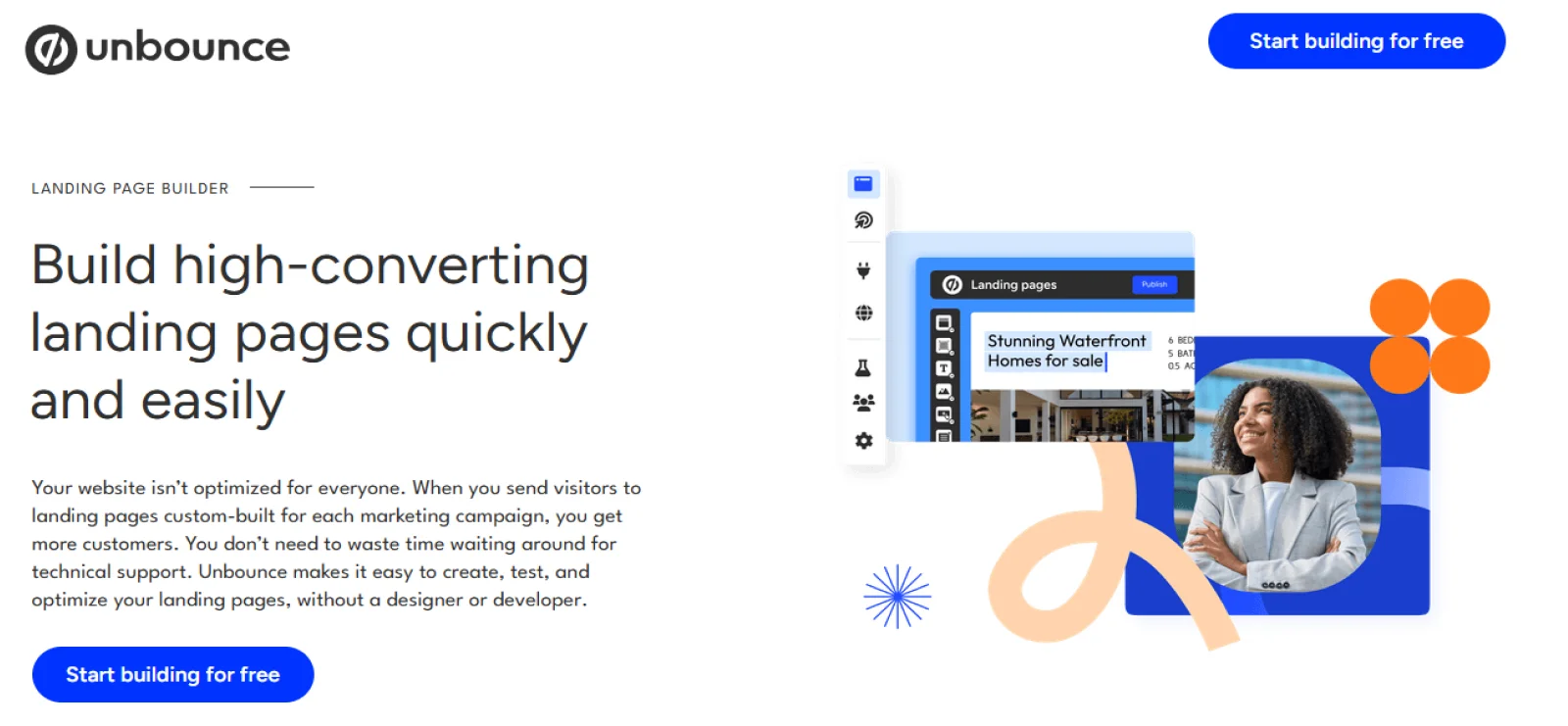
Unbounce is a landing page builder designed for marketers and businesses that need high-converting pages. While not a complete website builder, it’s a practical solution for artists who need to promote exhibitions, launch print sales, or collect email signups for new releases.
Key Features
- Campaign landing page builder: Create focused single-page websites for exhibition launches, print sales, or artwork announcements.
- Drag-and-drop layout editor: Arrange images, text blocks, and forms visually without coding.
- Lead capture form system: Collect email subscribers for newsletters, waitlists, or new release notifications.
- A/B testing tools: Compare different page versions to identify which design and copy combination performs better.
- Marketing platform integrations: Connect pages with email services, CRM tools, and analytics platforms.
Pros
- Creates focused landing pages for launches, campaigns, or events
- Supports A/B testing to measure which page designs perform better
- Captures leads through customizable signup forms
- Integrates with email marketing platforms and CRM tools
Cons
- Limits website structure to landing pages rather than full sites
- Requires additional tools to manage a complete website
Pricing
Unbounce offers a 14-day free trial period. Paid plans start at $29 per month.
8. Weebly
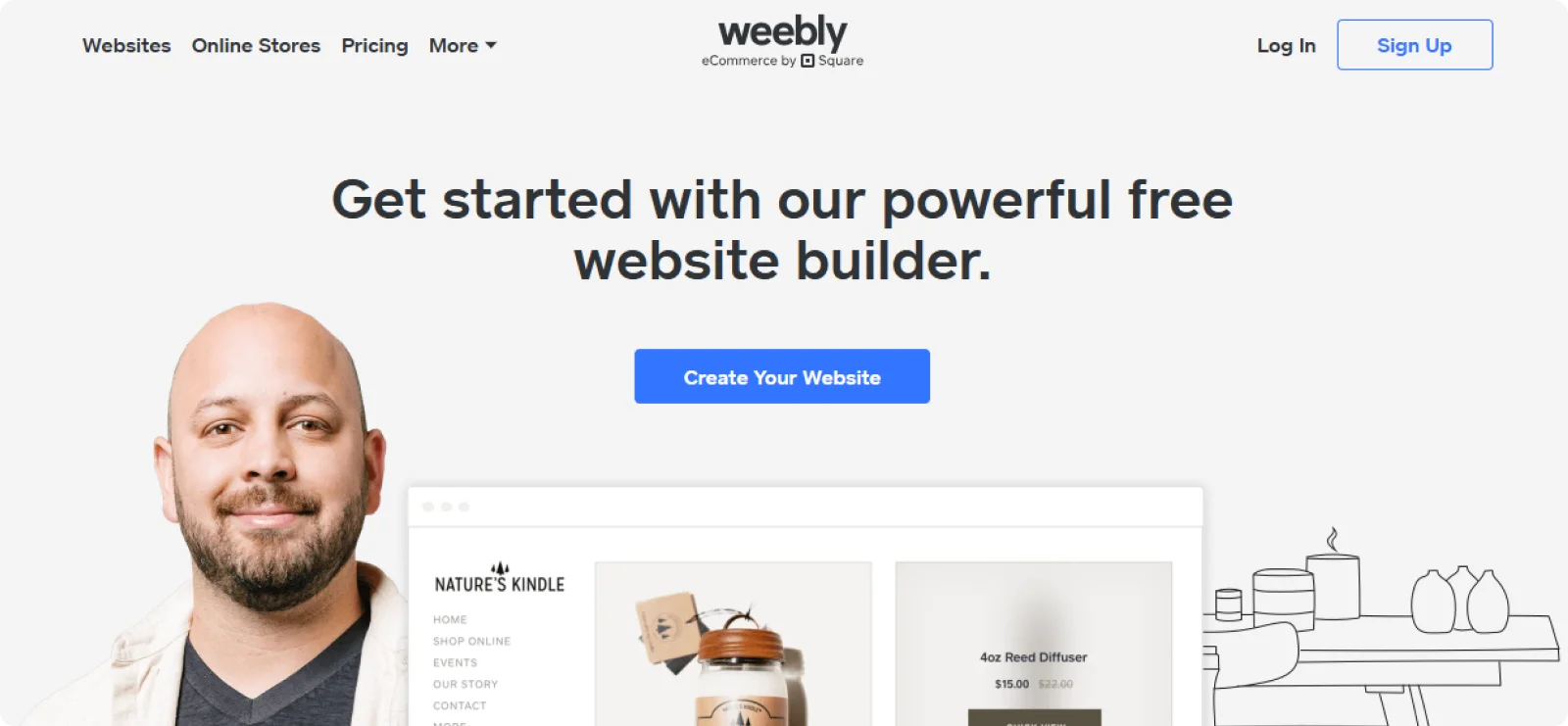
Weebly is a beginner-friendly website builder that helps users create simple websites without technical experience. Artists can use it to build a portfolio, share artwork, and sell prints through its built-in e-commerce tools.
Key Features
- Drag-and-drop page editor: Arrange images, text blocks, buttons, and gallery elements visually without writing any code.
- Built-in e-commerce tools: Sell prints, original artwork, or digital downloads through an integrated store with inventory and order management included.
- App Center integrations: Extend the site with third-party tools for marketing, analytics, and social media, all directly from the dashboard.
- Customizable contact forms: Add inquiry or commission request forms to any page.
- Square payment integration: Accept in-person and online payments through a single connected account.
Pros
- Provides an easy interface suitable for beginners without design experience
- Includes e-commerce tools for selling prints or original artwork
- Handles hosting and basic site infrastructure automatically
Cons
- Offers a limited number of templates
- Provides fewer advanced customization options
Pricing
Weebly offers a free plan. Paid plans start at $13/month.
How to Choose the Right Website Builder as an Artist in 2026
Artists use websites for different reasons. Some want a clean place to display their work, while others want to sell prints, collect inquiries, or document exhibitions. The right website builder depends on what role the site plays in your creative practice.
- Start with how you plan to present your work: Visual portfolios rely heavily on image quality and layout. Look for builders that support large images, responsive galleries, and simple navigation so visitors can move through projects without any friction.
- Consider how much control you want over design: Some platforms allow full visual control. Others guide the layout through structured sections, keeping the website design simple and balanced. The right choice depends on whether you want more creative freedom or a more structured look.
- Think about how visitors will interact with the site: If you plan to sell artwork, you may need built-in e-commerce tools. If commissions are your main goal, clear contact forms and inquiry pages matter more. For artists who run exhibitions or launches, landing pages and email capture can also be useful.
- Consider how much time you want to spend building the site: Some builders require choosing templates, adjusting layouts, and configuring design settings before you can go live. Others reduce the setup process so you can focus on uploading work and publishing your portfolio.
- Make sure the site can grow with your work: As your portfolio expands, you may want to add new collections, update projects, or highlight exhibitions. A builder that makes updates easy will let you adjust your website without turning maintenance into a chore.
Once you understand your priorities, choosing the right platform becomes much simpler.
Create an Artist Portfolio Website Faster with Codesi
Most website builders start the same way. You browse templates, choose one, then spend time rearranging sections, replacing images, and adjusting layout settings until the site looks right. That process works, but it can take hours for the website to actually reflect your work.
Codesi removes that step.
Instead of starting with templates, you begin with a short description of your website. The platform automatically generates the page structure, portfolio sections, professional logo, visual style, and starter content. Within minutes, you have a complete site ready to edit and publish.
For artists, this means less time adjusting layouts and more time showcasing work.
You can edit the site directly on the page by updating text, replacing images, or adjusting sections visually. Hosting, SSL, and performance settings are already configured, so there is nothing technical to manage.
The result is a clean portfolio website that focuses on your artwork without requiring design setup or complex configuration.
Want to launch your artist portfolio website without spending hours building it from scratch?
Start Codesi for free and publish your portfolio website in minutes.
Create your website with AI today
Codesi is a platform where you can make a website in 3 minutes.
No coding, no designers, no hassle - just AI.
