
Back to blog
10 Best Blog Website Builders To Consider in 2026
Discover the best blog website builders and compare free and paid options to launch your blog quickly without coding or costly designers.

Oct 6 2025

Starting a blog sounds simple until you try to set it up. You want to write, but instead you get stuck choosing a platform, learning a builder, and figuring out domains, layouts, and plugins. What should take hours often drags into weeks.
For small business owners, freelancers, and side projects, that time isn't there. You need a blog that looks professional, works on any device, and is easy to update without hiring a designer.
That's why picking the right blog website builder matters. We’ve rounded up the 10 best free and paid options, so you can find the one that matches your needs and start publishing soon.
Key Takeaways
- The best blog website builder for you depends on your needs.
- Free platforms such as Blogger and Medium are good to use when you want to publish something simple, but they restrict design and control.
- Codesi lets you have a live page up in minutes.
- Platforms like WordPress, Squarespace, and Webflow provide additional space to expand but require more work.
10 Best Blog Website Builders You Should Consider
Each option below either has a free plan or a premium plan with extra features. Here’s a quick overview before we go into details.

Codesi
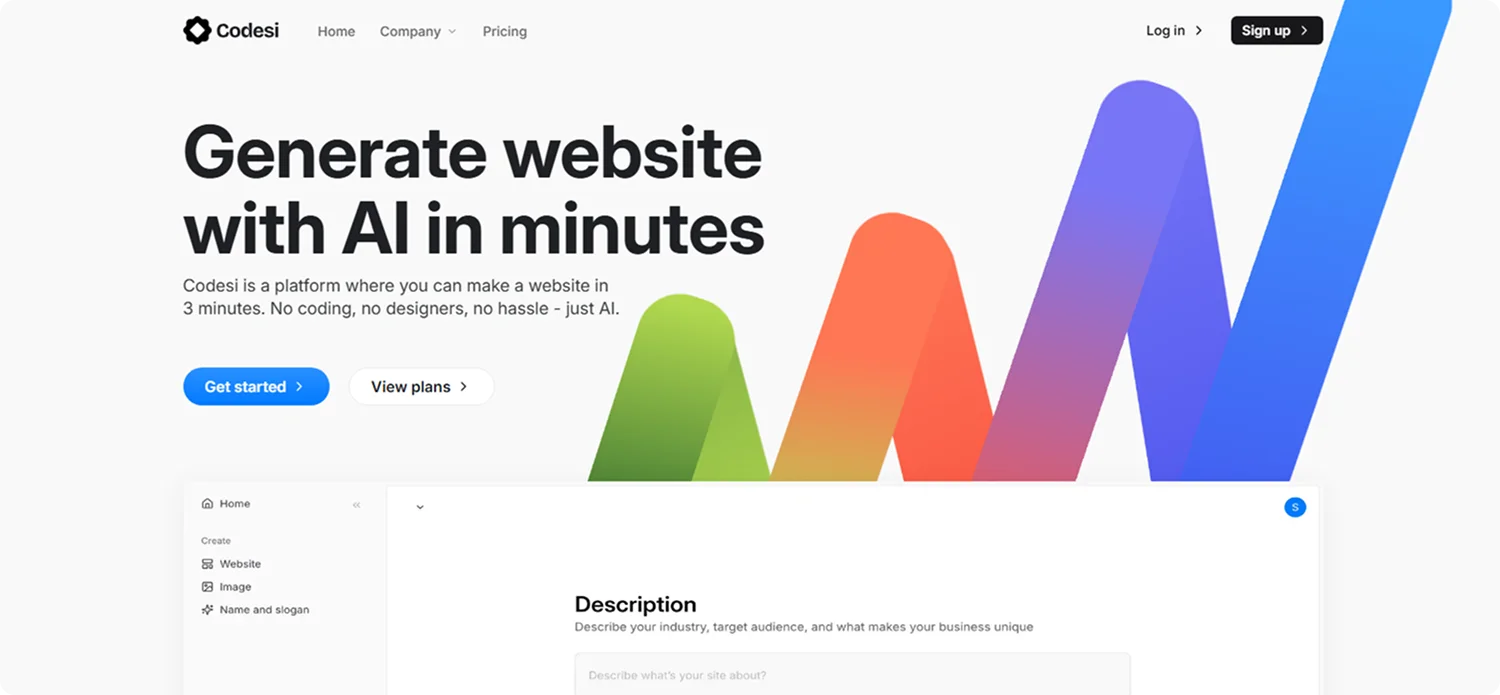
Codesi is a one-page website builder that gets you online fast without design or coding. It’s built for SMEs, new companies, and personal projects. The platform includes tools that act based on your input, so every result feels unique and personal.
Key Features
- AI one-page website generator with editable blocks and forms
- AI logo generator with four logo packs and multiple variations
- AI image generator for quick custom visuals
- Free credits to test before upgrading
- Simple hosting options and custom domains
Pricing
Codesi gives you 3 free website generations and an intuitive site editor for quick customization. Paid plans have custom pricing based on your needs.
👉 Your blog doesn’t need weeks of work or a big budget. Try Codesi free and launch your first site right away.
Wordpress.com

WordPress.com is one of the most widely used blog and website builders, offering themes, categories, tags, comments, and scheduling. However, many of the stronger SEO tools are only unlocked on higher-tier plans. While WordPress can be a quick solution for those who need a website up and running, it isn’t always straightforward, especially on the free version, which can feel limited and messy without customization. Despite its popularity, WordPress takes time to learn, so beginners may still need the help of someone experienced to set it up and manage it effectively.
Key Features
- Blog-ready themes and templates
- Categories, tags, scheduling, comments, and a Reader on subscriptions
- Plugins included in Business plan and above
- Custom domain, payment, and e-commerce options on paid plans
Pricing
WordPress.com has a free plan for basic blogs. Paid plans offer additional features and start at $4 per month.
Squarespace

Squarespace is a polished website builder known for its sleek templates and visual appeal. It’s a popular option among creatives and bloggers who want a professional look. Setting up a site, however, can take longer than expected since the platform offers less flexibility with layouts and design changes. Pricing is also worth considering: there’s no free plan, and advanced features like analytics and e-commerce are only available on higher-tier subscriptions. While Squarespace delivers a refined end result, it may not be the quickest or most budget-friendly choice for bloggers who want to get online fast.
Key Features
- Template library including blogs and other types of sites.
- AI brand identity generators.
- RSS, post scheduling, tags and SEO.
- Pay-walled member areas with exclusive content.
- Google AdSense integration
- Newsletter tools and email campaigns.
- Responsive designs that are mobile-friendly.
Pricing
Squarespace comes with a 14-day free trial. Paid plans start at $16 per month, with higher tiers adding e-commerce and advanced marketing tools.
Wix

Wix is a drag-and-drop web builder that makes blogging approachable for beginners. You can start with templates or use its AI site generator to create a layout, and it comes with useful features like categories, tags, archives, and a post scheduler. While it’s flexible for design, that flexibility can also slow down the setup process, as it’s easy to spend time adjusting elements to get everything just right. Pricing is another factor: although Wix offers a free plan, it includes ads and limited functionality, and the more advanced blogging or business features are locked behind higher-tier subscriptions. For bloggers who value speed and simplicity, Wix may require more time and upgrades than expected.
Key Features
- Hundreds of templates and a drag-and-drop editor
- AI layout generator to enable you to get started fast
- Blogging applications like post scheduler, categories, tags and archives
- Photo-intensive blog media library and integrations
- Social sharing and email marketing tools
Pricing
Wix has a free plan with branding, and paid plans start at $17 per month.
Webflow

Webflow is one of the best blog website builders made for people who want control over design. It comes with a full CMS that lets you build custom blog layouts and manage content collections. The trade-off is that Webflow has a steeper learning curve than most platforms. Even with templates, setting up a blog can take longer if you’re new to web design concepts. Pricing can also add up, especially if you need CMS hosting or advanced features. For bloggers who want to publish quickly without much setup time, Webflow may feel more complex than necessary.
Key Features
- Visual editor with pixel-level design control
- CMS collections for blog posts and other dynamic content
- Options for custom animations and interactions
- Fast, secure hosting included
- Responsive design across devices
Pricing
There’s a free starter plan available. Paid site plans start at $14 per month, billed yearly, and higher tiers add more CMS items, traffic, and collaboration tools
Jimdo

Jimdo is a simple website builder designed to help you launch a blog quickly. Its AI-guided setup creates a starter site based on your answers, which you can then edit to fit your needs. The platform includes a basic blog tool, responsive templates, and built-in hosting with SSL. However, the blogging features are quite limited compared to other platforms as there’s less flexibility for design, fewer options for organising content, and minimal integrations for growth. Pricing is relatively affordable, but some essential features require upgrading to paid plans. Jimdo works well for straightforward blogs, but it may feel restrictive if you want more advanced functionality or room to scale.
Key Features
- Quick setup with AI guidance and editable sections
- Built-in blog for writing and publishing posts
- Mobile-ready templates
- Secure hosting and SSL included
- Extra options like forms and small online stores
Pricing
Jimdo has a free plan with a branded domain and limited features. There are 3 paid plans starting at $11 per month.
Blogger

Blogger is Google’s long-running blogging platform. It’s free, stable, and simple, which has kept it popular among hobby bloggers. The platform integrates with Google AdSense for monetisation and allows custom domains if purchased separately. The downside is that Blogger offers limited design flexibility, older templates, and very few updates compared to modern builders. While it still works well for basic blogging, it may not meet the needs of those looking for a more current or customisable setup.
Key Features
- Free blogging with a Google account
- Basic templates with some customization
- Categories, labels, and simple post management
- AdSense integration for monetization
- Option to map a custom domain
Pricing
Blogger is completely free to use, but you have to pay if you decide to connect a custom domain that you buy separately.
Weebly

Weebly is a drag-and-drop website builder with straightforward blogging features built in. It’s a good choice for beginners who want a clean blog without a complicated setup. The platform includes hosted pages, SSL, and responsive themes, along with an editor that feels familiar if you’ve used page builders before. On the other hand, Weebly’s design options are more limited compared to newer platforms, and some advanced features require upgrading to paid plans. While it’s simple to get started, bloggers looking for more flexibility or long-term growth may eventually find Weebly restrictive.
Key Features
- Inbuilt blog post editor that has categories and tags to classify posts
- RSS, social sharing, and post scheduling
- Reader engagement controls through comments and sidebar
- Hosting and SSL without additional charges
Pricing
Weebly has a free plan with a branded domain. Paid plans begin at $10 per month, and higher levels include custom domains and e-commerce capabilities.
Site123

SITE123 is a beginner-friendly website builder that helps you launch a blog in just a few minutes. With ready-made templates and a guided step-by-step setup, it requires no design or coding experience to get started. While it’s quick to put a basic blog online, the platform has limited design flexibility and fewer advanced features compared to other builders. Pricing is also something to consider, since the free plan displays SITE123 branding and more professional options require a paid subscription. It works well for simple blogs, but those who want more customisation or scalability may find it restrictive over time.
Key Features
- Built-in blogging tools with categories and post scheduling
- Responsive templates that adjust for mobile and desktop
- Free stock images, icons, and video integrations
- Multilingual support with automatic translation
- Simple integrations for analytics and marketing tools
Pricing
SITE123 has a free plan with a branded subdomain and basic features. The premium plan is $5.80 per month, which includes a custom domain and more storage.
Strikingly

Strikingly is a one-page website builder with a simple blogging tool. It’s aimed at beginners who want to set up a personal blog or portfolio without much effort. The platform lets you publish posts, connect social feeds, and even add a small shop for selling products. Its focus on one-page layouts, however, can be limiting for bloggers who plan to expand their content or need more advanced features. While Strikingly is quick to start with, it may feel restrictive as your blog grows beyond a simple personal site.
Key Features
- Templates for blogs, portfolios, and business sites
- Built-in blog with simple scheduling and editing
- Social feed integration for Facebook, Twitter, and Instagram
- Analytics to see who’s visiting your site
- Simple Store with PayPal and Stripe support
Pricing
Strikingly has a free plan with a branded domain. There are also two premium plans, starting at $16 per month.
Which Blog Builder is Right for You
There is no single best blog website builder. It all depends on what you need. Price, design, and ease of use all play a role in choosing a blogging platform. WordPress.com is great if you want flexibility and plugins as you grow. Squarespace or Wix work if you care most about design.
Webflow is the right fit if full creative control matters to you. Free options like Blogger, Weebly, Jimdo, and SITE123 help you publish quickly, though they limit customization.
But if you want to publish a unique site today without learning a new tool or paying for an agency, Codesi is the fastest way to go.
Why Creators Consider Codesi the Best Blog Website Builder
Codesi gives you everything you need to launch a professional blog or one-page site in minutes. You type a short prompt, and it creates the layout, copy, and images. You can edit blocks, colors, and text as needed, then publish with a single click.
With Codesi, you can:
- Create a one-page blog website, logos, and images in a single platform
- Publish a live site within 5 minutes
- Make each design original, and according to your input
- Monitor your performance using Google Analytics or Yandex
Here’s how easy it is to build a blog website with Codesi:
Step 1: Sign up on Codesi (it’s free to start).

Step 2: Open the One-Page Website Builder and enter a short prompt for your blog, such as “a simple blog for a freelance graphic designer with a contact form.”

Step 3: Click “Next” to choose the color and style for your blog website

Step 4: Click “Generate” and let Codesi create your blog webpage with structure, text, and images already filled in.

Step 5: Use the editor to adjust blocks, change wording, swap images, or update colors.

Step 6: Publish instantly on a free Codesi subdomain, or connect your own domain with a hosting plan.

🔥 Ready to start publishing? Try Codesi free today and have your blog website live in minutes.
Keep Learning
Create your website with AI today
Codesi is a platform where you can make a website in 3 minutes.
No coding, no designers, no hassle - just AI.
